7: PATHPILOT TOOLS AND FEATURES
l Stops machine motion, but is not a replacement for the
Emergency Stop button
You can select the Reset button any time while the machine is
on.
7.4.2 View the Active Axis to Jog
To find which axis is active while jogging your machine:
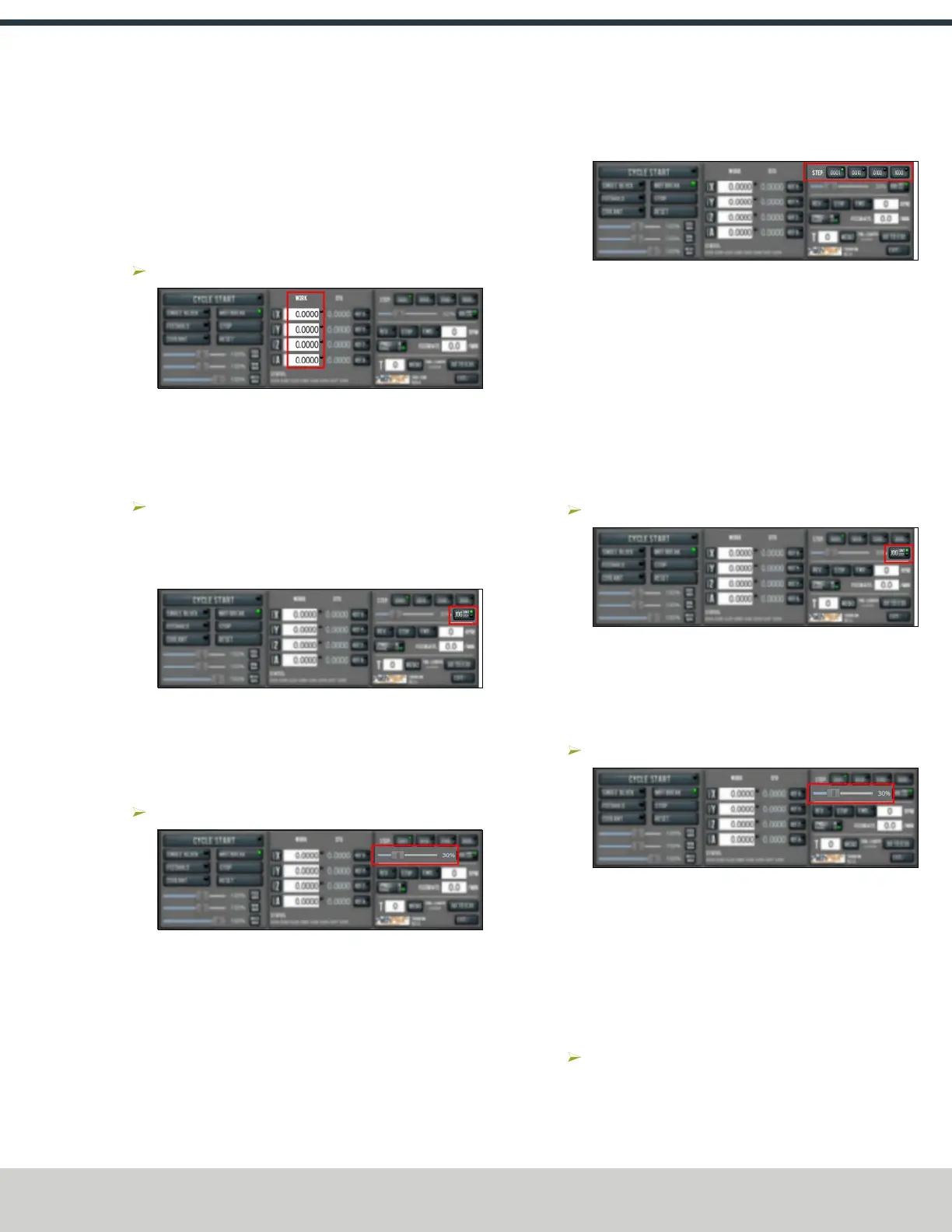
Identify the light next to the Work Offset DRO fields.
Figure 7-62: Work Offset DRO fields.
For information, see "Jog the Machine" (page162).
7.4.3 Jog the Machine
To switch between jogging modes:
From the Manual Control area, in the Jog group, select
Jog.
PathPilot toggles between continuous velocity mode and
step mode.
Figure 7-63: Jog button.
When the Cont green light is on, continuous velocity
mode is selected.
When the Step green light is on, step mode is selected.
To use continuous velocity mode:
Set the velocity: drag the Jog Speed slider.
Figure 7-64: Jog Speed slider.
For more information on continuous velocity mode, see "About
Continuous Velocity Jogging" (page163).
To use step mode, select the step size. Do one of the
following, depending on your accessories:
l In the Manual Control Area, in the Jog group, select the
step size.
The Step button's light comes on, indicating which step
size is active.
Figure 7-65: Step buttons (in G20 mode).
l On the (optional) JogShuttle, press the Step button to
toggle the currently selected step size.
In the PathPilot interface, the Step button's light comes
on, indicating which step size is active.
For more information on step mode, see "About Step Jogging"
(page163).
Jog in Continuous Velocity Mode
In continuous mode, the machine jogs at a continuous velocity.
To select continuous velocity mode:
In the Manual Control area, select Jog.
Figure 7-66: Continuous velocity jogging controls.
When the Cont green light is on, continuous velocity
mode is selected.
When the Step green light is on, step mode is selected.
To set the velocity:
Drag the Jog Speed slider.
Figure 7-67: Jog Speed slider.
Jog in Step Mode
In step mode, the machine jogs in steps, which range based on
the programming mode you're using:
l
Imperial (G20) Mode 0.0001 in. to 0.1000 in.
l
Metric (G21)Mode 0.01 mm to 10 mm
To select the step size:
In the Manual Control Area, select the step size.
The Step button's light comes on, indicating which step
size is active.
©Tormach® 2024
Specifications subject to change without notice.
Page 145 UM10811: 1500MX Operator's Manual (Version 0424A)
For the most recent version, see tormach.com/support



 To Next Page