Call Establishment
Issue 5 - 04/01 4-33
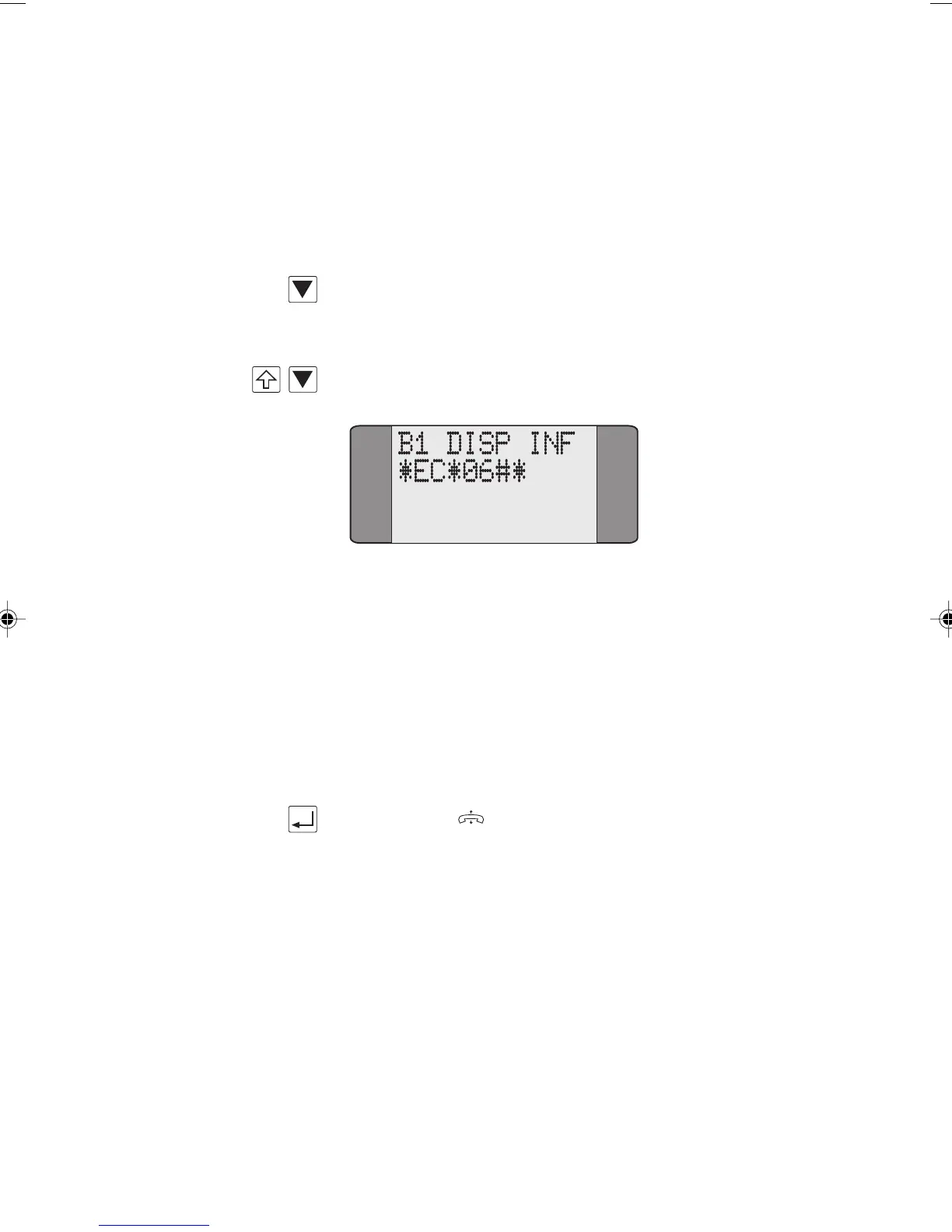
KP SENT is displayed and AuroraPlus waits for an
acknowledgement from the network.
Typically, the reply from the network occupies a single
screen, but may be displayed in a series of overflow screens.
Press SCROLL to scroll up through the reply,
OR
+ SHIFT+SCROLL to scroll down through the reply.
If no response is received from the network, the transmitted
Keypad string continues to be displayed.
Overlap dialling
From the Keypad screen choose Overlap.
Enter the Keypad code (refer to the appropriate Reference
Guide for your network's Supplementary Service codes).
Press ENTER ( ).
The characters are sent as you press the keys.
Typically, the reply from the network occupies a single
screen, but may be displayed in a series of overflow screens.
For information on how to send a Keypad code when a call
is active, see Accessing the Keypad during an Active Call.
Chap04s2.P65 30/04/01, 16:3633



 To Next Page