X.25 Calls
Issue 5 - 04/01 6-5
Choose the setting you want.
Press the ENTER key to confirm your choice.
Changing the Terminal Endpoint Identifier
On a Point-to-Multipoint line TEIs may be allocated by the
PABX in the range 64 to 126 when the terminal is first plugged
in. Alternatively the terminal has a fixed TEI in the range 1 to
63.
AuroraPlus allows you to fix the TEI you are going to connect
to or to have a dynamic TEI.
Most packet handlers can provide connection for only certain
TEIs
AuroraPlus allows you to check which TEIs are available.
For more information see The X.25 Test in Chapter 5.
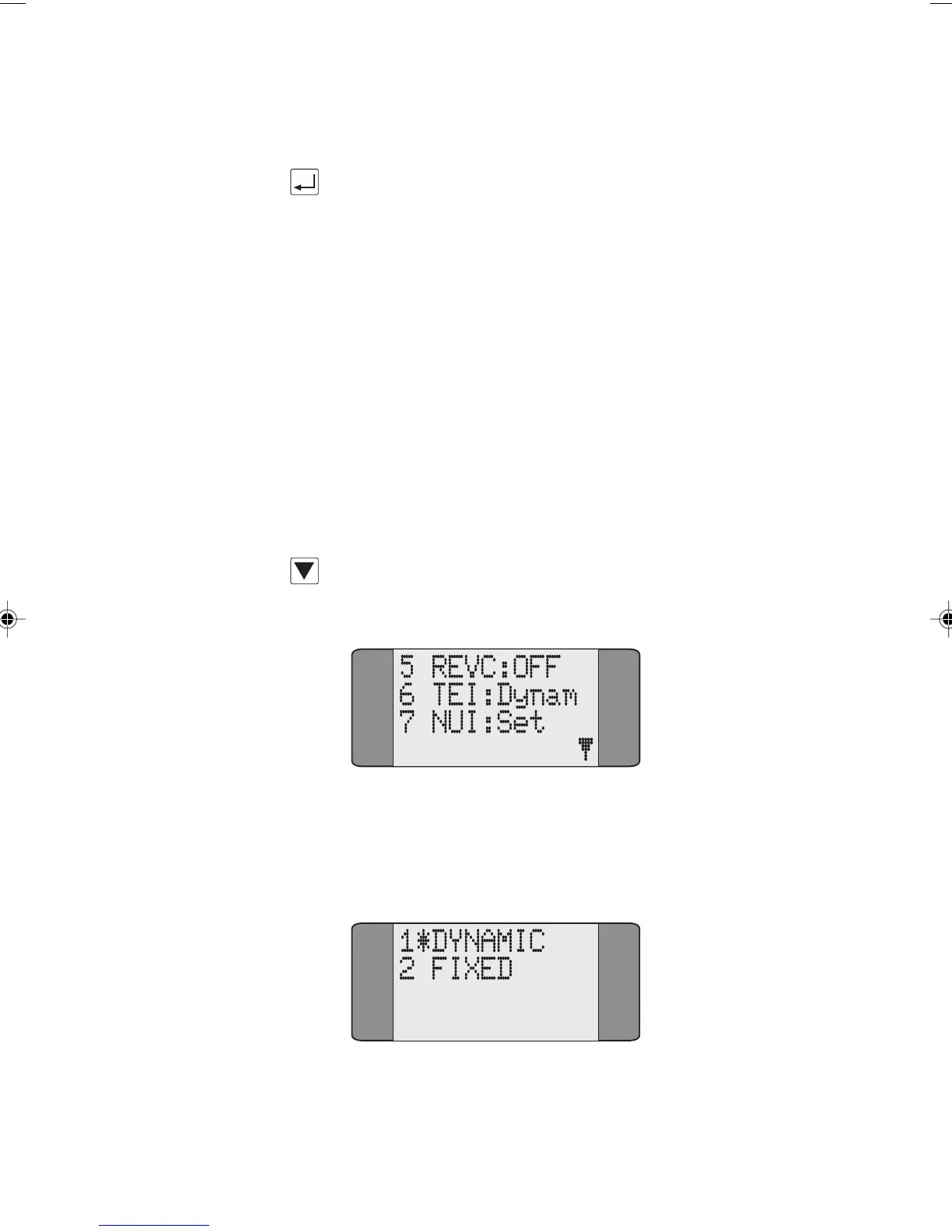
In the X.25 menu use the SCROLL key to display the second
page of X.25 options:
Choose TEI from the X.25 menu to change the type of TEI.
The following screen is displayed:
Chap06.P65 01/05/01, 09:145



 To Next Page