Trend AuroraPlus User Guide
6-6 429850
To choose a dynamic TEI:
Choose DYNAMIC then press the ENTER key to confirm
your choice.
To choose a fixed TEI:
Choose FIXED, the following screen is displayed:
TEI:
0..63
Enter the TEI you want to use.
Press the ENTER key to confirm your choice.
Setting a Network User Identifier
You can send an NUI to the network along with the request
for an outgoing call. An NUI is an alphanumeric string of up
to 12 characters which identifies the user to the network.
The NUIs for a particular network are defined by its users.
When you send the NUI, the DTE or DCE checks the text
to determine whether calls can be connected for the user ID
you have sent.
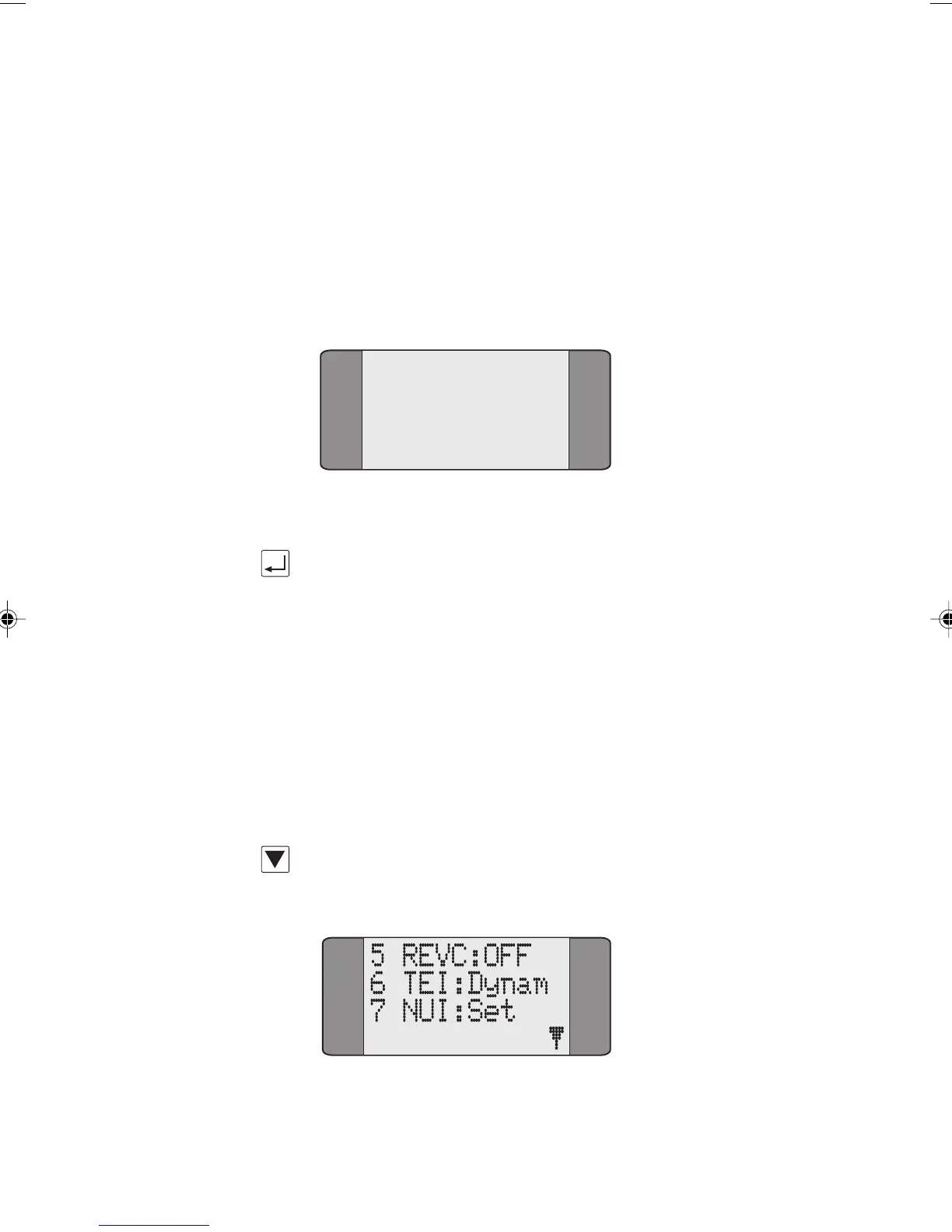
In the X.25 menu use the SCROLL key to display the second
page of X.25 options:
Chap06.P65 01/05/01, 09:146



 To Next Page