Trend AuroraPlus User Guide
6-10 429850
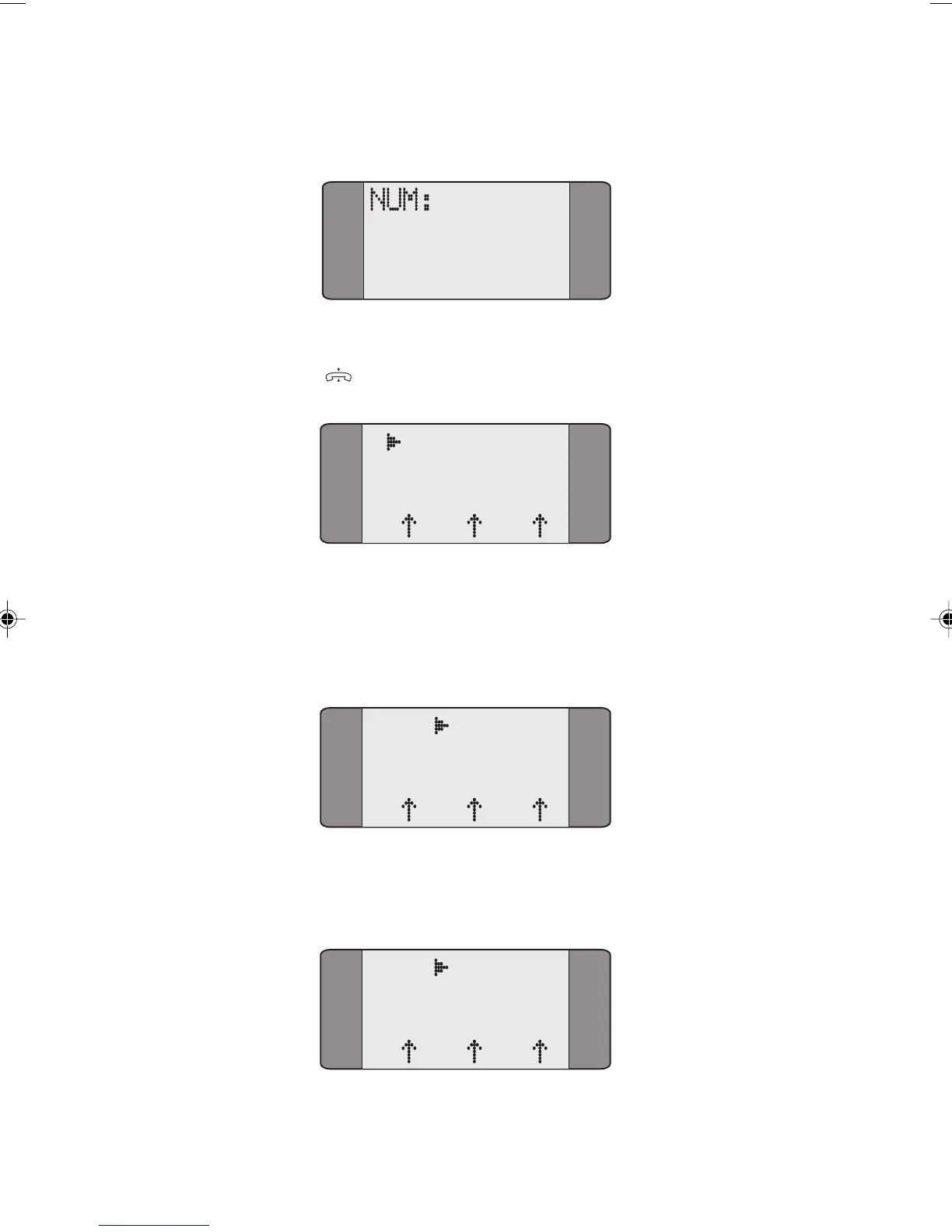
Choose DIAL, to display the following screen:
Dial the number you want to call, then press the ENTER
(
) key, the following screen is displayed:
D DIALLING
L1 L2 L3
To make sure that the DTE (Data Terminal Equipment) and
the DCE (Data Circuit-Terminating Equipment) are in the
same state AuroraPlus (the DTE) sends a restart request to the
DCE.
X.25 RESTART
L1 L2 L3
When the restart has been confirmed by the DCE the
following screen is displayed:
X.25 CALLING
L1 L2 L3
Chap06.P65 01/05/01, 09:1410



 To Next Page