Trend AuroraPlus User Guide
4-22 429850
Selecting the Call Forwarding Type
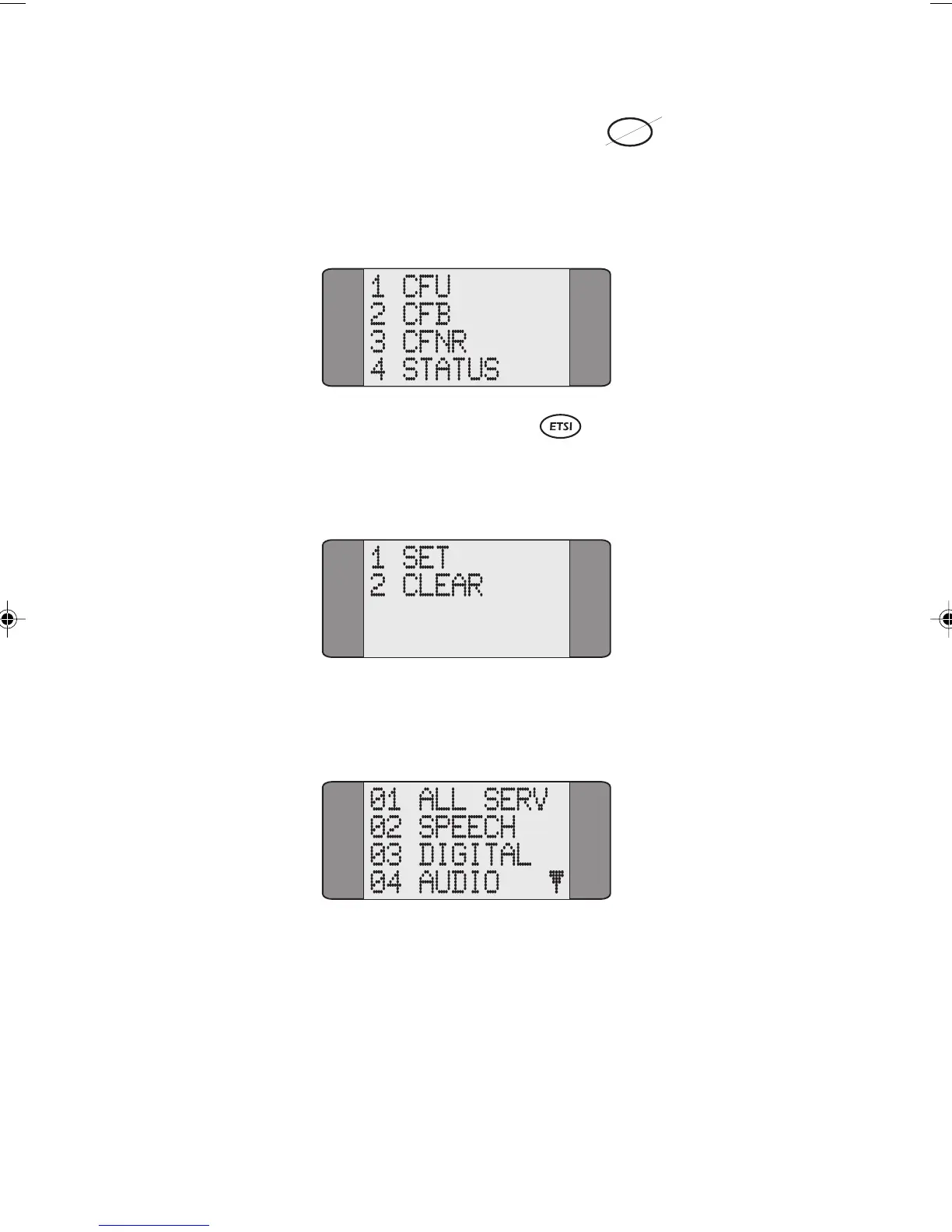
Choose CALL FWD to display the Call Forwarding screen,
from which you select the Call Forwarding type. For
example:
Activating Call Forwarding
Select the Call Forwarding type you wish to activate. The
following screen is displayed:
Choose SET to activate Call Forwarding. Now select the
service type Call Forwarding is to be applied to.
Chap04s2.P65 30/04/01, 16:3522



 To Next Page