Call Establishment
Issue 5 - 04/01 4-23
Press the SCROLL key repeatedly to scroll through the
various service types. Enter a two digit service type code. If
you choose
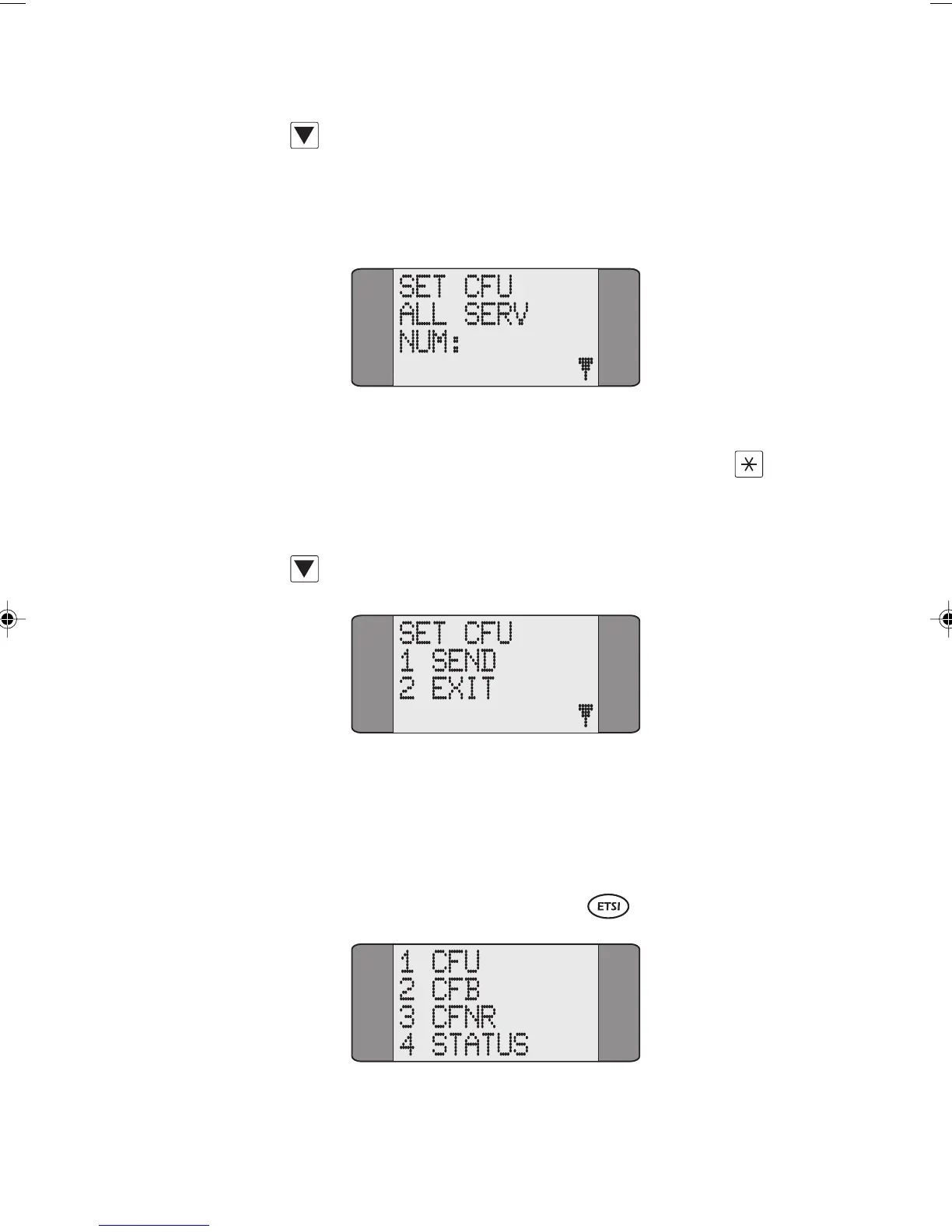
ALL SERV Call Forwarding is applied to all
services. A screen similar to the following is displayed:
Key in the number to which calls are to be forwarded. You
can also enter a Sub-Address here - press SHIFT and
to
insert a Sub-Address delimiter and key in the Sub-Address
digits.
Press SCROLL to display the following screen:
Choose SEND to send the Call Forwarding request to the
network.
WAIT is displayed while AuroraPlus awaits an
acknowledgement from the network. Alternatively, choose
EXIT to return to the service type selection screens.
Deactivating Call Forwarding
Chap04s2.P65 30/04/01, 16:3523



 To Next Page