Trend AuroraPlus User Guide
4-26 429850
Choose SEND to send the Call Forwarding Activation request
to the network.
WAIT is displayed while AuroraPlus awaits an
acknowledgement. Alternatively, choose
EXIT to return to the
previous
Set/Clear options.
Deactivating Call Forwarding
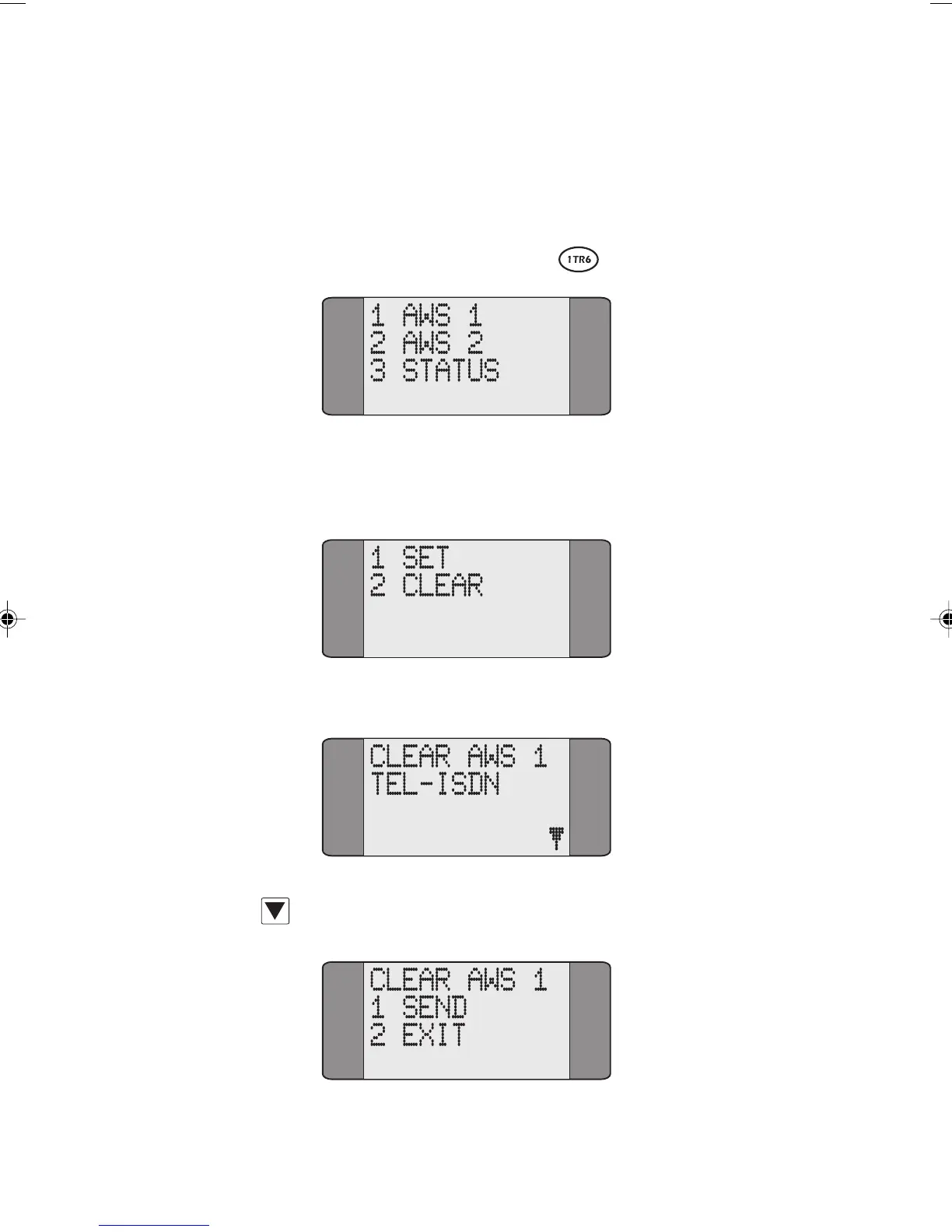
Choose the type of Call Forwarding you wish to deactivate.
The following screen is displayed:
Choose CLEAR. A screen similar to the following is displayed:
Press SCROLL to display the SEND/EXIT options:
Chap04s2.P65 30/04/01, 16:3526



 To Next Page