Call Establishment
Issue 5 - 04/01 4-27
Choose SEND to send the Deactivate Call Forwarding
request to the network.
WAIT is displayed while AuroraPlus
awaits an acknowledgement from the network. Alternatively,
choose
EXIT to return to the previous Set/Clear options.
Tip
To display Call Forwarding settings on the line, refer to
Performing a Status Request in Chapter 5.
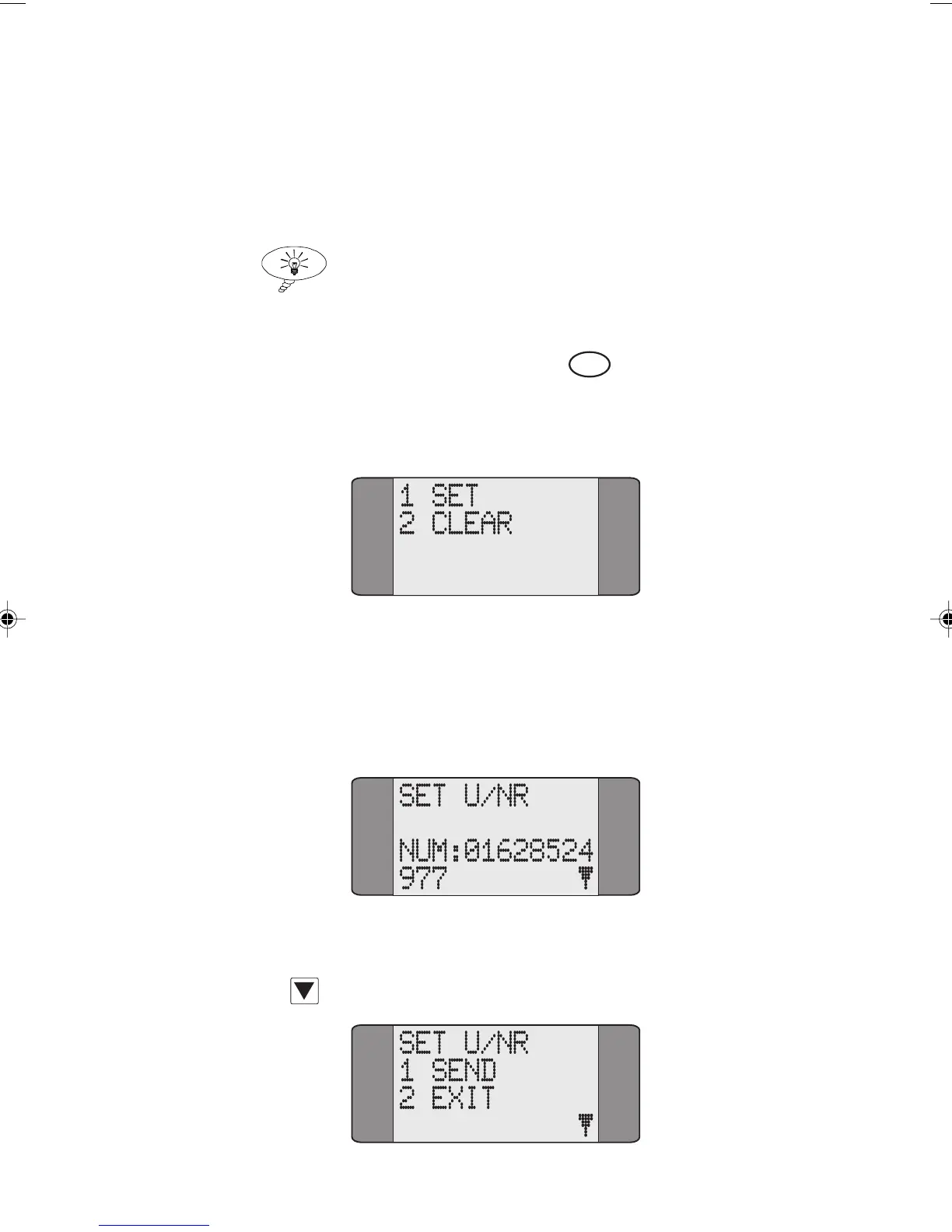
Activating Call Forwarding
When you select Call Forwarding, AuroraPlus displays the
following screen:
Choose SET to activate Call Forwarding—the type of call
forwarding depends on which service has been subscribed to.
A screen is displayed for you to enter the number to which
calls are to be forwarded.
Type the forwarded-to number.
Press SCROLL to display the SEND/EXIT options:
Chap04s2.P65 30/04/01, 16:3527



 To Next Page