5 Using 3D Guidance in theField
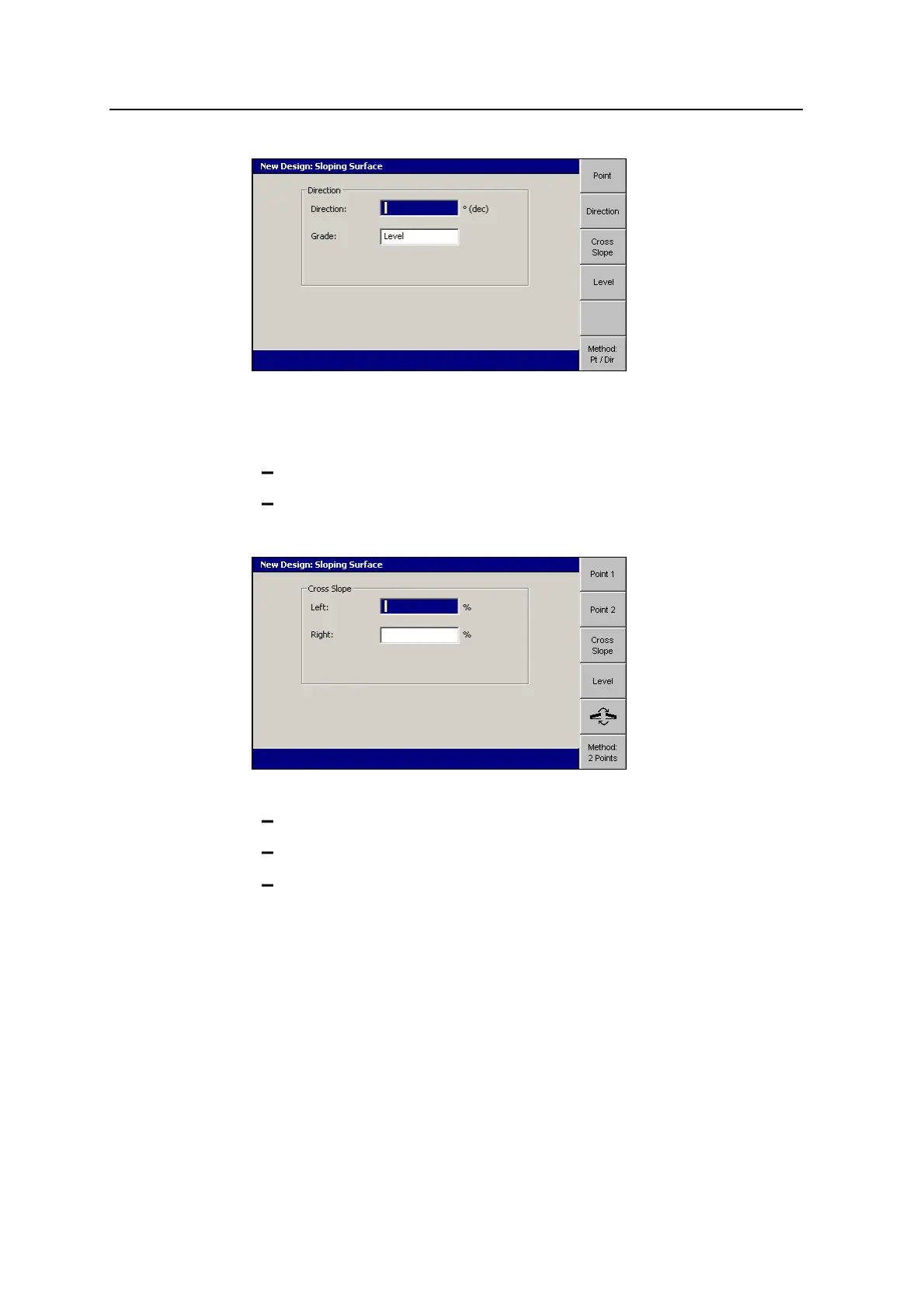
6. Edit the Direction field to specify the direction of the master alignment relative
to Point 1.
7. Use any of the following tools to specify the grade of the master alignment:
Edit the Grade field directly.
To set the grade to 0%, press Level.
8. Press Cross Slope.
9. Use the following tools to specify the left and right cross slope:
Edit the Left and Right fields directly.
To set the cross slope to 0%, press Level.
To change the direction of the cross slope, press S. The symbols
beside the cross slope fields indicate the direction of slope, as seen from
your position.
10.
To confirm the settings, press \.
126 GCS900 GradeControl System for Excavators Operator's Manual



 To Next Page