Using 3D Guidance in the Field 5
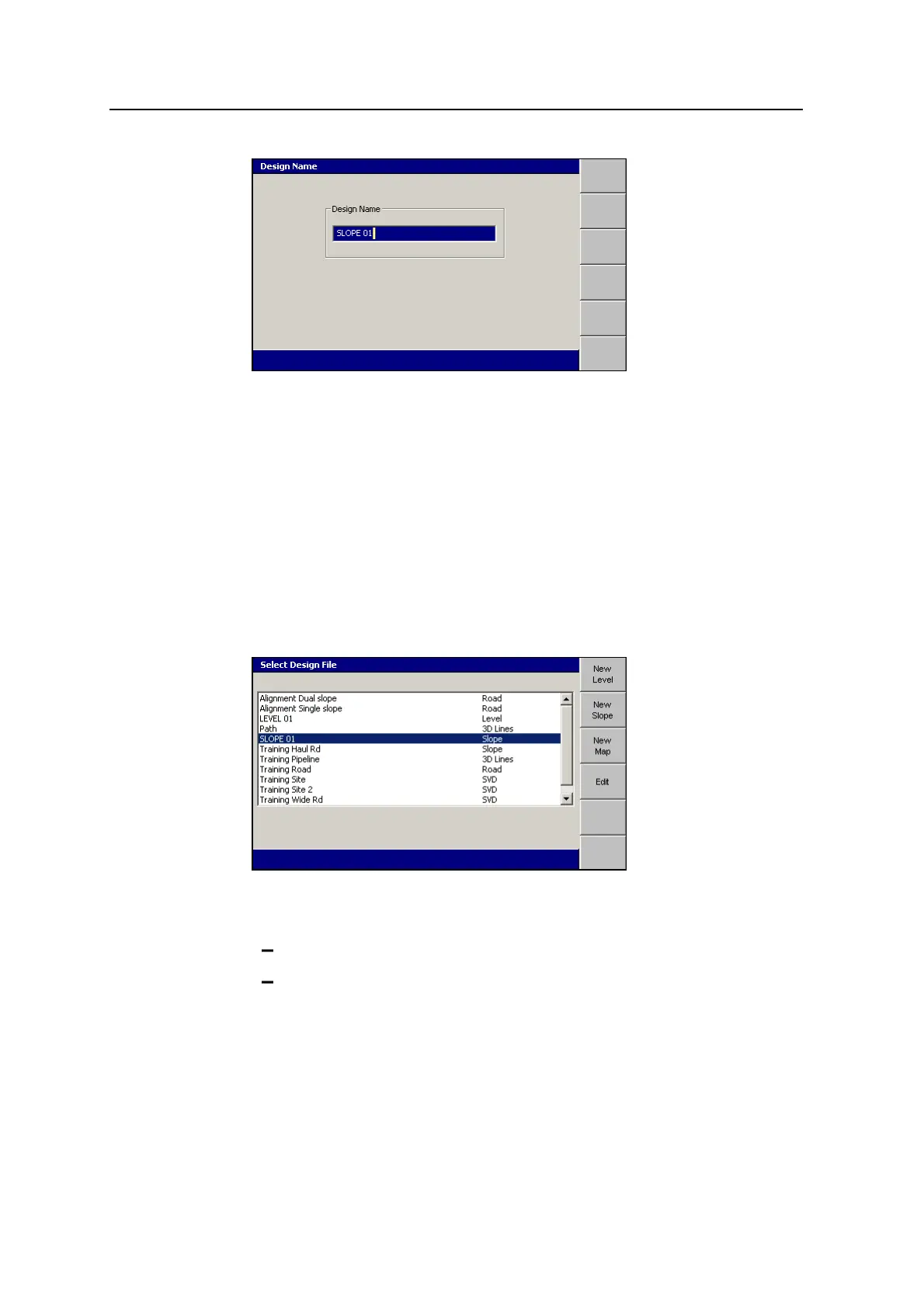
The system gives the design a default name.
11.
If required, edit the default name and press \. The Select Design File dialog
appears. The design just created is highlighted.
12.
To load the new sloping surface design, press \. The Setup Menu –
Configuration menu appears.
Modifying level and sloping design surfaces
Once a level or sloping surface design is created, you can complete the following
steps to change the design parameters:
1. From the Setup Menu – Configuration menu, select Select Design.
2. Highlight the level or sloping surface design that you want to modify.
3. Press Edit, then do one of the following:
To modify a level design, see Creating a level design surface, page 122.
To modify a sloping design, see Creating a sloping design surface, page
124.
Note – If the surface design was already loaded, the edited design is automatically
reloaded. This happens whether or not you press \ or = to exit the Select
Design File dialog.
GCS900 Grade Control System for Excavators Operator's Manual 127



 To Next Page