4-8
Maintenance > Maintenance Parts replacement procedure
2
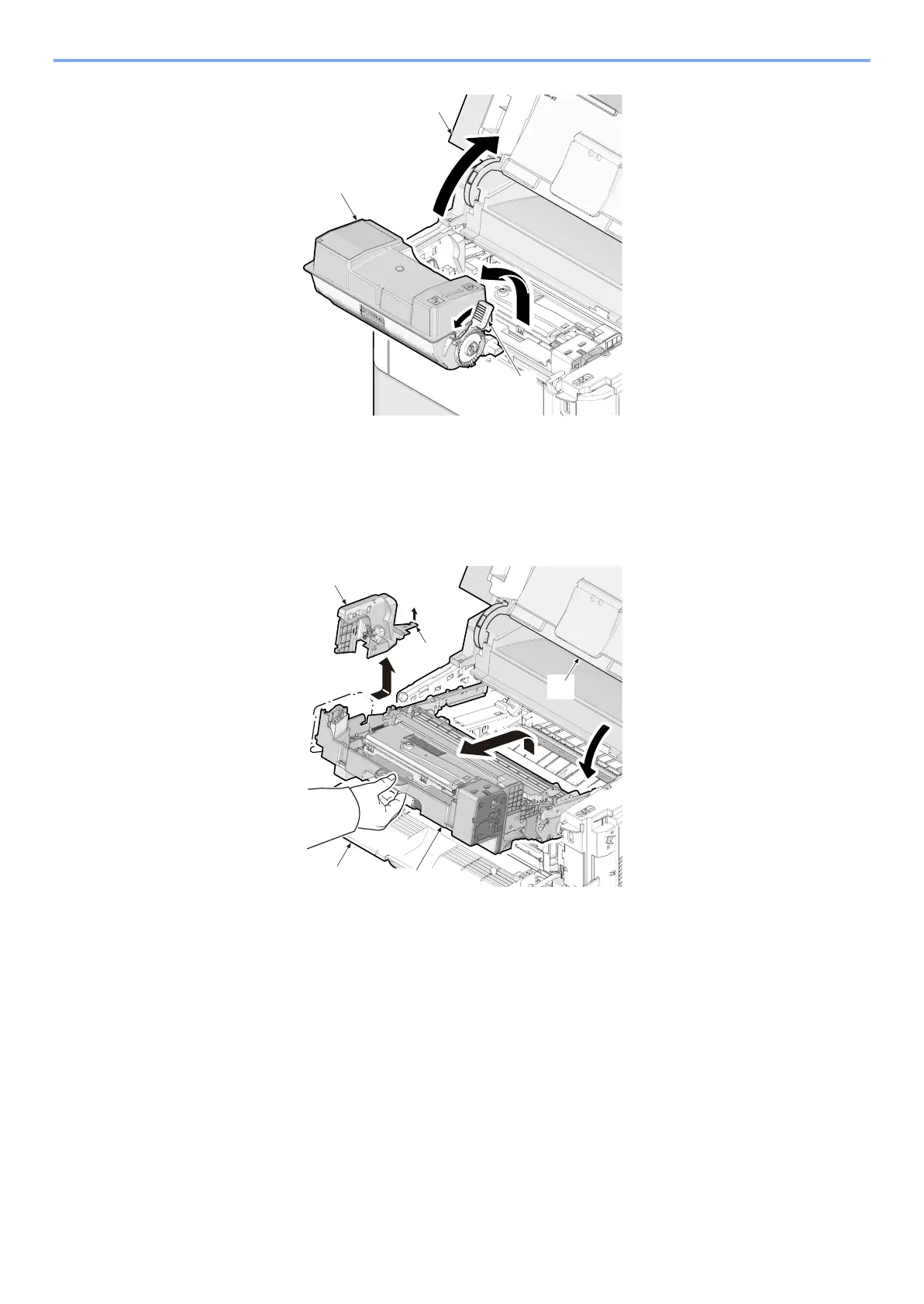
Remove toner container guide (e)
1 Open the front cover (b).
2 Pull the imaging unit (c) out.
3 Release the hook (d) and then remove the container guide (e) by sliding it.
3
Detaching and refitting the developer unit (a)
1 Pull the connector (b) out.
2 Release the lock lever (c) and then detach the developer unit (a) upward.
3 Check or replace the developer unit (a) and refit all the removed parts.



 To Next Page