2-12
Installation > Installing the main unit
[CONFIDENTIAL]
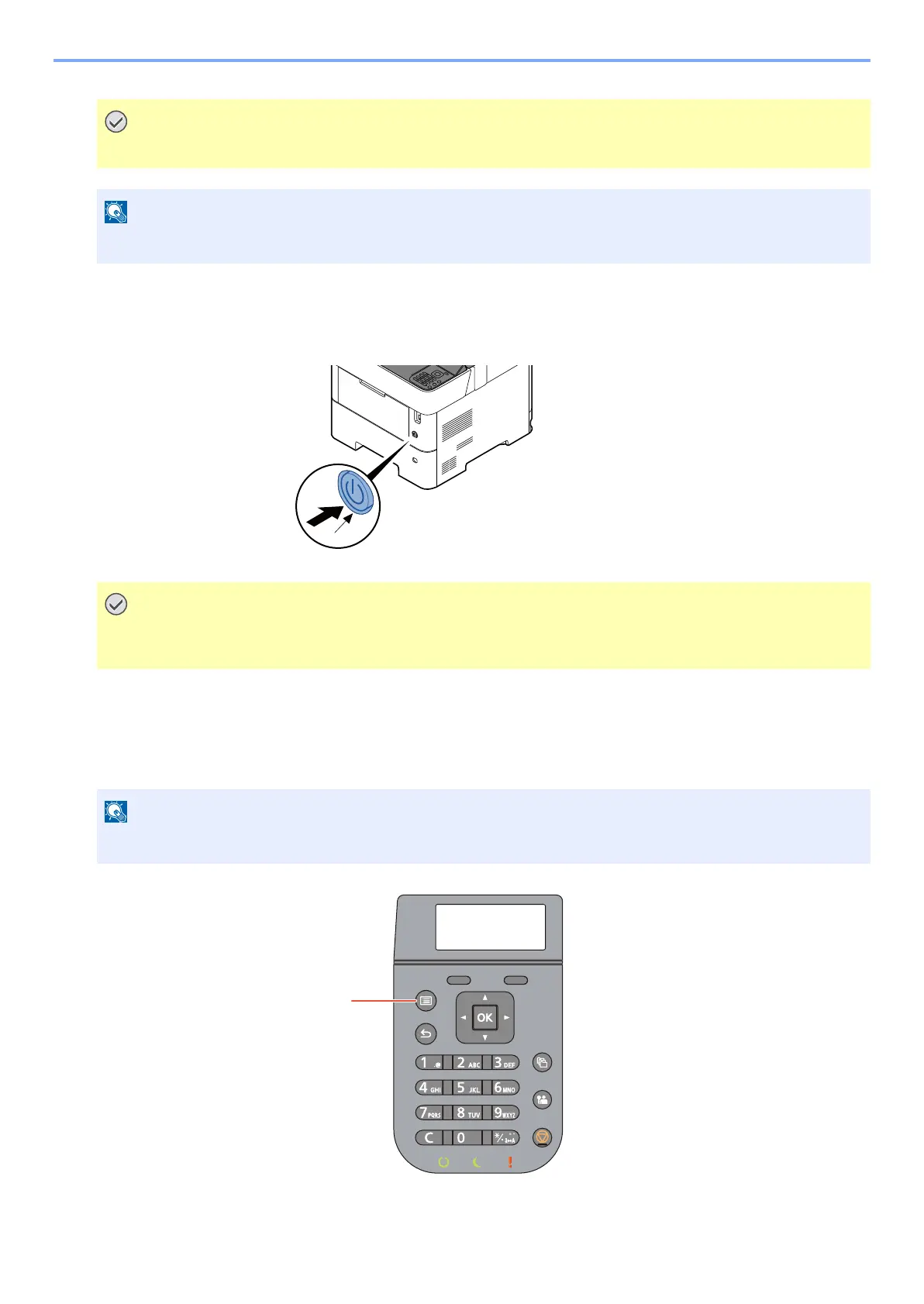
(7) Power On
1 Turn the power switch (a) on. (ON)
(8) Default Setting
Before using this machine, configure such settings as date and time, network configuration, and energy saving functions
as needed.
Only use the power cable that comes with the machine.
When the power is turned on for the first time, the toner installation operation is performed. (About 5 minutes)
When turning off the power switch, do not turn on the power switch again immediately. Wait more than 5
seconds, and then turn on the power switch.
The default settings of the machine can be changed in System Menu.



 To Next Page