2-4
Installation > Installing the main unit
[CONFIDENTIAL]
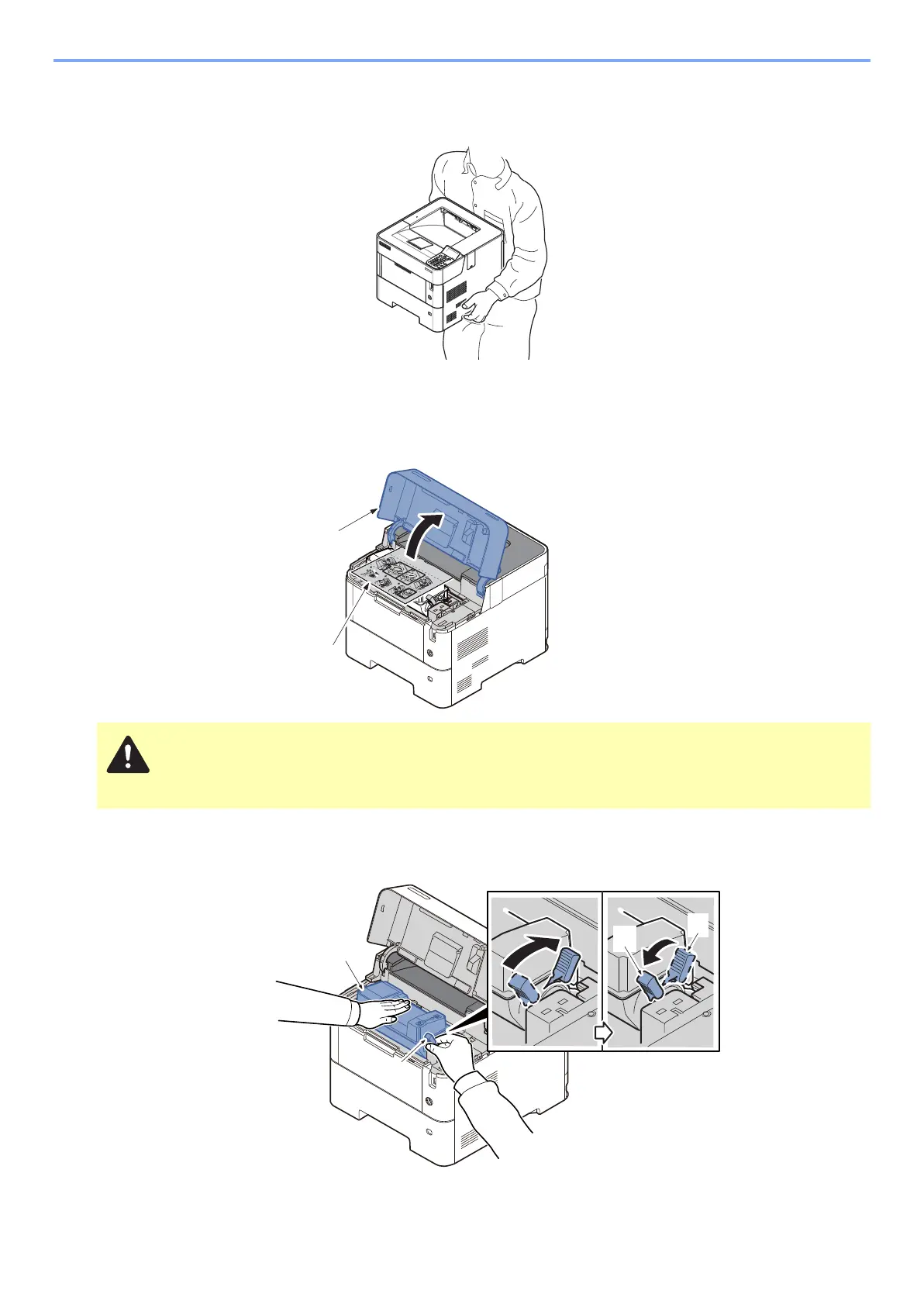
Notes on main unit transportation
Be sure to hold the both side handles at the lower part of the machine when carrying it, as shown in the figure.
(2) Setup of a toner container
1
Open the top cover (a) and pull the container lable (b) toward you to remove it.
2
Detaching the toner container
1 Rotate the toner container lock lever (a) to the lock position (b) and then back to the unlock position (c)
2 Remove the toner container (a) from the main unit.
Check the contents of the container label and remove a container.



 To Next Page