7-17
Troubleshooting > Image formation problems
[CONFIDENTIAL]
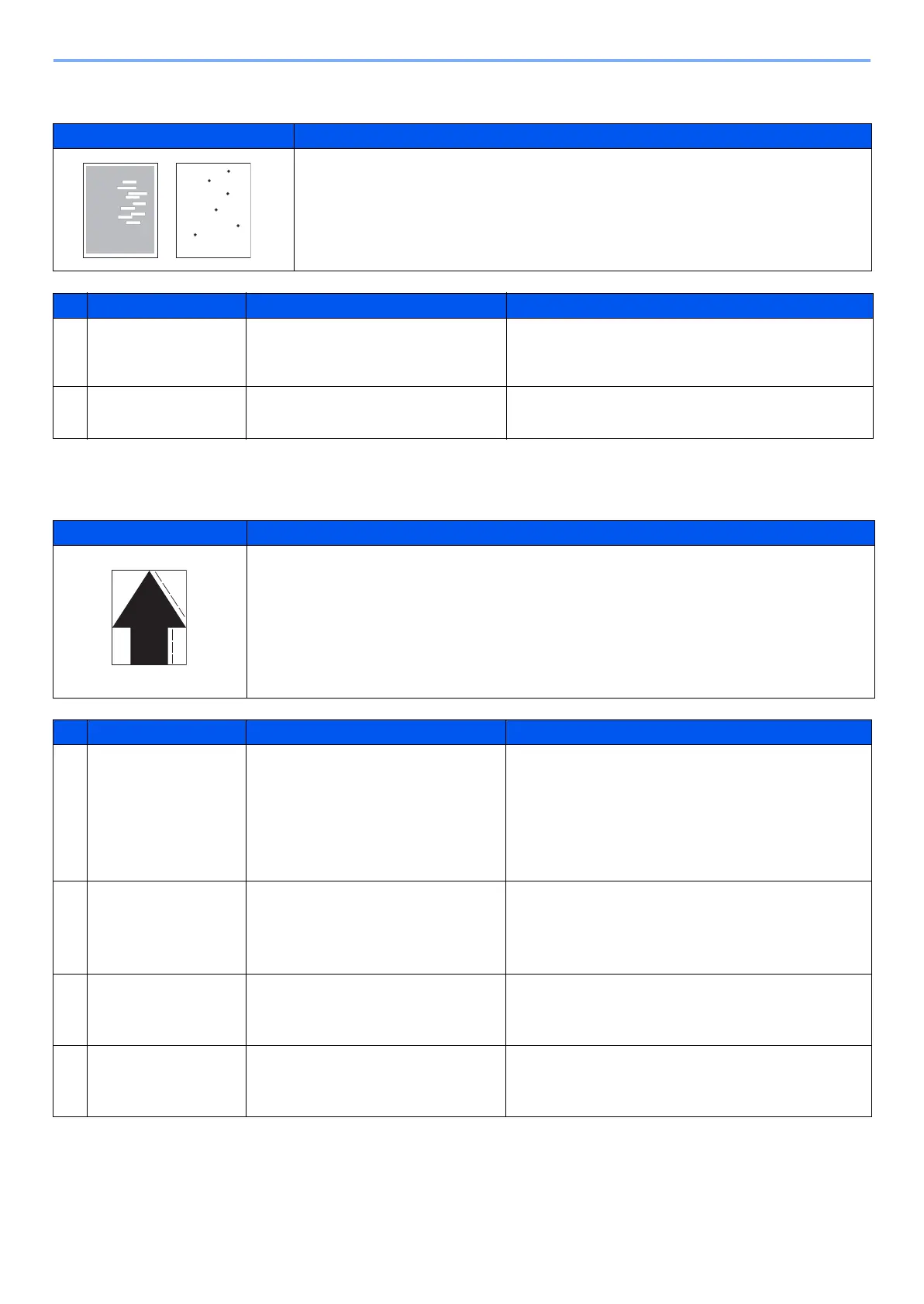
(1-15)Unevenly repeating horizontal streaks in the printed objects. Spots in the printed objects
(1-16)mage is blurred (Shifted transferring)
Print example Cause of trouble
1 Installation at a high altitude.
2 Using the paper with high surface resistance.
Defective part Check description Corrective Action
1
Developer unit The device is installed in an altitude
higher than 1500 m sea level.
If the device is installed in an altitude greater than
1500 m sea level, perform altitude setting.
(System menu > Adjustment/Maintenance)
2
Paper Check if paper is of high surface
resistance.
Change the paper to another.
Print example Cause of trouble
1 The paper used does not conform to the requirement.
2 Imbalanced fuser unit pressures.
Defective part Check description Corrective Action
1
Paper 1. Check that the type of the paper
used falls within the range of
specifications.
2. Check the settings of the type
and weight of the paper.
1. If the type of the paper being used falls outside
the requirements, replace and use a suitable
type of paper.
2. If the settings made for the paper being used is
inadequate, configure the settings according to
the paper being used.
2
Fuser unit 1. Check the fuser pressure
balance.
2. Check if the fuser paper-
inserting guide is deformed.
1. If the pressures at the front and rear are unbal-
anced, replace the fuser unit.If the fuser unit is
deformed, replace.
3
Paper conveying
motor
Check to see if the driving mecha-
nism for paper conveying is opera-
tive without a hinderance.
If the drive does not operate normally, apply grease.
4
Paper conveying
guide
The paper conveying guide is
deformed.
If the paper conveying guide is deformed, replace
the paper conveying guide.



 To Next Page