7-23
Troubleshooting > Paper misfeed detection
[CONFIDENTIAL]
7 - 3 Paper misfeed detection
(1) Paper misfeed indication
When a paper misfeed occurs, the machine immediately stops printing and displays the paper misfeed message on the
operation panel. To remove paper misfed in the machine, pull out the cassette, open the paper conveying unit or paper
conveying cover.
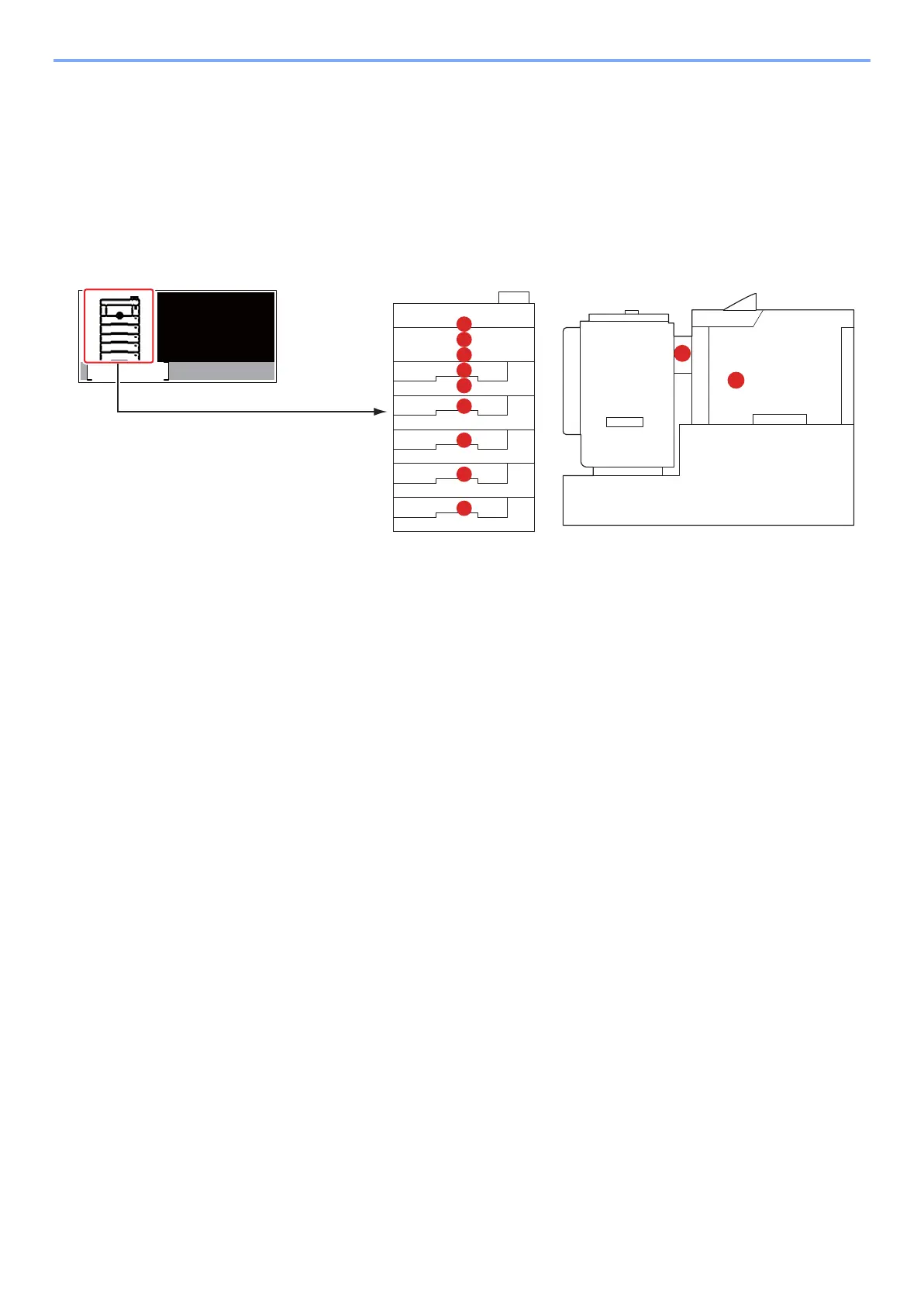
The positions are displayed on the operation panel when a paper jam has occurred.
Jam lacation indicators
F
G
E
B
B
B
B
B
C
D
A
Paper
jammedin
Cassette1.
Help
A Misfeed in Multi Purpose Tray
B Misfeed in the Cassettes 1 to 5
C Misfeed in the Duplex Unit
D Misfeed inside the machine
E Misfeed inside the rear cover or the inner tray
F Misfeed in the Bulk Feeder
G Misfeed in the Duplex Unit (when Bulk Feeder is installed)



 To Next Page