2-8
Installation > Installing the main unit
[CONFIDENTIAL]
(5) Loading Paper
(5-1)Precaution for Loading Paper
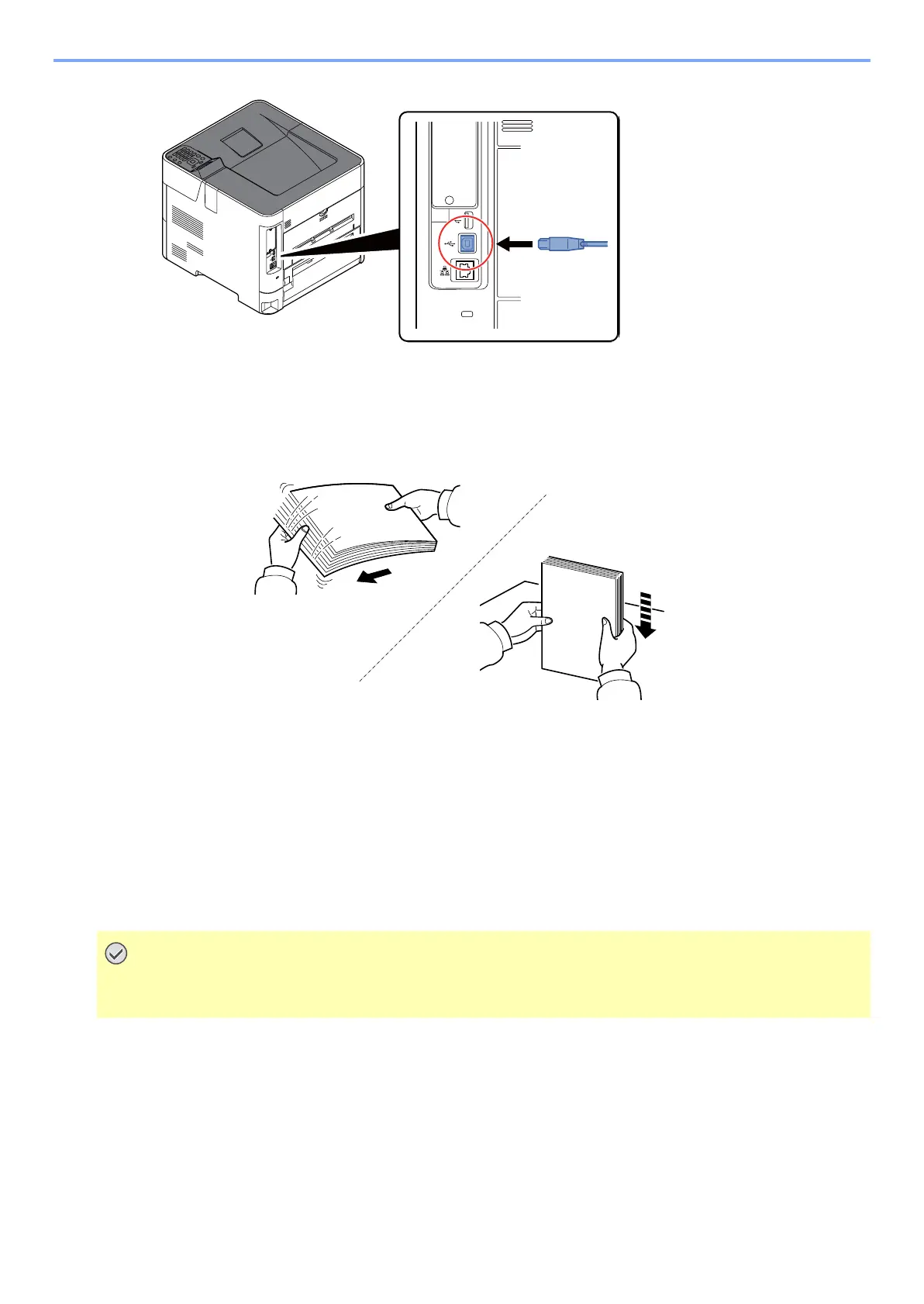
Before loading paper in the cassette, fan the paper taken from a new package to separate it in the procedures below.
Fan the paper and align the edges at the flat place.
In addition, note the following points.
• If the paper is curled or folded, straighten it before loading. Such paper may cause a jam.
• If paper is left under high temperature and high humidity after taking it out of the package, it may cause trouble with
paper absorbing moisture. After setting paper in the cassette, seal the rest of the paper in the paper storage bag.
Also, seal the paper remaining on the MP tray in the paper storage bag.
• If paper is left in the cassette for a long period, heat from the cassette heater may discolor it.
• If the machine will not be used for a prolonged period, protect all paper from humidity by removing it from the
cassettes and sealing it in the paper storage bag.
If you reuse paper already used for printing, remove staples or clips. Do not use paper with a staple or clip. This
may cause poor image quality or malfunctions.



 To Next Page