2-11
Installation > Installing the main unit
[CONFIDENTIAL]
5
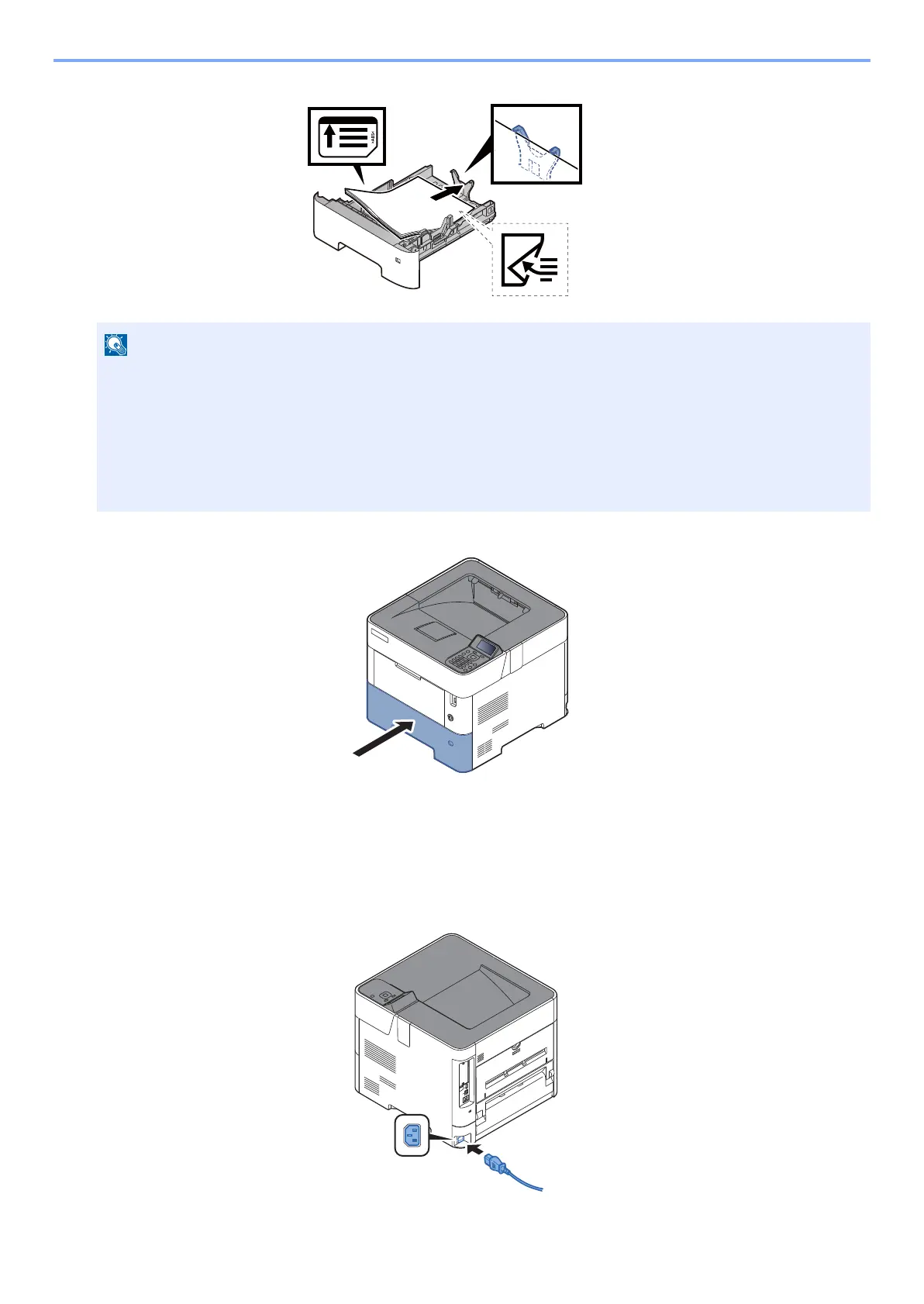
Gently push the cassette back in.
6
Specify the type of paper loaded in the cassette using the operation panel.
(6) Connecting the Power Cable
1
Connect one end of the supplied power cable to the machine and the other end to a
power outlet.
• Load the paper with the print side facing down.
• After removing new paper from its packaging, fan the paper before loading it in the cassette.
• Before loading the paper, be sure that it is not curled or folded. Paper that is curled or folded may cause paper jams.
• Ensure that the loaded paper does not exceed the level indicator (see illustration above).
• If paper is loaded without adjusting the paper length guide and paper width guide, the paper may skew or become
jammed.



 To Next Page