2-28
Installation > Installing the optional parts
[CONFIDENTIAL]
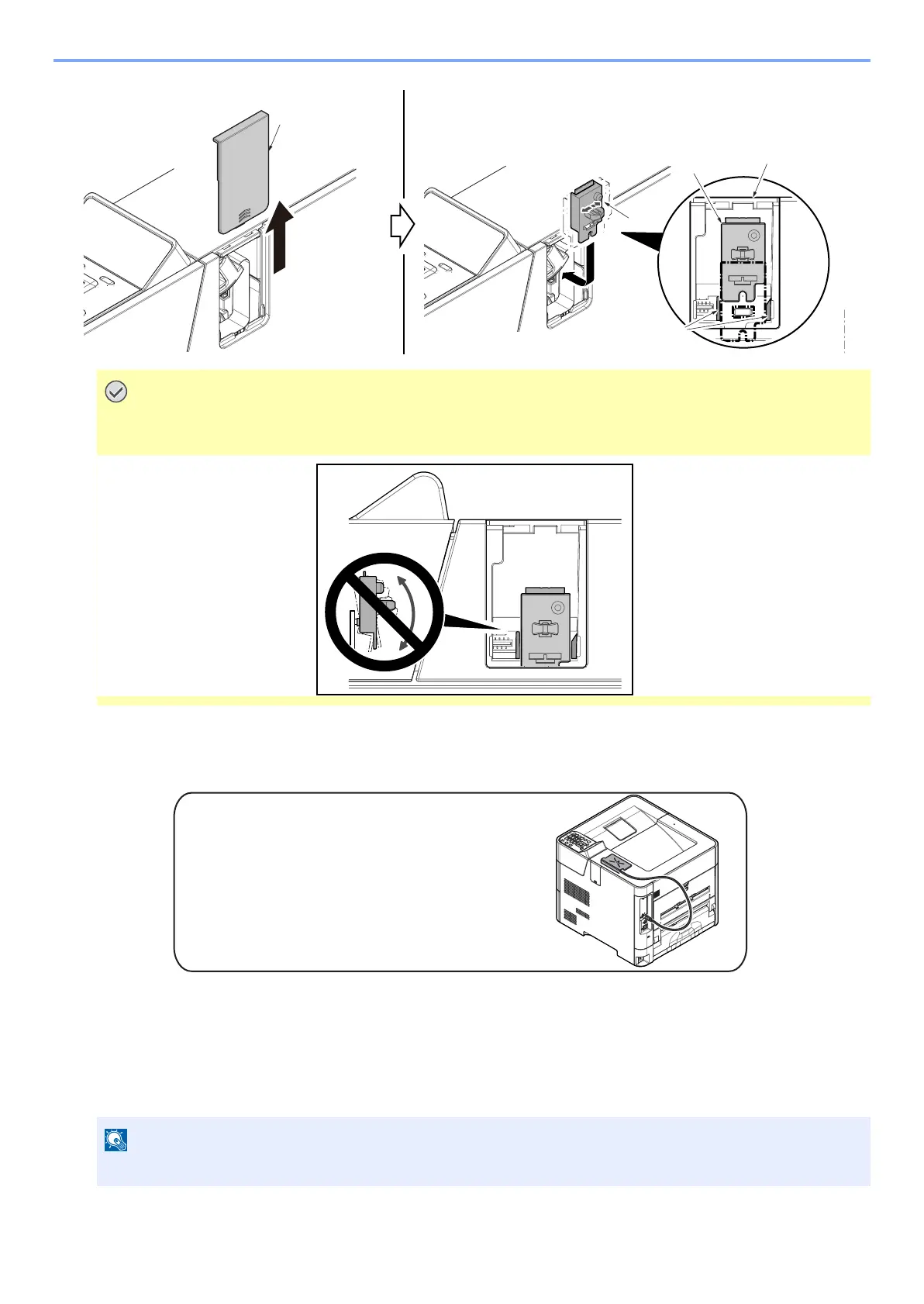
3 Reattach the Wi-Fi cover (a) in the original position.
(4) ID card reader
ID card reader installation requires the following parts.
• Double-side tape 2pcs.
1
Turn off the main unit and disconnect the power cord and all interface cables.
1 Fix the card reader (a) with double-side tape (b) as indicated in the figure
Take care not to twist the WiFi PWB assembly in the vertical direction in order to avoid the damage when
attaching and detaching it.
The shutdown confirmation screen is displayed. It might take about three minutes to shut down.



 To Next Page