7-7
Troubleshooting > Image formation problems
[CONFIDENTIAL]
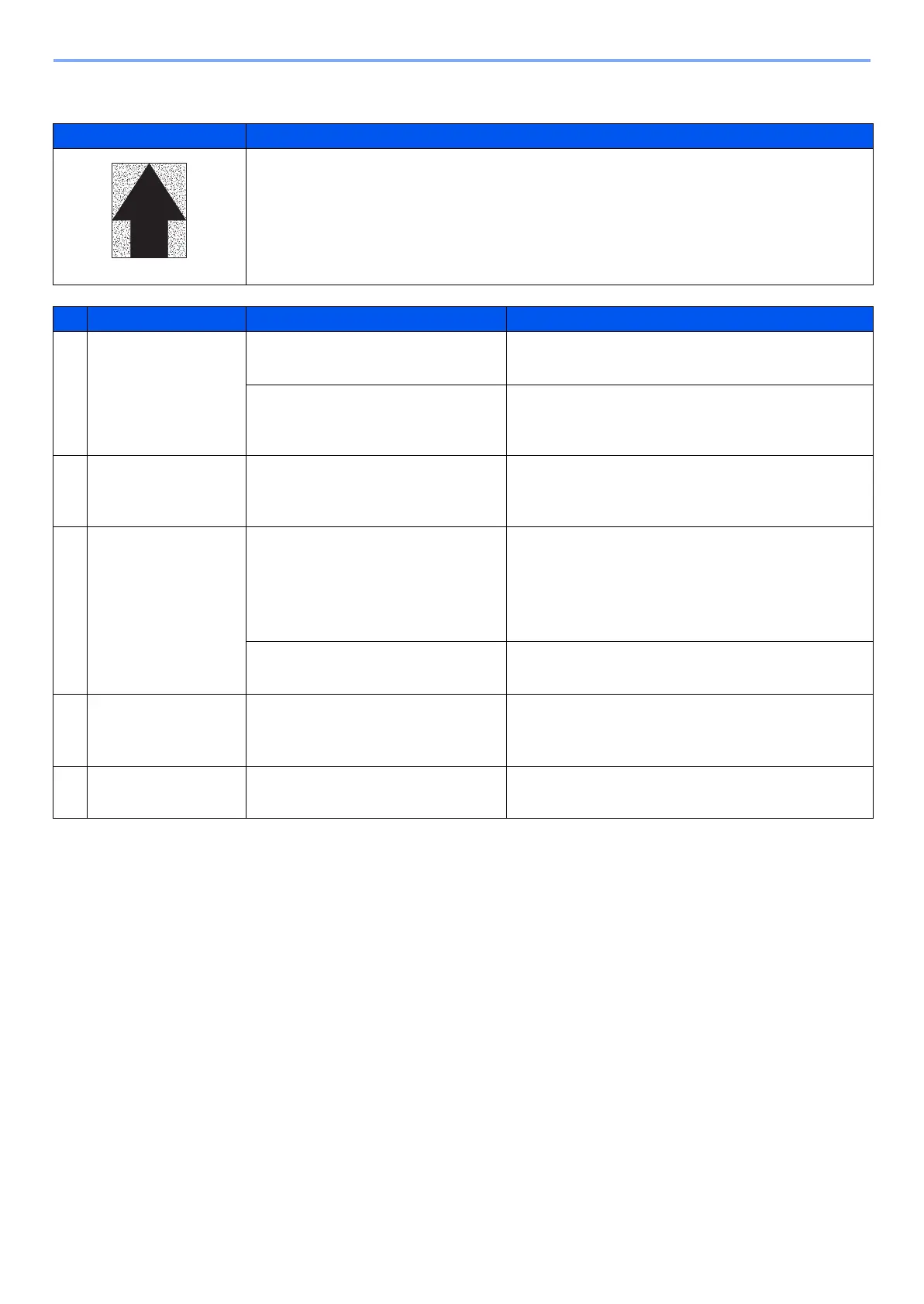
(1-4)The background is colored
Print example Cause of trouble
1 Toner is deteriorated in quality (under-charged).
2 Toner is over-supplied.
3 Developing bias is too high.
4 The layer of toner is too thick on the developing roller (too much toner).
5 The surface potential of the drum is too low (under low temperature environment).
Defective part Check description Corrective Action
1
Developer unit Generate PGs by service mode and
check the following
1. Check contamination and defor-
mation on the connecting termi-
nals for developer bias.
If the connecting terminals for developer bias are
dirty, clean.If the connecting terminals are
deformed, correct for a proper conduction.
2
Toner supply motor Check the toner supply motor is
continuously rotating.Check wires
for shortcircuiting.
If the harnesses are short-circuited and the toner
motor is continuously rotating,
replace the toner supply motor.
3
Drum unit
1. Check that the ground terminal
is not contaminated or the con-
ductive grease is not applied
with the connecting terminals.
If the connecting terminals are dirty, clean.
If the amount of the grease applied is too small,
apply conductive grease to the bearing on the
receiver side of the drum drive axle.
Replace the drum unit. (Performs U119)
2. Check if the charging roller is
dirty.
If the charging roller is dirty, clean.Or replace it.
4
High voltage PWB The developing bias and charging
current supplied by the high voltage
PWB is faulty.
Replace the high voltage PWB.
5
Control PWB The control PWB is detective. Replace the control PWB.



 To Next Page