2-21
Installation > Installing the optional parts
[CONFIDENTIAL]
2 - 4 Installing the optional parts
(1) Expansion memory
The machine can perform more multiple jobs simultaneously by adding more memory. The memory can increase up to
maximum 2560MB by attaching the optional expansion memory (2048MB).
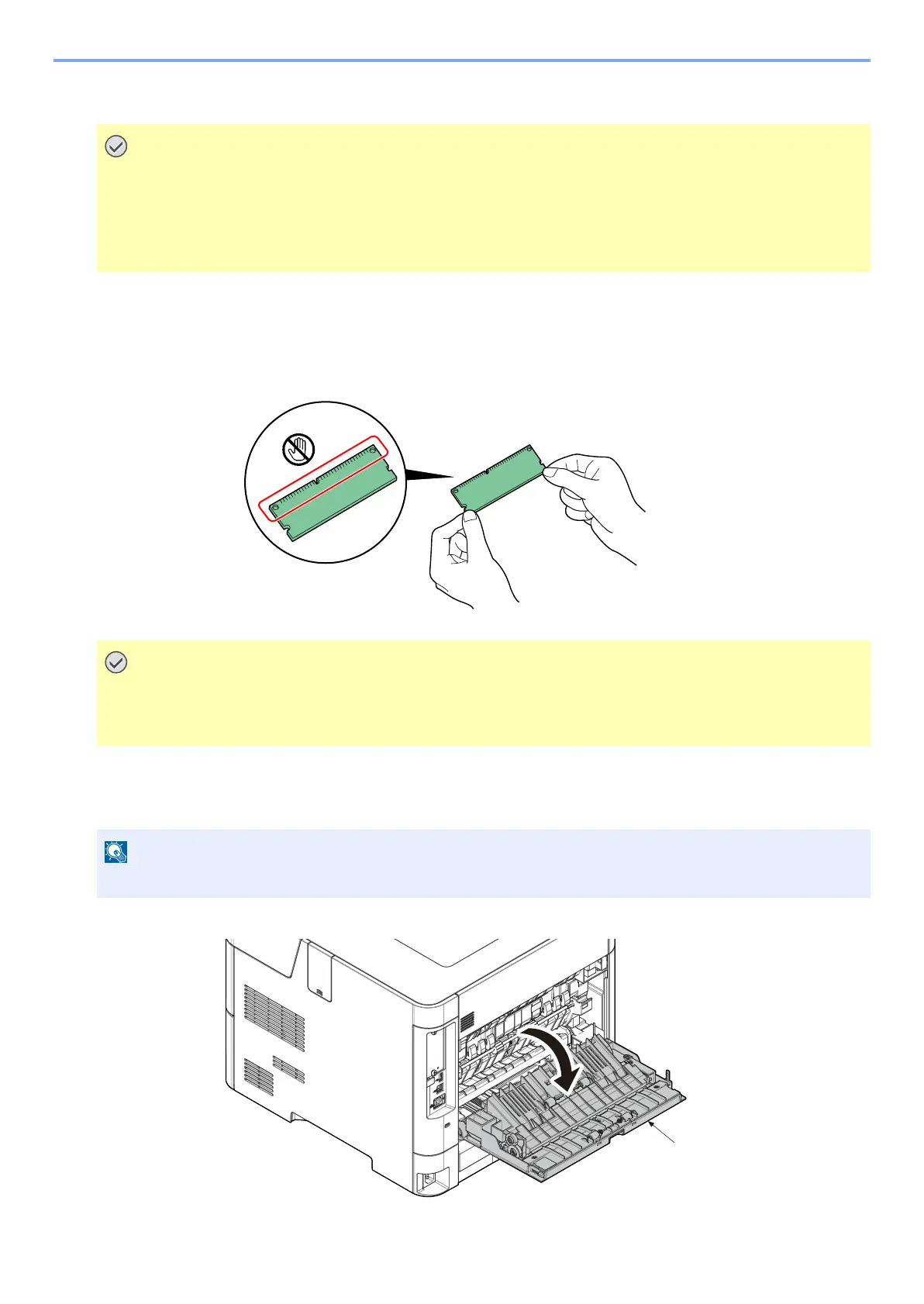
Precautions for Handling the Memory
1
Remove the Interface cover.
1 Turn off the main unit and disconnect the power cord and all interface cables.
2 Open the rear cover (a).
Following procedures have to be done before PWB replacement.
Otherwise PWB gets broken.
• Unplug power code.
• Press power switch for more than 1 second. (Remove electrical charge in main unit.)
Static electricity that accumulates in your body through clothing or carpets may damage a memory. To protect a
memory, discharge static electricity from your body by touching a water pipe (faucet) or other large metal object.
Wear the anti-static wrist band on the wrist.
The shutdown confirmation screen is displayed. It might take about three minutes to shut down.



 To Next Page