7-18
Troubleshooting > Image formation problems
[CONFIDENTIAL]
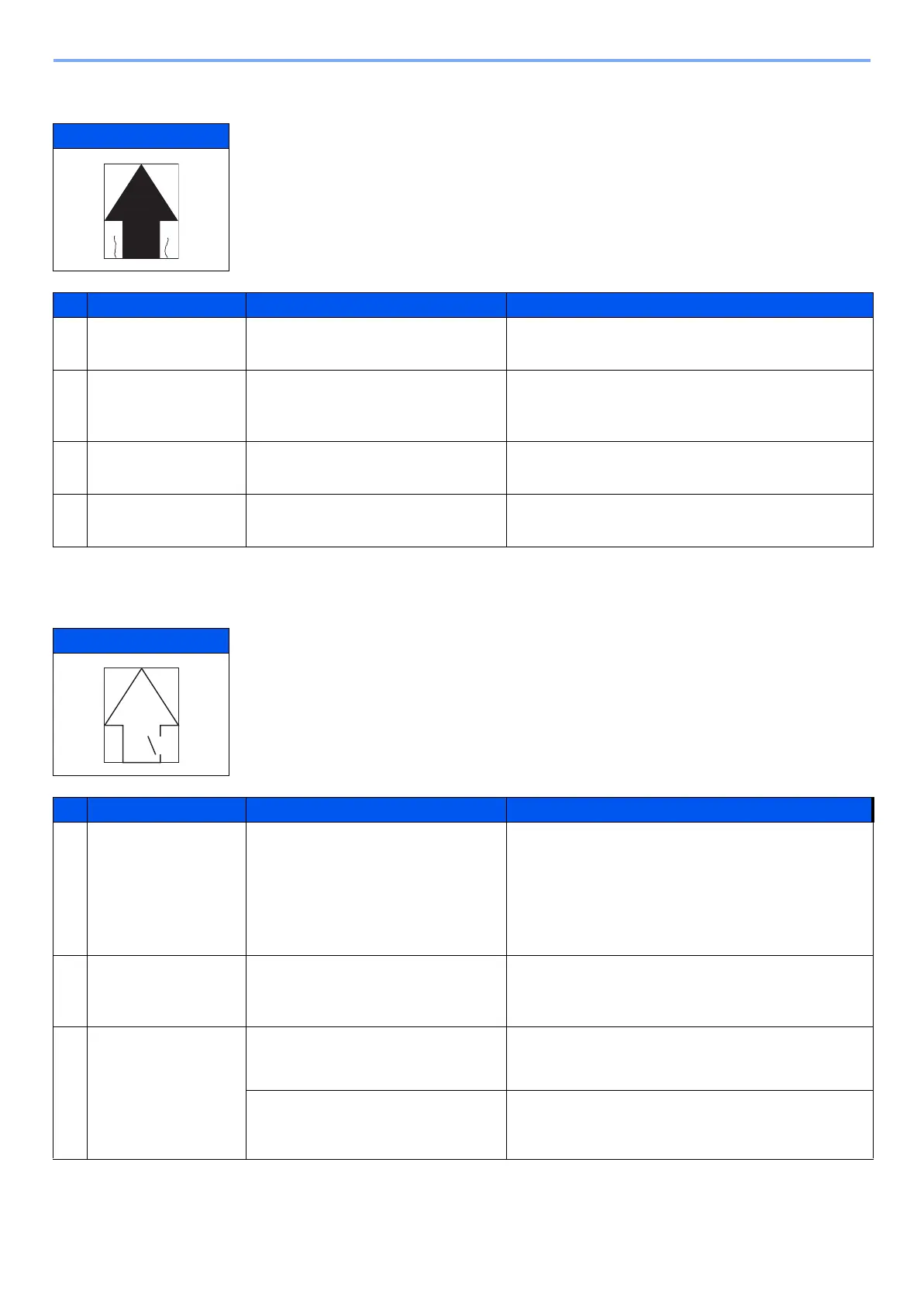
(1-17)Paper is wrinkled
(1-18)Fusing is loose
Print example
Defective part Check description Corrective Action
1
Paper-width guides Check the paper-width guides are
flush with the paper.
If the width adjuster cursors are not flush with paper,
set them correctly.
2
Paper 1. Check if paper is curled or wavy.
2. Check if paper is stored in a
humid place.
1. If the paper is curled or wavy, replace.
2. Choose a dry place to store paper.
3
Regist ration roller The pressures at the right and left
springs are unbalanced.
Replace the spring with the one having a correct
pressure.
4
Fuser unit The pressuring spring of the fuser
unit is defective.
Replace the fuser unit.
Print example
Print example Cause of trouble Print example
1
Paper 1. Check that the type of the paper
used falls within the range of
specifications.
2. Check the settings of the type
and weight of the paper.
1. If the type of the paper being used falls outside
the requirements, replace and use a suitable
type of paper.
2. If the settings made for the paper being used is
inadequate, configure the settings according to
the paper being used.
2
Paper weight setting Check If the weight of the paper is
correctly set.
If the weight of the paper is not correctly set, choose
the correct weight that matches the paper being
used.
3
Fuser unit Check the fuser pressure setting. Replace the fuser unit.
Check the fuser temperature
Change fixing temperature with service setting
(System Menu > Adjustment/Maintenance > Ser-
vice setting).Chenge the setting value to 2.



 To Next Page