EasyManua.ls Logo

Utax P-4532DN - 6 Service mode; 6 - 1 Executing a service mode

Utax P-4532DN
287 pages
Print Icon
To Next Page IconTo Next Page
To Previous Page IconTo Previous Page
Loading...
6-1
Service mode Executing a service mode
[CONFIDENTIAL]
6Service mode
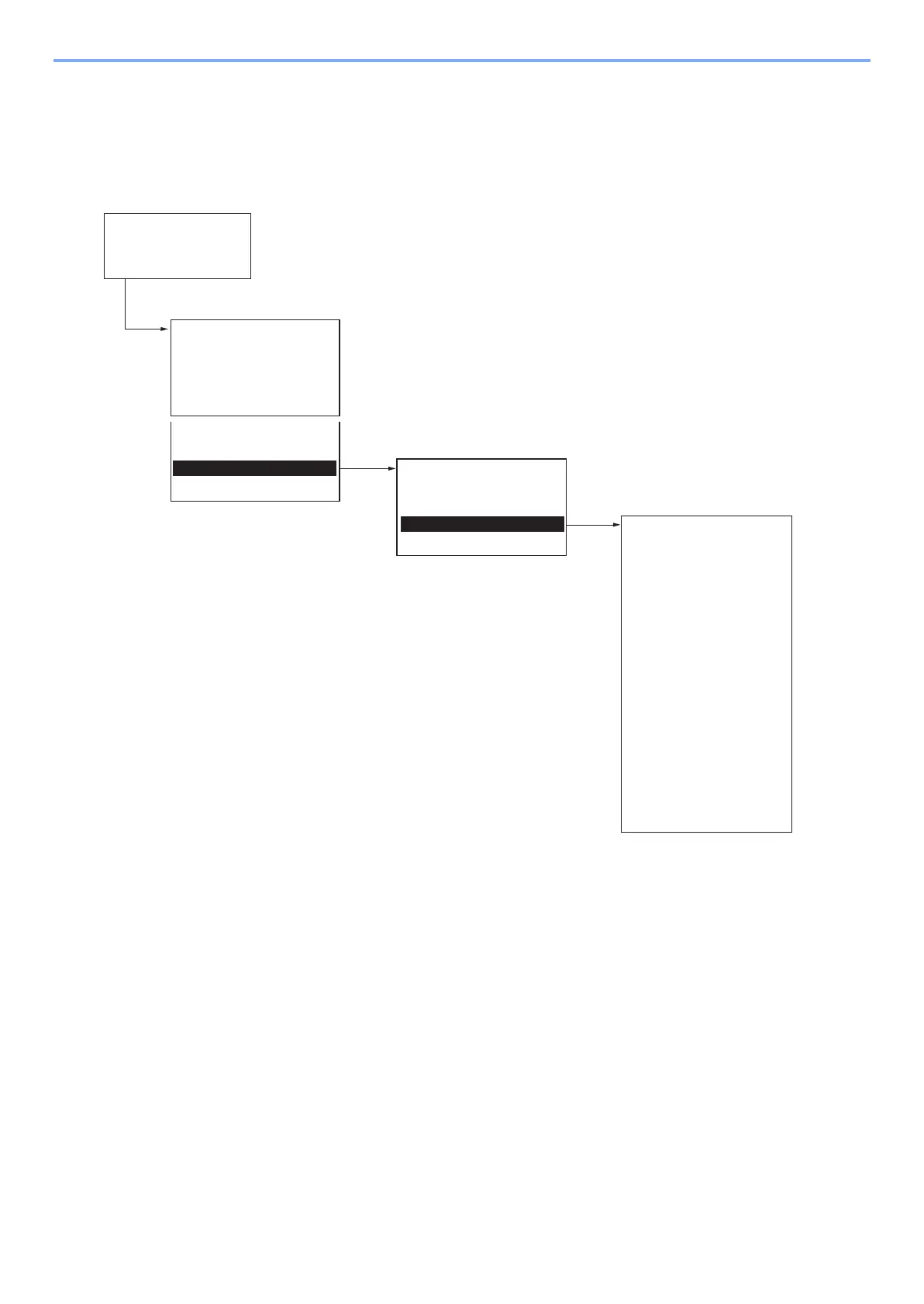
The machine is equipped with a maintenance function which can be used to maintain and service the machine.
6 - 1 Executing a service mode
Ready to copy
System Menu:
.
.
.
.
.
.
Adjust/Maint.
Service Setting:
Network Status
Service Status
OP Network Status
Test Page
New Developer
Drum2
Drum
Adjust/Maint.:
.
.
Service Setting
[Message Display]
1. Press the Menu Key.
3. Select [
Service Setting]
using
WKH>Ÿ@>ź@NH\V
4. Select
the item to be set.
2. Select [Adjustment/Maintenance]
XVLQJWKH>Ÿ@>ź@NH\V
*1:
Displays only when the FAX kit is installed
Event Log
LLU RPT
Maintenance
*1
Auto DrumRefresh
Alutitude Adj.
MC
Fuser Adjustment
Transfer Adj.

Table of Contents

Related product manuals