2-10
Installation > Installing the main unit
[CONFIDENTIAL]
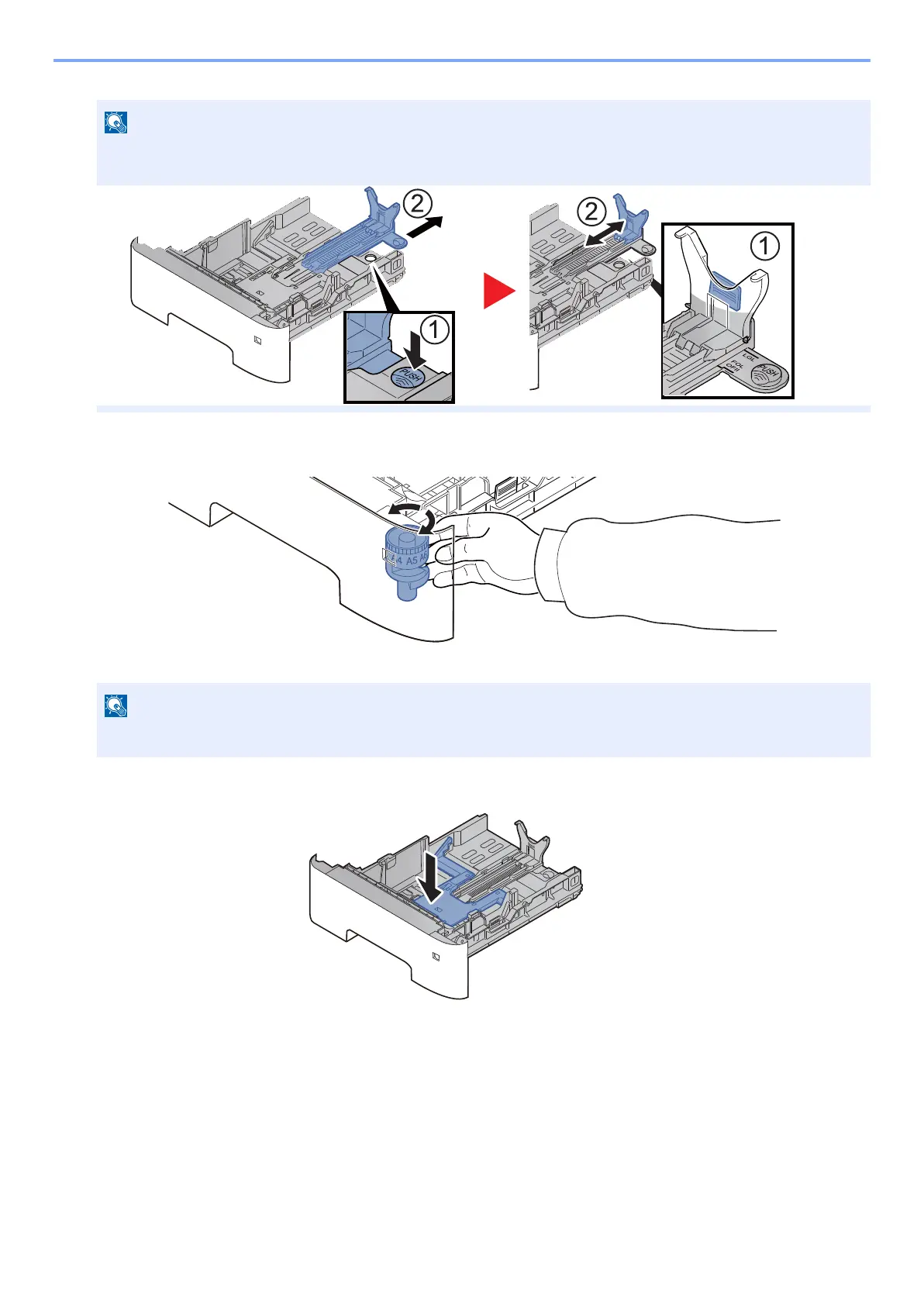
3 Turn the size dial so that the size of the paper you are going to use appears in the paper size window.
3
Press the bottom plate down until it locks. (45ppm model only)
4
Load paper.
1 Fan the paper, then tap it on a level surface to avoid paper jams or skewed printing.
2 Load the paper in the cassette.
If you are going to set paper that is longer than A4, pull out the extension cassettes pushing the lock button one
by one and adjust them to the desired paper size.
When the size dial is set to "Other" the paper size must be set into the machine on the operation panel.



 To Next Page