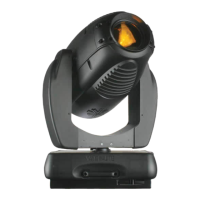
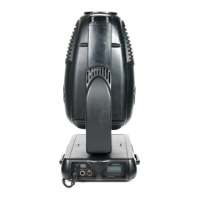
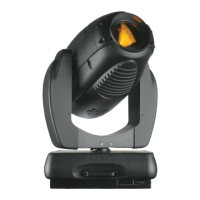
VARI❋LITE® - VL3500™ WASH LUMINAIRE SERVICE MANUAL
22 02.9686.0010 0
Front Lens Assembly Removal
Tools:
• 5/32" Allen wrench
• lint-free cotton gloves
To replace the front lens assembly:
WARNING: Remove power from luminaire before performing maintenance. Internal fixture
components, assemblies, and the front lens can be HOT after operation. Allow components to
adequately cool before replacing.
Step 1. Remove power from luminaire.
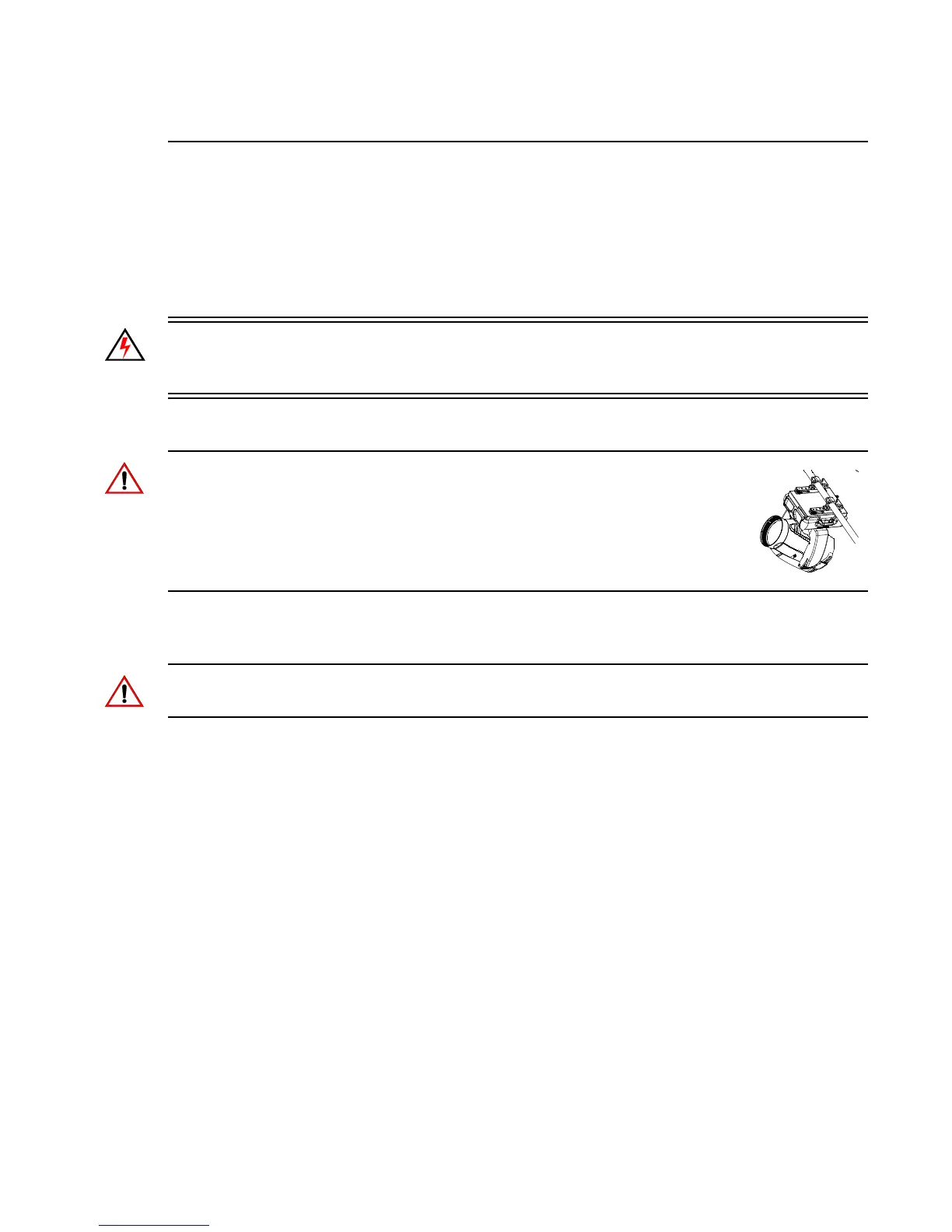
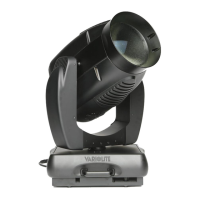
CAUTION: The luminaire head is a precisely balanced unit. The weight of the
front lens assembly is counter-balanced inside the head. Removal of the front lens
assembly can result in instantaneous uncontrolled head movement. To avoid
uncontrolled movement when the luminaire is sitting on upper enclosure, point the
head straight up. To avoid uncontrolled movement when the luminaire is hanging,
point the head up at an angle until it rests against the tilt stops as shown here.
Step 2. As shown in Figure 2-4, remove front lens assembly by loosening the four captive 10-32
Allen head cap screws.
CAUTION: Wear cotton gloves or other covering while handling the front lens assembly. Clean any
fingerprints or debris from lenses with isopropyl alcohol and soft cloth if required.
Step 3. Carefully position replacement front lens assembly so captive screws align with guide pins
and mounting holes as illustrated in Figure 2-4.
Step 4. Tighten each captive screw to secure the front lens assembly to luminaire head.
Step 5. The luminaire is ready for operation.


 To Next Page