5-62 CELL-DYN 3000 System Operator’s Manual
9140240E — May 1995
Operating Instructions Chapter 5
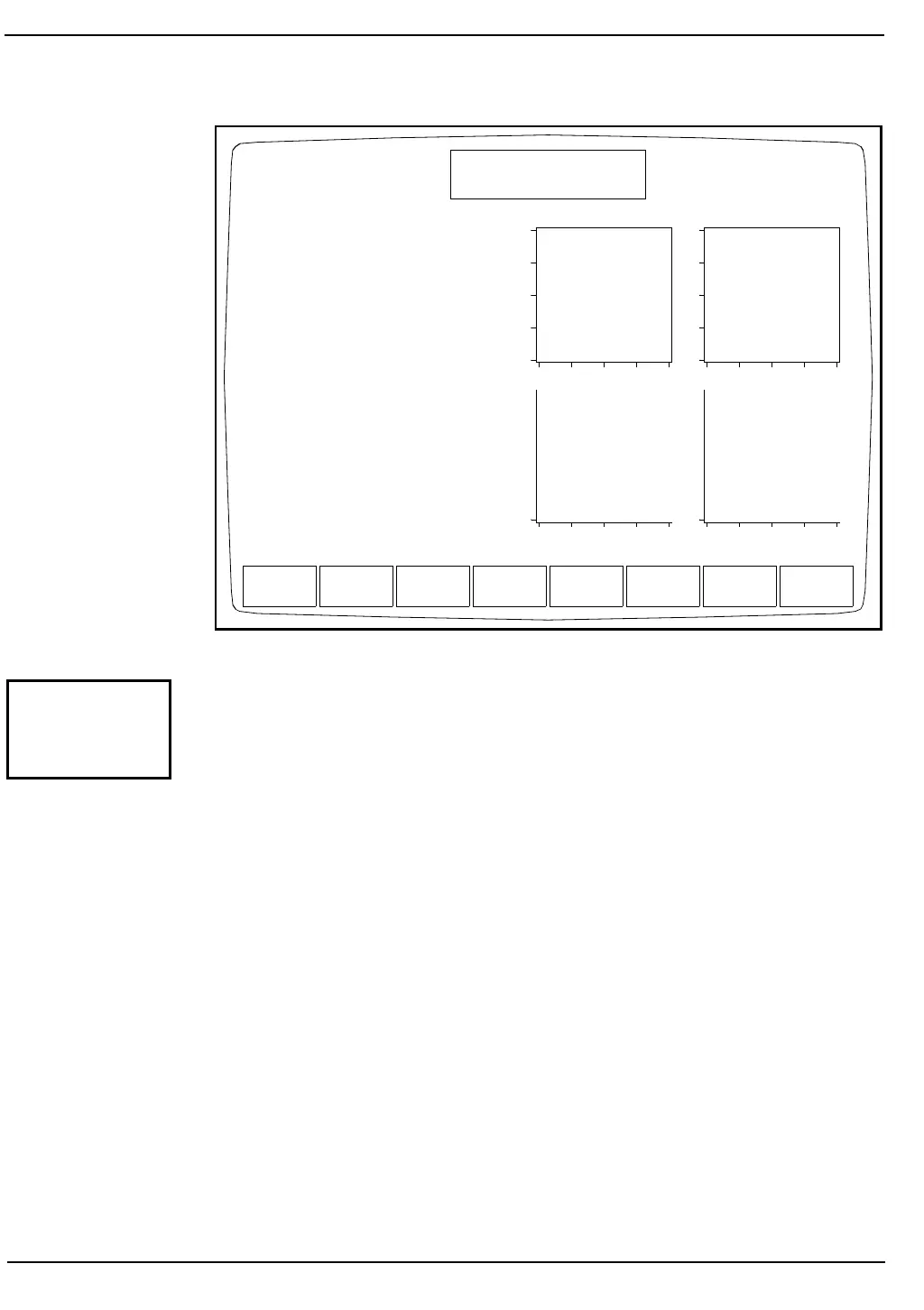
Figure 5.30: Run Screen for a QC File
This key is used to select a QC file designated by the position of the
cursor on the screen. After the cursor is moved to the desired file, the
[QC SPECIMEN] key is pressed to display the RUN Screen for the
selected file. (See Figure 5.30.) Results from this run option are stored in
the selected file and in the Data Log and are automatically excluded from
the X-B Analysis.
NOTE: The selected QC file is identified on the same line (line
2) as the Patient entry field. It will also be identified in the Status
Box after the sample has been run.
RUN
Ready
Dec 18 1992
Operator ID
Sequence #
09:53
734
0630
Type Low11/120
Param Set: 1
WBC: K/uL
NEU: %N
LYM: %L
MONO: %M
EOS: %E
BASO: %B
RBC: M/uL
HGB: g/dL
HCT: %
MCV: fL
MCH: pg
MCHC: g/dL
RDW: %
PLT: K/uL
MPV: fL
Open Sampler
D
E
P
O
L
S
I
Z
E
COMPLEXITY ORTHOGONAL
PLT RBC
CLEAR
ORIFICE
WORK
LIST
SPECIMEN
TYPE
CUSTOMIZE
REPORT
CHANGE
SAMPLER
PRINT
TICKET
PRINT
REPORT
MAIN
QC
SPECIMEN



 To Next Page