6-22 CELL-DYN 3000 System Operator’s Manual
9140240E — May 1995
Calibration Chapter 6
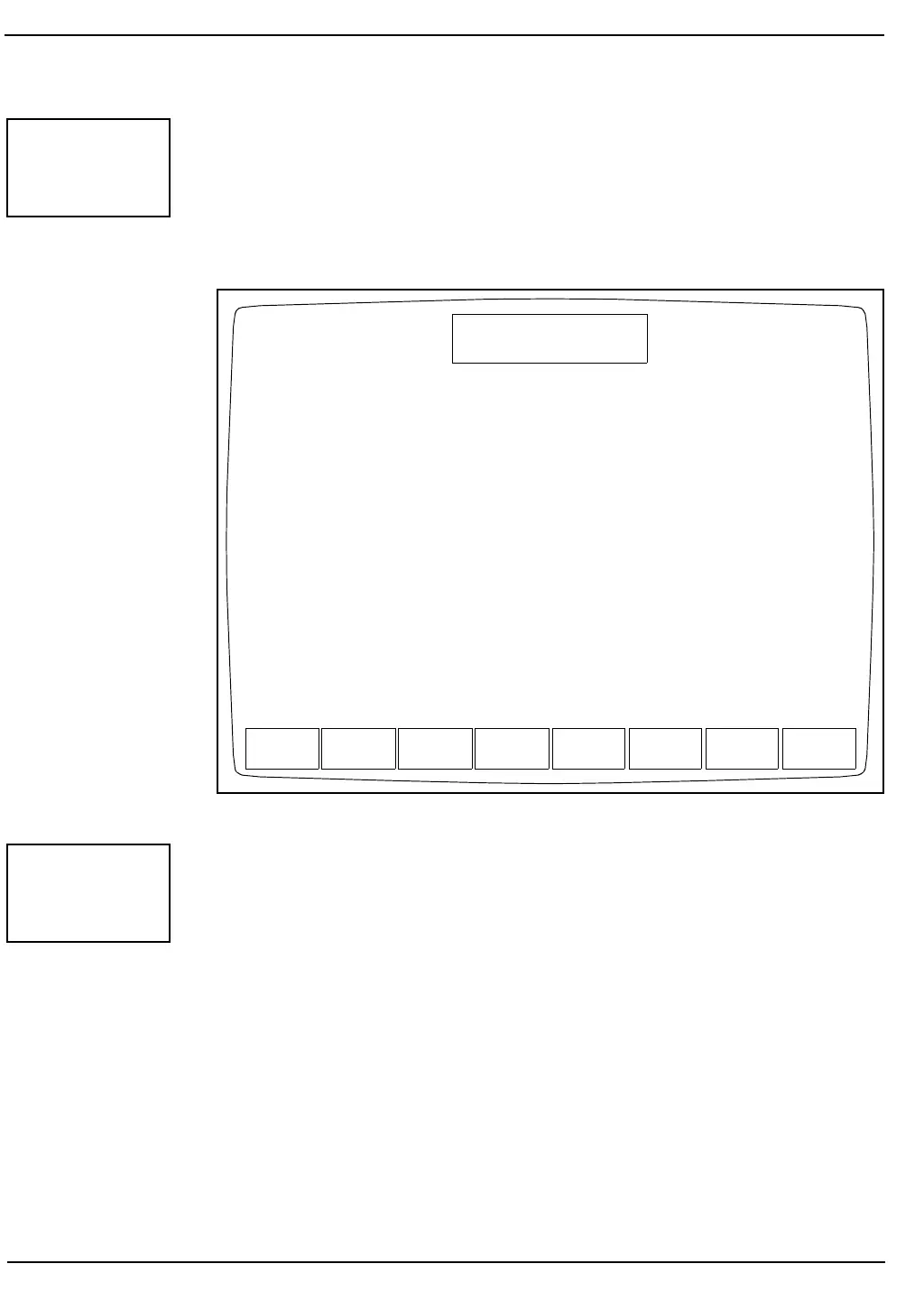
The [REPEAT SPECIMEN] key (see Figure 6.9) is displayed when the
first run of the first specimen is completed. This key is used to delete all
results (runs) for the current specimen.
NOTE: This key deletes all results for all runs of the current
specimen. It does not delete one run only.
Figure 6.9: Whole Blood Auto-Cal Results Screen
The [CALIBRATR] key is used to display the CALIBRATOR AUTO-
CAL Screen (See Figure 6.10). This screen accesses the Auto-Cal
program that is used to calibrate the instrument with a commercial
calibrator. The following soft key labels are displayed:
EDIT REF VAL
START AUTO-CAL
QUIT AUTO CAL
CLEAR REF VALS
PRINT SUMMARY
RETURN
OPEN
SAMPLER
REPEAT
SPECIMEN
REPEAT
SPECIMEN
INTERRUPT
AUTO-CAL
QUIT
AUTO-CAL
PRINT RETURN
WHOLE BLOOD AUTO-CAL
Ready for Calibration
May 11 1992
Operator ID
Sequence #
10:30
734
4100
Open Sampler
RESULTS FOR SPECIMEN #1
Spec 1 Mean Factor
Parameter Value RUN1 RUN2 RUN3 Factor Factor %Diff
WBC 7.30 7.42 ---- ---- 0.980 ---- ----
RBC 4.24 4.39 ---- ---- 0.970 ---- ----
HGB 12.9 13.0 ---- ---- 0.990 ---- ----
MCV 90.0 91.0 ---- ---- 0.990 ---- ----
PLT 244. 254. ---- ---- 0.960 ---- ----
SPEC ID CAL#01-01
NO. OF RUNS 3
CALIBRATR



 To Next Page