7-10 CELL-DYN 3000 System Operator’s Manual
9140240E — May 1995
Quality Control Chapter 7
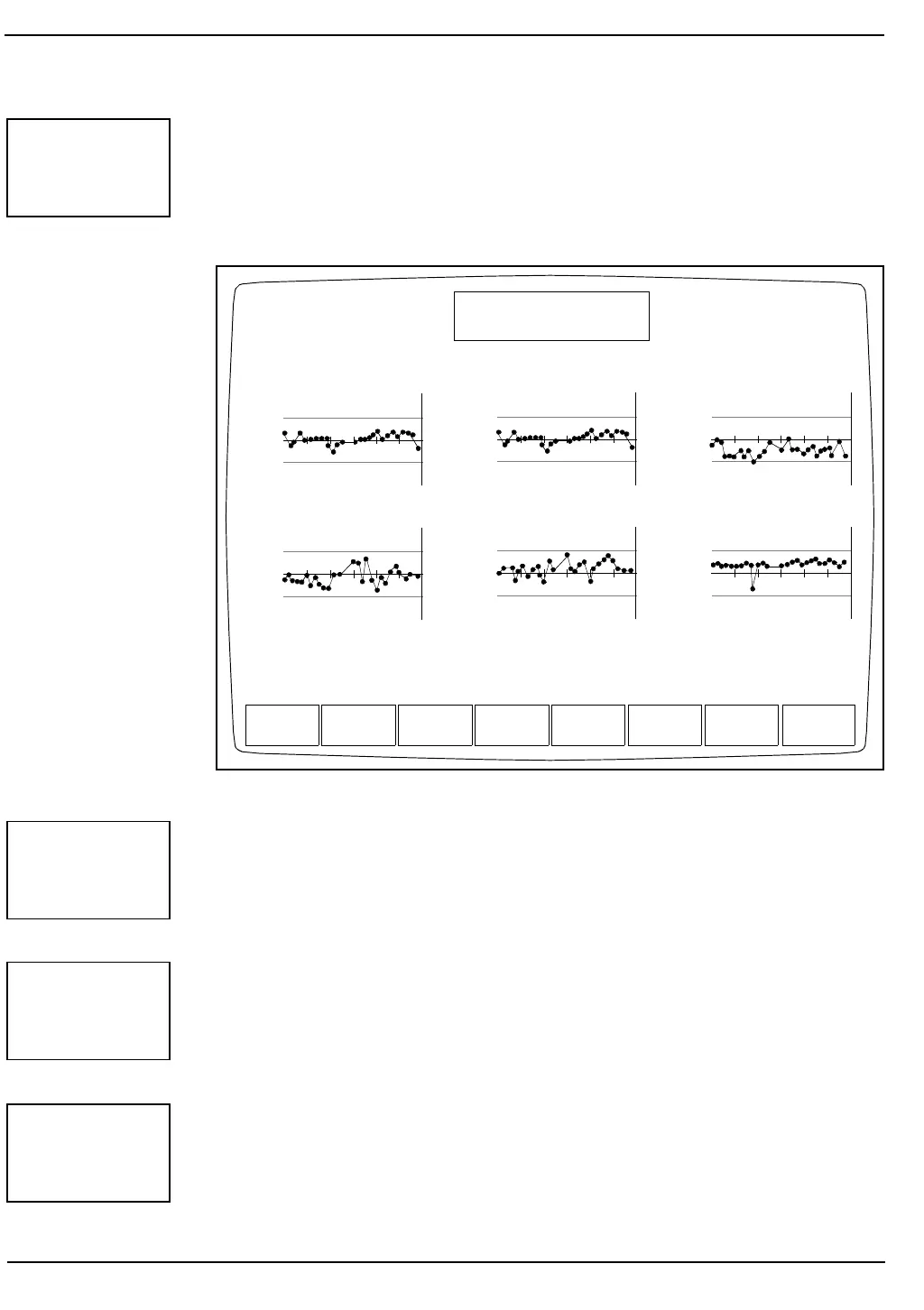
Each of these keys is used to select the graphs for a group of data that
correspond to the groups selected in the customize QC display option.
Subsequent groups may be selected by pressing the appropriate soft keys.
NOTE: The soft key for the group currently shown on the
screen is not displayed.
Figure 7.5: The Levey-Jennings Menu Screen
The [PRINT] key is used to print the Levey-Jennings graphs. When the
[PRINT] key is pressed, all of the graphs are automatically printed.
The [RETURN] key is used to return to the VIEW QC LOG Screen.
The [REJECT SPECIMEN] key is used to exclude the results for the
specimen indicated by the cursor position.
GROUP
1 - 4
EOS : – – – – – –
.400
.300
.200
LEVEY-JENNINGS MENU
Ready
WBC : – – – – – –
7.00
6.40
5.80
GROUP
2
GROUP
3
GROUP
4
PREVIOUS
10
NEXT
10
PRINT RETURN
Apr 09 1993
Operator ID
Sequence #
16:26
734
2581
QC file: PRECOP 03/01
Seq num: 291 to 2571
NEU : – – – – – –
4.50
3.20
1.90
LYM : – – – – – –
3.20
2.30
1.40
MONO : – – – – – –
.700
.500
.300
BASO : – – – – – –
.200
.100
0.00
PRINT
RETURN
REJECT
SPECIMEN



 To Next Page