10-14 CELL-DYN 3000 System Operator’s Manual
9140240E — May 1995
Troubleshooting Chapter 10
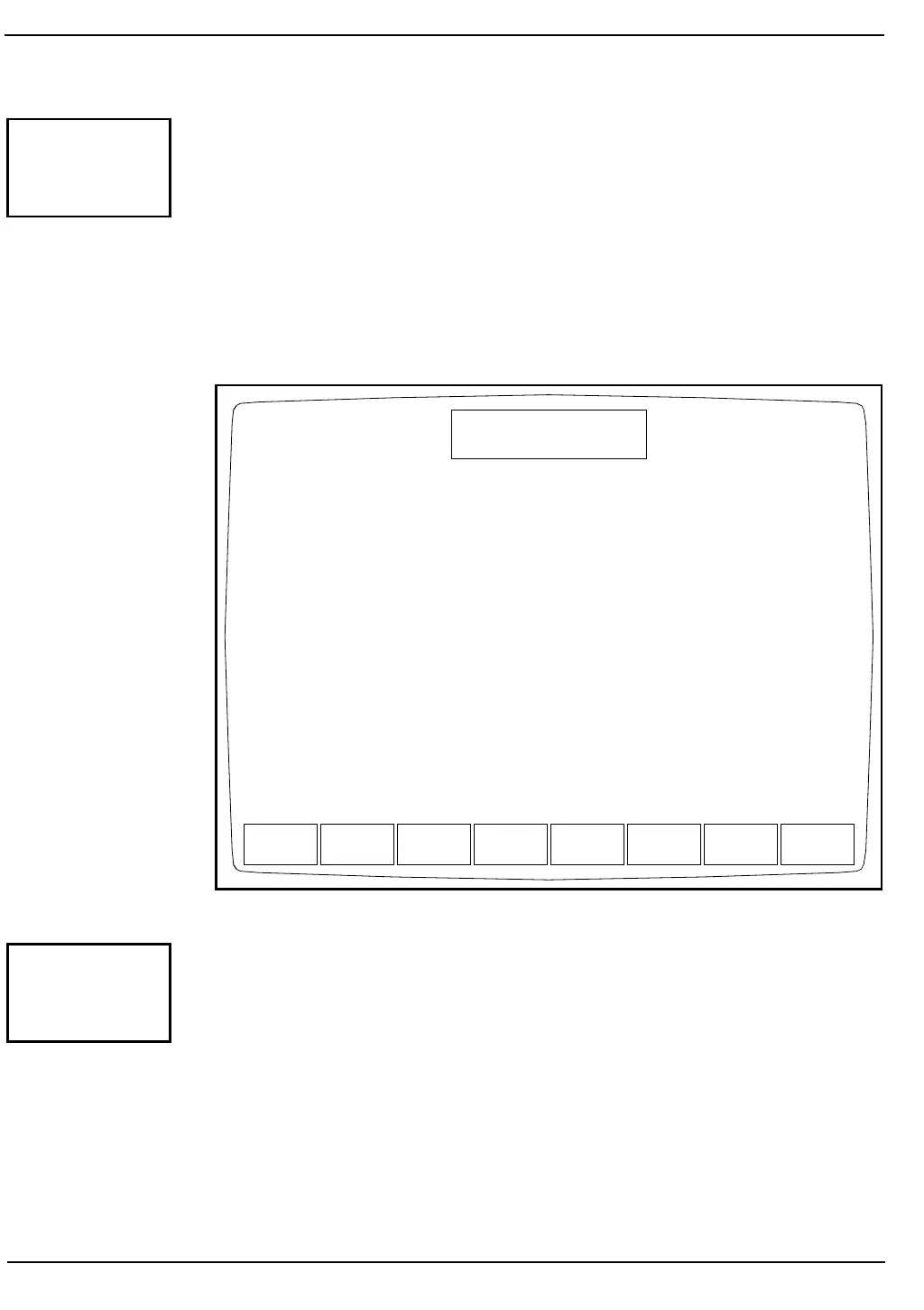
When the [VACUUM ON] key is pressed, the key label changes to
[VACUUM OFF], the vacuum pump is turned ON and the screen
displays the message VACUUM IS ON. (See Figure 10.11.) Press the
[VACUUM OFF] key to turn the pump OFF.
NOTE: The pump is automatically turned OFF and control of
the pump is returned to the instrument when the screen is exited.
This key is useful for troubleshooting vacuum problems. If the pump
does not turn ON when the key is pressed, the pump may be the cause of
the vacuum problem.
Figure 10.11: Pump Operation Screen — Vacuum ON
When the [PRESSURE ON] key is pressed, the key label changes to
[PRESSURE OFF], the pressure pump is turned ON and the screen
displays the message PRESSURE IS ON. Press the [PRESSURE OFF]
key to turn the pump OFF.
NOTE: The pump is automatically turned OFF and control of
the pump is returned to the instrument when the screen is exited.
VACUUM
ON
VACUUM
OFF
PRESSURE
ON
INHIBIT
PUMPS
VACUUM
TEST
PRESSURE
TEST
DIAG-
NOSTICS
DIAGNOSTICS MENU
Not Ready: See DIAG
Jan 18 1993
Operator ID
Sequence #
12:36
734
2716
Vacuum is on
PRESSURE
ON



 To Next Page