CELL-DYN 3000 System Operator’s Manual 10-13
9140240E — May 1995
Chapter 10 Troubleshooting
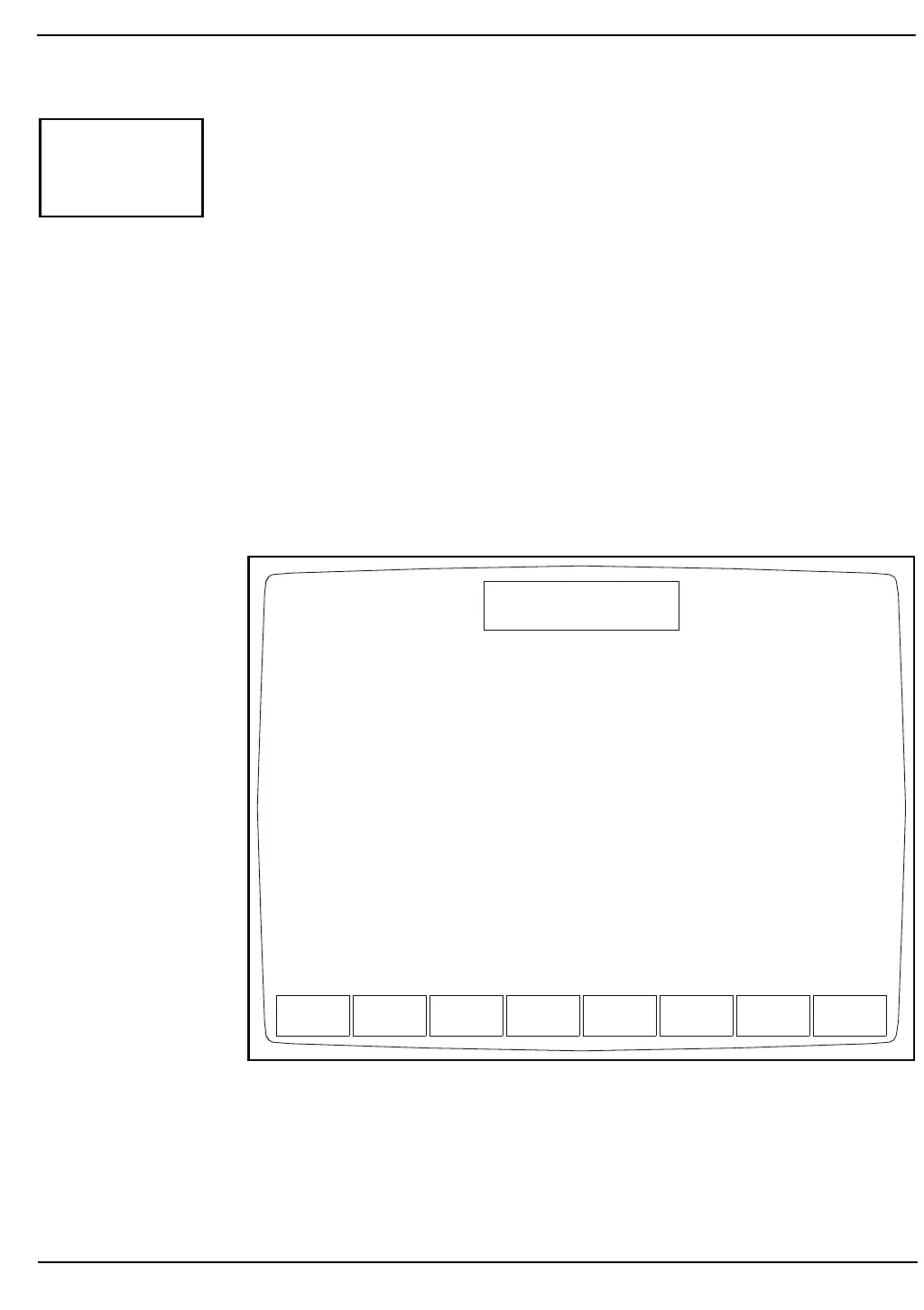
When the [PUMP OPERATION] key is pressed, the following soft key
labels (see Figure 10.10) are displayed:
VACUUM ON or
VACUUM OFF (The key label alternates between
these two selections.)
PRESSURE ON or
PRESSURE OFF (The key label alternates between
these two selections.)
INHIBIT PUMPS or
ENABLE PUMPS (This key is displayed after either key
listed above it is pressed.)
VACUUM TEST
PRESSURE TEST
DIAGNOSTICS
Figure 10.10: Pump Operation Screen
PUMP
OPERATION
VACUUM
ON
PRESSURE
ON
VACUUM
TEST
PRESSURE
TEST
DIAG-
NOSTICS
DIAGNOSTICS MENU
Not Ready: See DIAG
Jan 28 1993
Operator ID
Sequence #
12:34
734
3143



 To Next Page