10-12 CELL-DYN 3000 System Operator’s Manual
9140240E — May 1995
Troubleshooting Chapter 10
When the [MORE] key on the first DIAGNOSTICS MENU Screen is
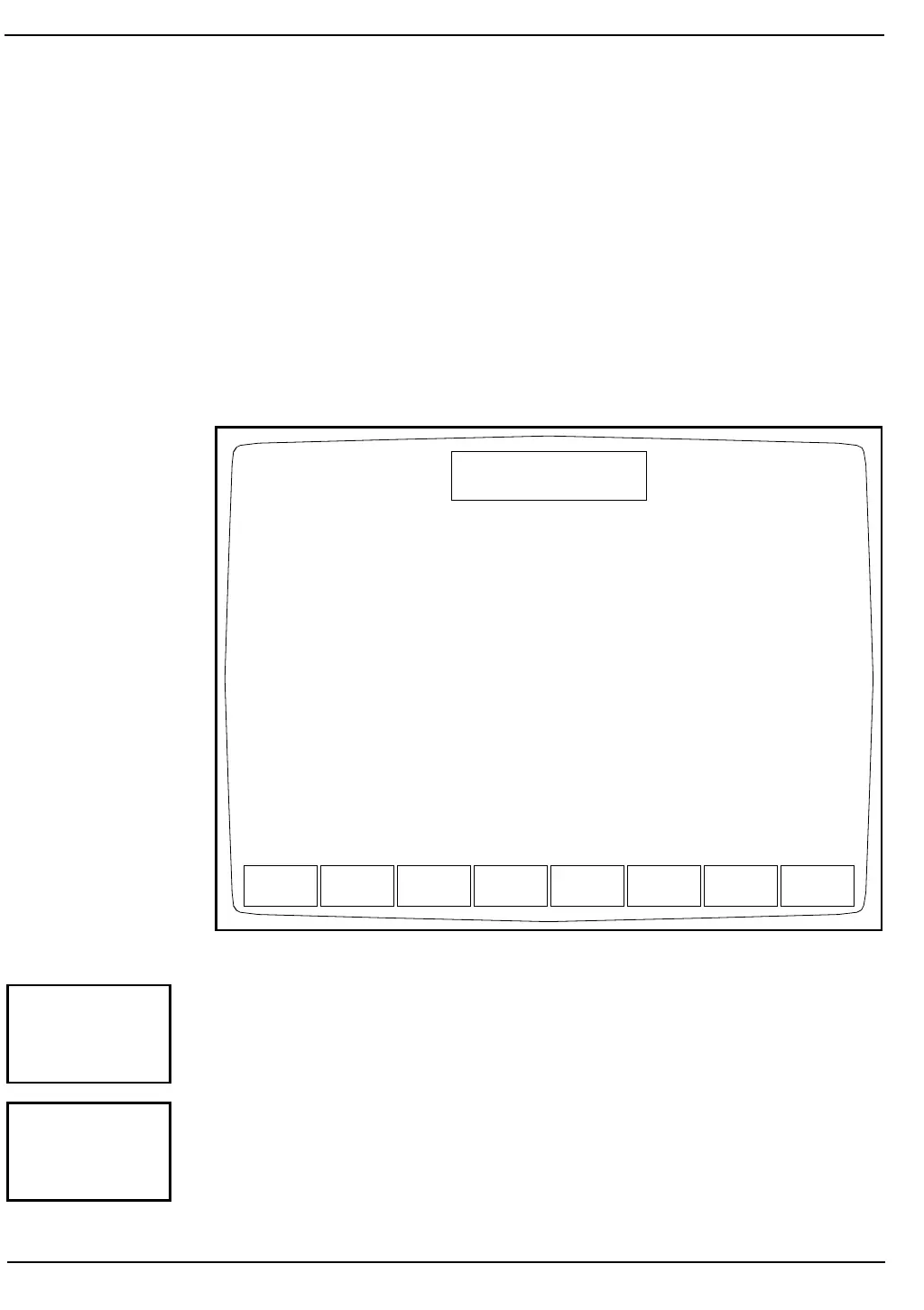
pressed, the second DIAGNOSTICS MENU Screen (see Figure 10.9)
and the following soft key labels are displayed:
MOTOR OPERATION
SOLENOID OPERATION
PUMP OPERATION
INITIALIZATION
MORE
MAIN
Figure 10.9: Second Diagnostics Menu Screen
This key is for service use only. The system must be initialized after this
key is pressed.
This key is for service use only. The system must be initialized after this
key is pressed.
MOTOR
OPERATION
SOLENOID
OPERATION
PUMP
OPERATION
INITIAL-
IZATION
MORE MAIN
DIAGNOSTICS MENU
Ready
Jan 18 1993
Operator ID
Sequence #
10:20
734
0630
MOTOR
OPERATION
SOLENOID
OPERATION



 To Next Page