CELL-DYN 3000 System Operator’s Manual 10-11
9140240E — May 1995
Chapter 10 Troubleshooting
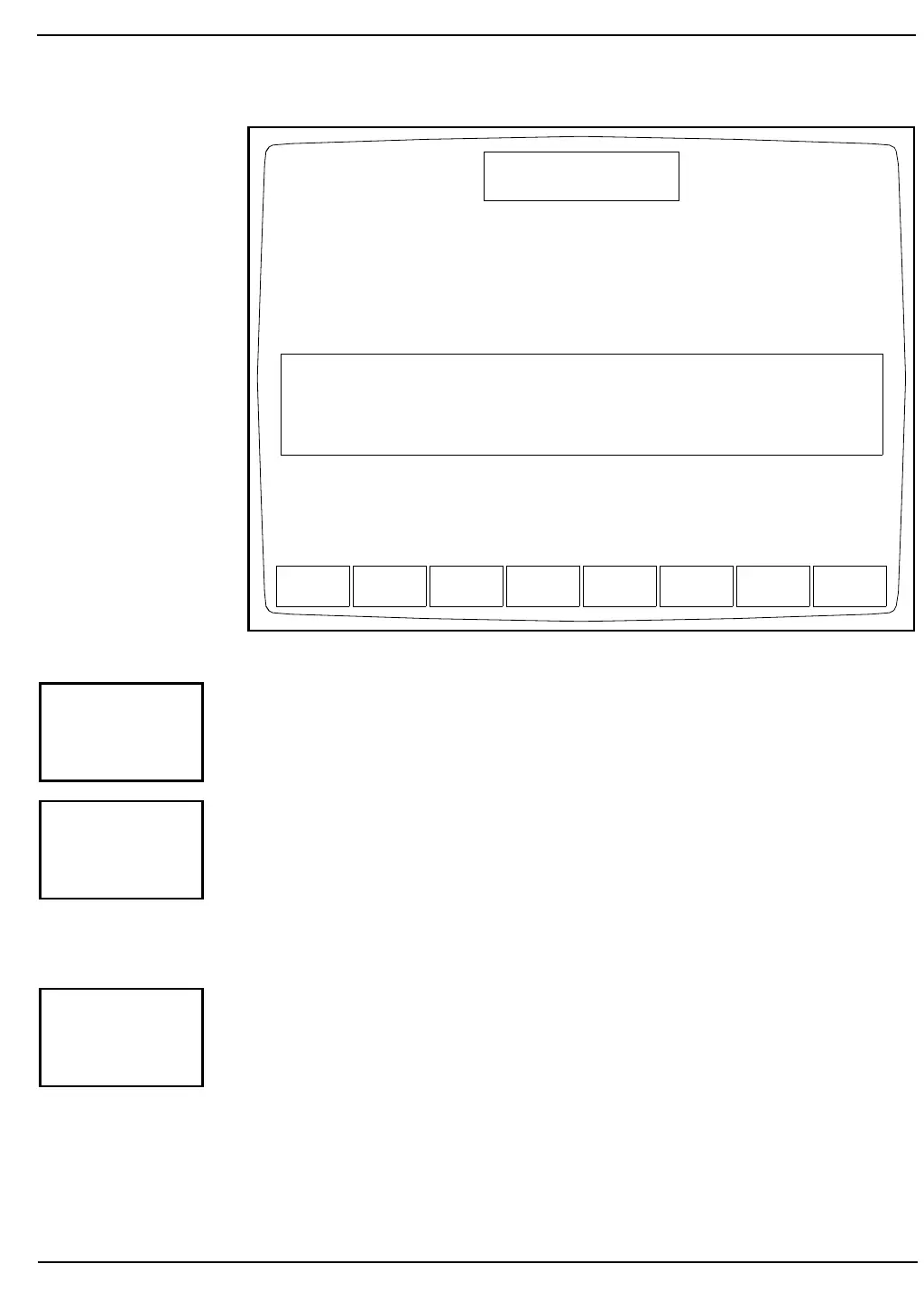
Figure 10.8: Raw Data Summary Screen
When the [MORE] key is pressed, the second DIAGNOSTICS MENU
Screen is displayed. The [MORE] keys on the remaining screens always
display the next screen. Consequently, they are discussed last in each
section.
When the [PRINT] key is pressed, a diagnostic report is printed. This
report contains information pertinent to the data displayed on the screen
at the time the key is pressed. If no data is displayed on the screen, the
report prints the current fault status.
The [PRINT] key functions in this way on each screen. Therefore, it will
not be discussed again in this section.
The [MAIN] key is used to return to the MAIN MENU Screen. The
[MAIN] key appears on each primary DIAGNOSTICS MENU Screen
and works the same way on each screen. Consequently, it will not be
discussed again in this section.
FAULT
REPORT
EXECUTION
TIMES
CNT RATE
SUMMARY
CLEAR
FAULTS
RAW DATA
SUMMARY
MORE PRINT MAIN
DIAGNOSTICS MENU
Ready
Jan 28 1993
Operator ID
Sequence #
12:33
734
3143
List ModeWBC: 4350RBC: 23598PLT: 2682
Raw Count
Count Time Upper: 3.53
Count: 6.23 Avg: 6.22
Timeout: 6.51
HGB Sample 1: 1218 2: 1218 3: 1219 4: 1219 5: 1219
HGB Ref 2255 2254 2255 2255 2258
RBC Alg RER:33.9%
Lo thr:40
CTRUE: 342.4
WBC Alg % Tot:98.6%
PLT Alg
Adj cnt:2728 Lo thr:8
Hi thr: 219
2741
31166
4206
MORE
PRINT
MAIN



 To Next Page