10-10 CELL-DYN 3000 System Operator’s Manual
9140240E — May 1995
Troubleshooting Chapter 10
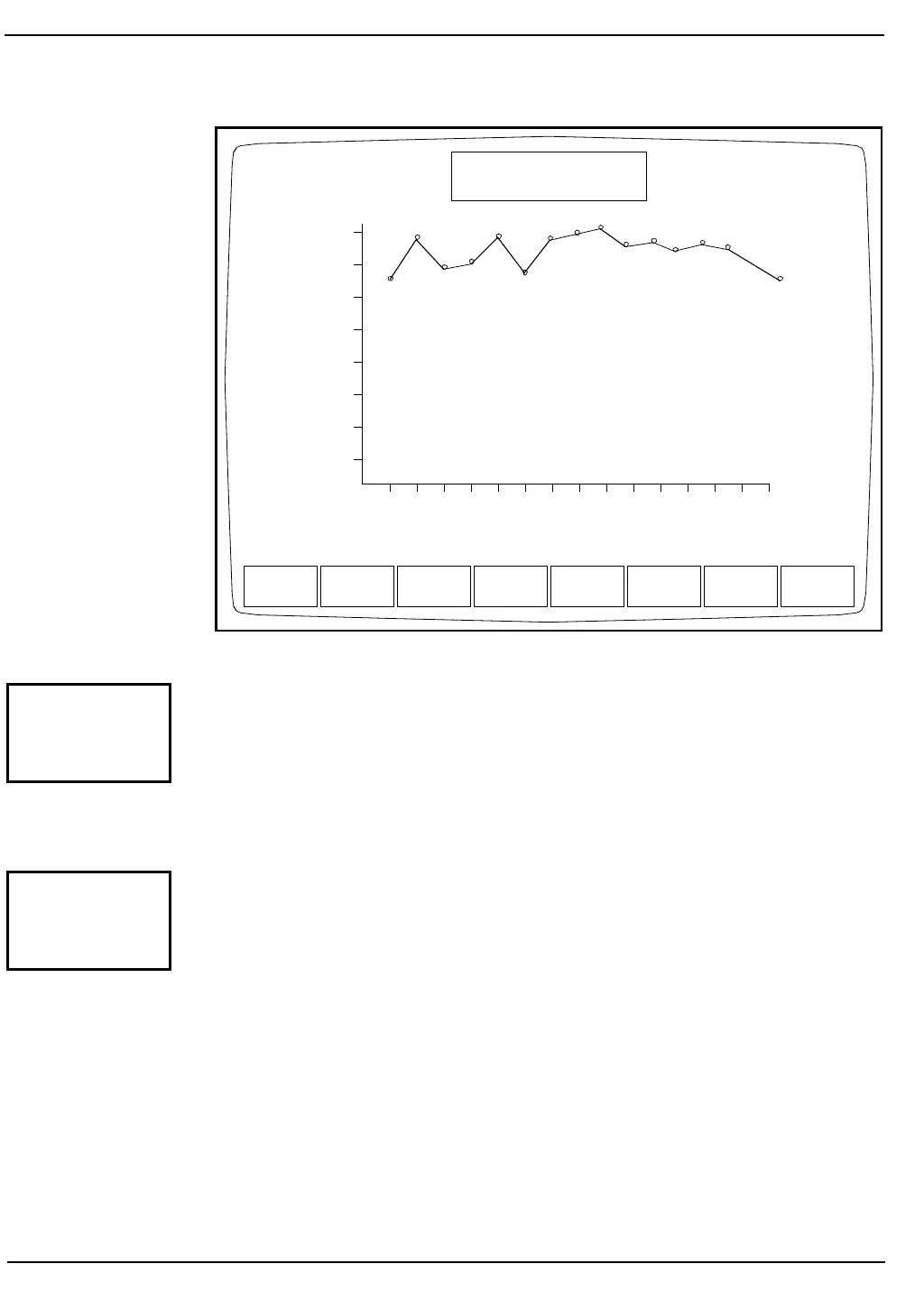
Figure 10.7: WBC Count Rate Graph
When the [CLEAR FAULTS] key is pressed, the Analyzer returns to the
READY state if the corrective action taken resolved the problem. If the
corrective action did not correct the problem, the fault status does not
change.
NOTE: Only operator-correctable faults can be cleared with the
[CLEAR FAULTS] key.
When the [RAW DATA SUMMARY] key is pressed, detailed
information pertaining to the last cycle run is displayed. An example of
the RAW DATA SUMMARY Screen is shown in Figure 10.8. The most
useful information for the operator, the metering times and the HGB
reference and sample readings, is highlighted in Figure 10.8.
The information on metering times may be used to assist in
troubleshooting chronic clog or flow error messages. The HGB reference
and sample readings may be used to assist in troubleshooting erratic or
imprecise HGB results.
WBC
CNT RATE
RBC
CNT RATE
PLT
CNT RATE
PRINT RETURN
DIAGNOSTICS MENU
Ready
Jan 20 1993
Operator ID
Sequence #
12:29
734
2716
WBC RATE GRAPH
864.7
756.6
648.5
540.4
432.4
324.3
216.2
108.1
0.5 1.0 1.5 2.0 2.5 3.0 3.5 4.0 4.5 5.0 5.5 6.0 6.5 7.0 7.5
CLEAR
FAULTS
RAW DATA
SUMMARY



 To Next Page