CELL-DYN 3000 System Operator’s Manual 11-3
9140240E — May 1995
Chapter 11 Printer
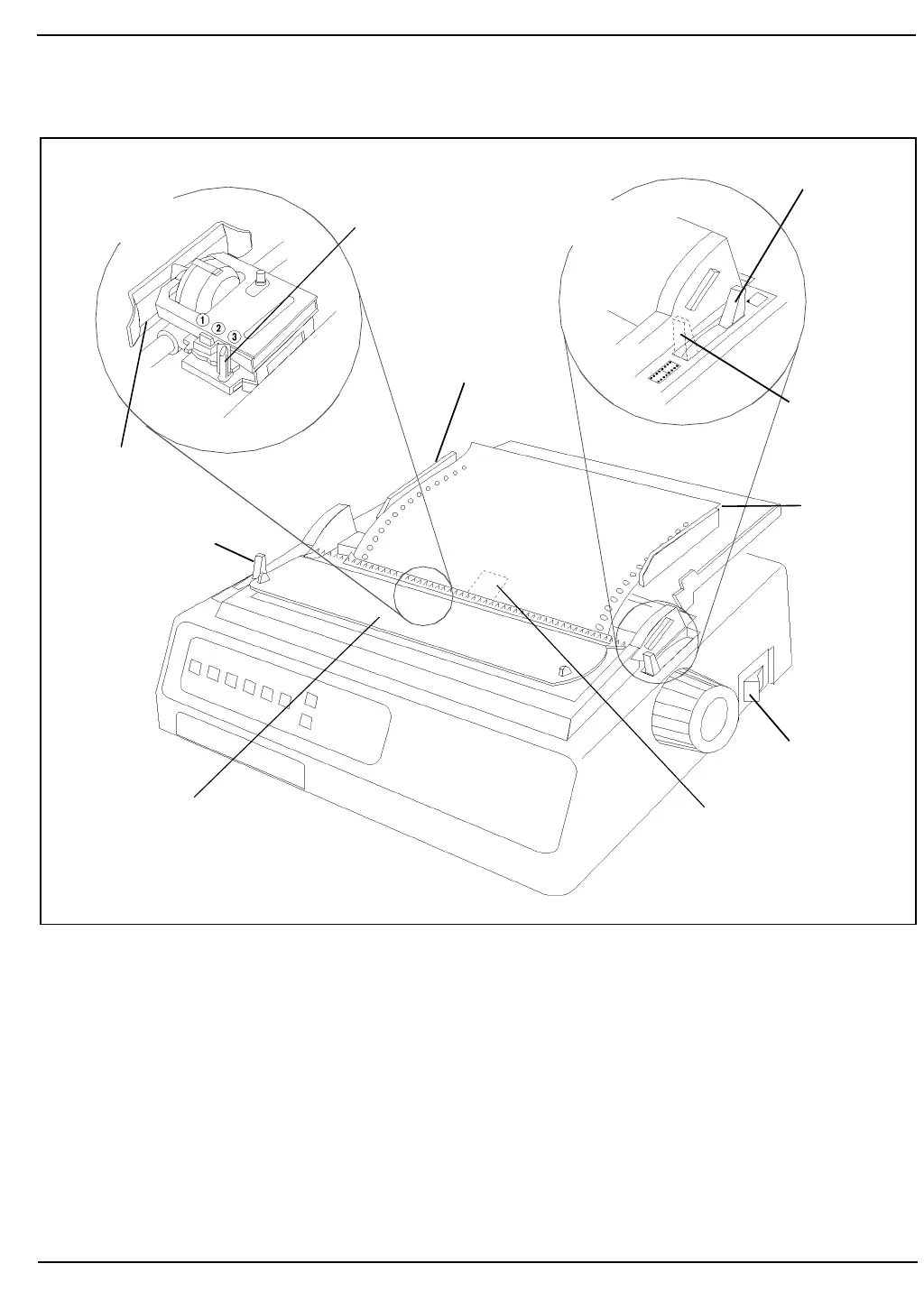
Figure 11.1: OKIDATA® MICROLINE® Printer
3. Move the paper selection lever to the rear position to select
single-feed paper.
4. Open the access cover and be sure the guide wire on the paper
separator is pushed back into the locked position.
5. Raise the separator to its upright position.
6. Place a ticket on the paper separator and adjust the guides so that
they barely touch the edges of the ticket.
(Lower) Red Line
on Paper Shield
Headgap Lever
Paper Guide
Paper
Lever in
Single-Sheet
Position
Paper
Lever in
Tractor-Feed
Position
Paper
Separator
Printer Power
On/Off Switch
Guide Wire
(in Locked Position)
Bail Lever
Access Cover
(Shown Open)
Printhead
(Detail View)
Paper Lever
(Detail View)
Selection
Selection



 To Next Page