103
Telephone mode
Fast access telephone functions
In fast access mode the last 20 numbers
or names which have been dialled,
answered or rejected will be displayed in
chronological order.
You may:
• Call numbers and names listed in fast
access mode directly.
• Protect the fast access entries, i.e. the
entry will not be deleted when the
maximum number of entries is
reached. The oldest unprotected entry
will be deleted.
• Delete individual fast access entries.
• Delete the entire fast access list.
• Save an entry from the fast access list
in the address book.
! Press .
! The telephone fast access function
appears.
Direct calling
! Call up the telephone fast access
function.
! Turn the rotary control/push button
and then press the rotary control/
push button to select the required
number or name from the list.
The call connection to the required
person will be started immediately.
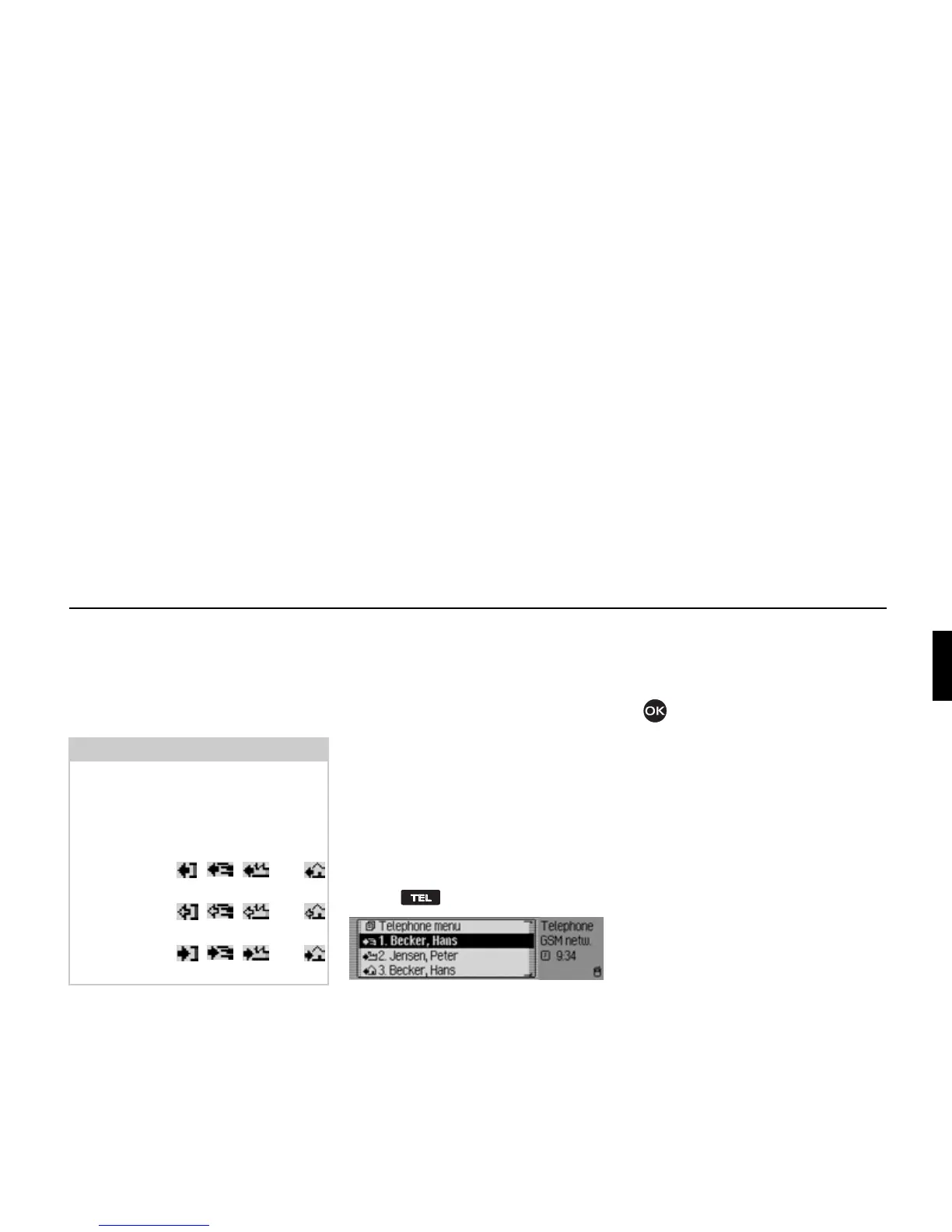
Notes:
The fast access entries have been given
symbols (the symbols are displayed in
following order – number not in
memory, mobile phone number,
business number, private number).
• The symbols , , and
stand for answered calls.
• The symbols , , and
stand for rejected calls.
• The symbols , , and
stand for outgoing calls.
5001















 To Next Page