181
Voice mode
• Call up the Search Criterion menu
(page 111).
! Say the command Search crite-
rion or Set search criterion.
• Call up Voice Entries menu
(page 117).
! Say the command Voice entries or
Open voice entries.
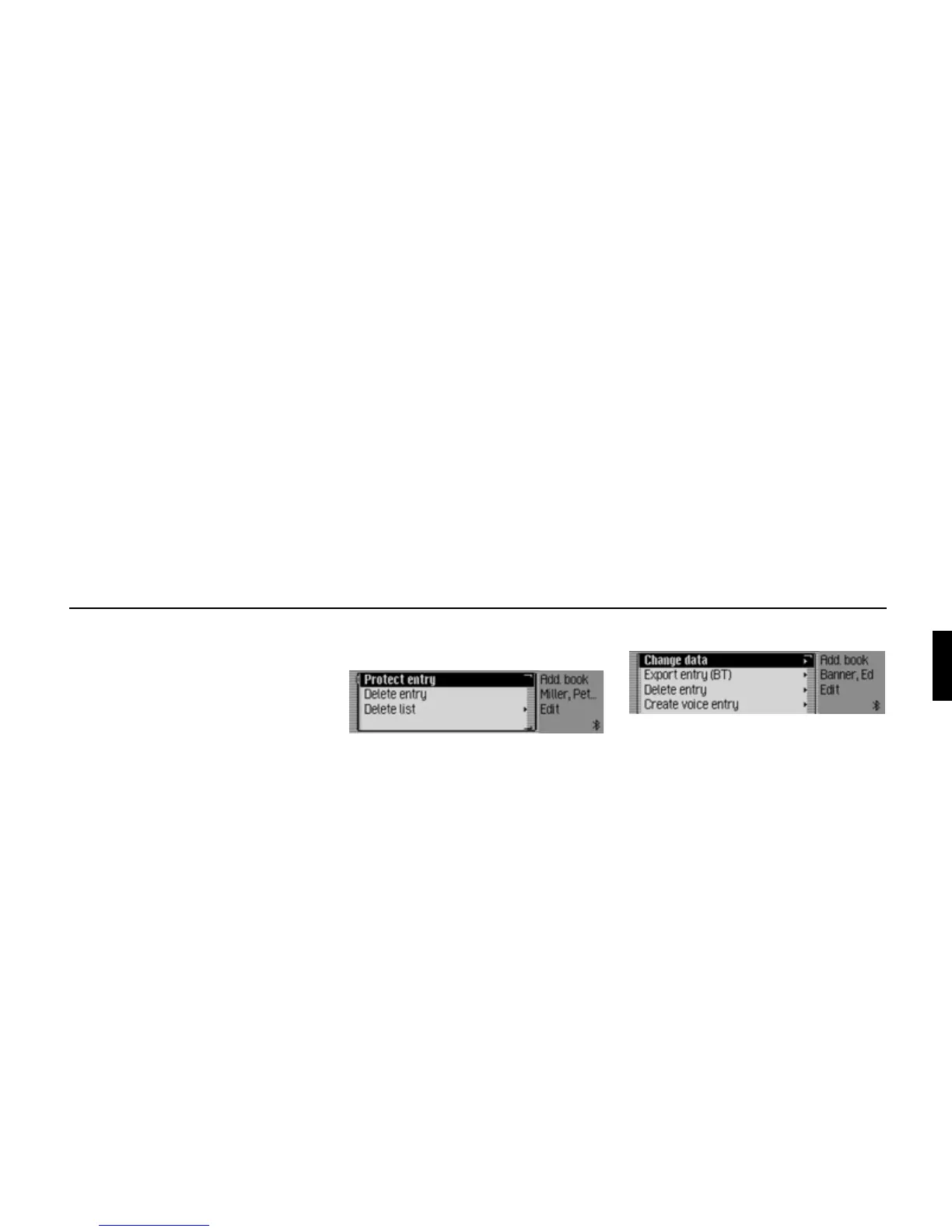
Commands in the Fast Access/Edit
Entries menu
• Switch entry protection on/off
(page 118).
Switch on:
! Say the command Protect entry
on.
Alternative commands:
Activate protect entry or Activate pro-
tect address.
Switch off:
! Say the command Protect entry
off.
Alternative commands:
Deactivate protect entry or Deactivate
protect address.
• Delete an entry (page 113).
! Say the command Delete entry or
Delete address.
• Delete entire list (page 119).
! Say the command Delete list or
Delete entire list.
Commands in the Edit menu
• Call up menu for editing data
(page 112).
! Say the command Change data or
Change address.
• Delete entry (page 113).
! Say the command Delete entry or
Delete address.
• Create voice entry (page 113).
! Say the command Create voice
entry.
• Delete voice entry (page 113).
! Say the command Delete voice
entry.
• Listen to voice entry (page 113).
! Say the command Read out voice
entry or Listen to voice entry.
• Exporting an address book entry
(page 115).
! Speak the command Export entry.
6026
6016















 To Next Page