36
Navigation mode
Protecting an entry
! Call up the navigation fast access
function.
! Select the entry to be protected.
! Press the rotary control/push button
until a menu appears.
! Select the Protect entry entry.
! Switch protection on ( ) or off ( )
by pressing the rotary control/push
button .
Protected entries are identified by the
symbol.
Deleting an entry
! Call up the navigation fast access
function.
! Select the entry to be deleted.
! Press the rotary control/push button
until a menu appears.
! Turn the rotary control/push button
and then press the rotary control/push
button to select the
Dečete entry entry.
The entry is deleted from the fast access
list.
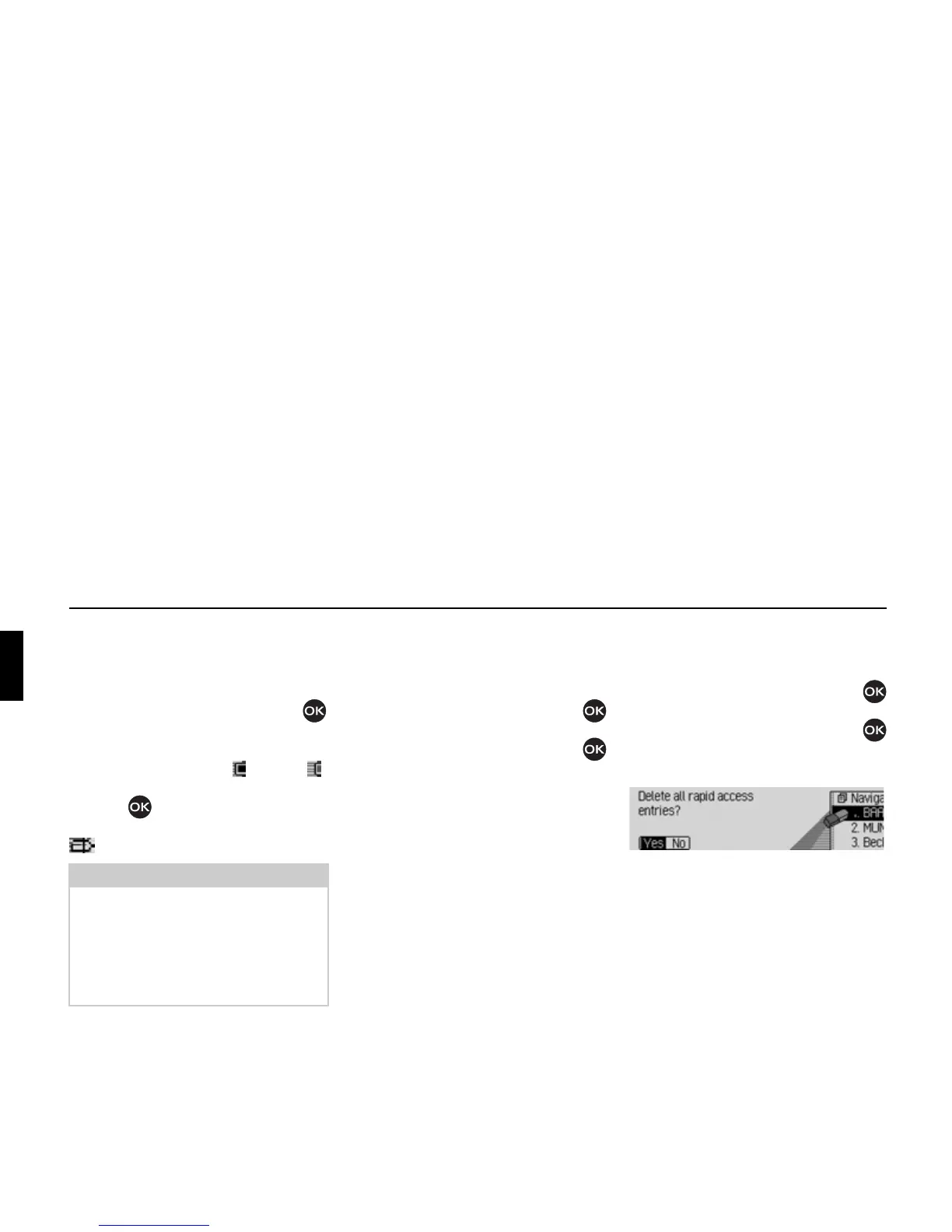
Deleting a list
! Call up the navigation fast access
function.
! Press the rotary control/push button
until a menu appears.
! Turn the rotary control/push button
and then press the rotary control/push
button to select the
Dečete čist entry.
! When the prompt appears, select Yes
to delete the list or No to retain it.
If you select
Yes, the list will be deleted
in the fast access function.
Note:
A protected entry is only protected from
being deleted in fast access mode.
However, you can delete this protected
entry individually, and it will also be
deleted when the complete list is
deleted.
2028















 To Next Page