137
Settings
Display colour
You can use this function to set the dis-
play colour using predefined colour pal-
ettes.
! Select Dispčay in the system settings.
! Select Cočours.
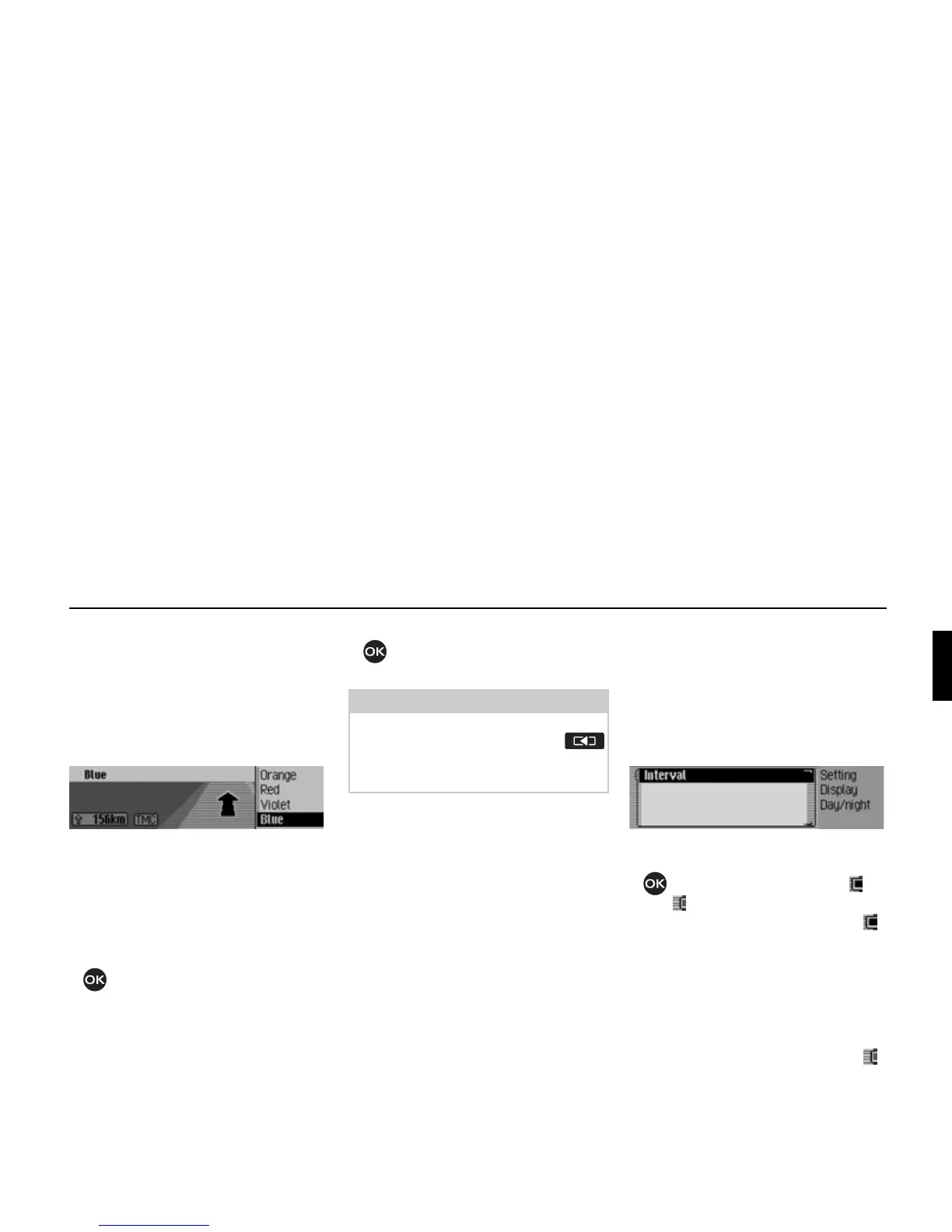
The colour schemes available for selec-
tion are given in the right-hand part of
the display. A fixed navigation display is
given as an example in the left-hand part
of the display.
! Turn the rotary control/push button
to select the required colour
scheme.
The colour scheme is modified during
the selection.
! Press the rotary control/push button
to apply the preferred colour
scheme. This quits the menu.
Day/ night design
You can configure settings for the
changeover between day and night de-
sign on your Cascade.
! Select Day/night design in the system
settings.
! Select Intervač.
! Press the rotary control/ push button
to switch the function on ( ) or
off ( ).
If the function is switched on ( ),
changeover between day and night
design takes place at short intervals dur-
ing operation (under dim outside light
conditions). This setting protects the dis-
play and prevents what is known as the
“burning-in effect”.
If the function is switched off ( ),
changeover between day and night
design takes place automatically. The
night design is automatically activated
under dim outside light conditions.
7054
Note:
The previously selected colour scheme
is retained even after pressing the
button and after a short time if the sys-
tem is not operated (quitting the menu).
7023















 To Next Page