176
Voice mode
• Calling up the Settings menu
(page 99).
! Speak the command Settings.
Alternative commands:
Open settings or Open telephone set-
tings.
Commands in the input menu for
telephone numbers
• Establishing a connection to the
telephone number entered.
! Speak the command Dial or Dial
number.
• Redialling the number entered.
! Speak the command Repeat the
number or Repeat [telephone]
number.
• Deleting the telephone number
entered.
! Speak the command Delete input.
Alternative commands:
Delete [entire] input, Delete [entire]
number or Delete all.
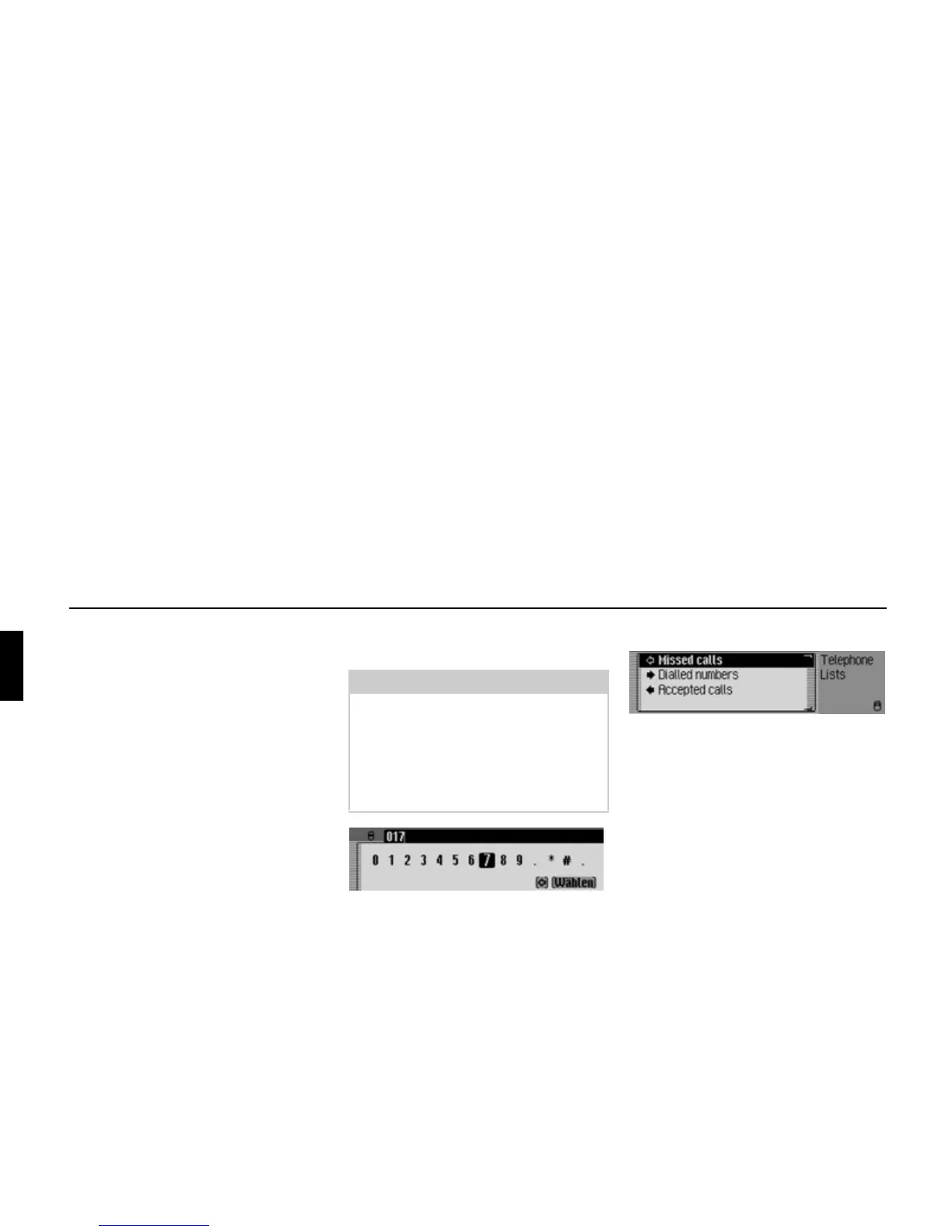
Commands in the Call Lists menu
• Calling up the call list with the missed
calls (page 97).
! Speak the command Missed calls
or Select missed calls.
• Calling up the calls list with the
dialled calls.
! Speak the command Dialled
numbers or Select dialled numbers.
• Calling up the calls list with the an-
swered calls.
! Speak the command Accepted
calls or Select accepted calls.
Note:
Please refer to the description under
“Example for entering a telephone
number” on page 149.
As well as digits, +, hash sign and
asterisk can be spoken in the entry
menu.
5005
5011















 To Next Page