66
Radio mode
Manual station tuning
You can set the required frequency
manually.
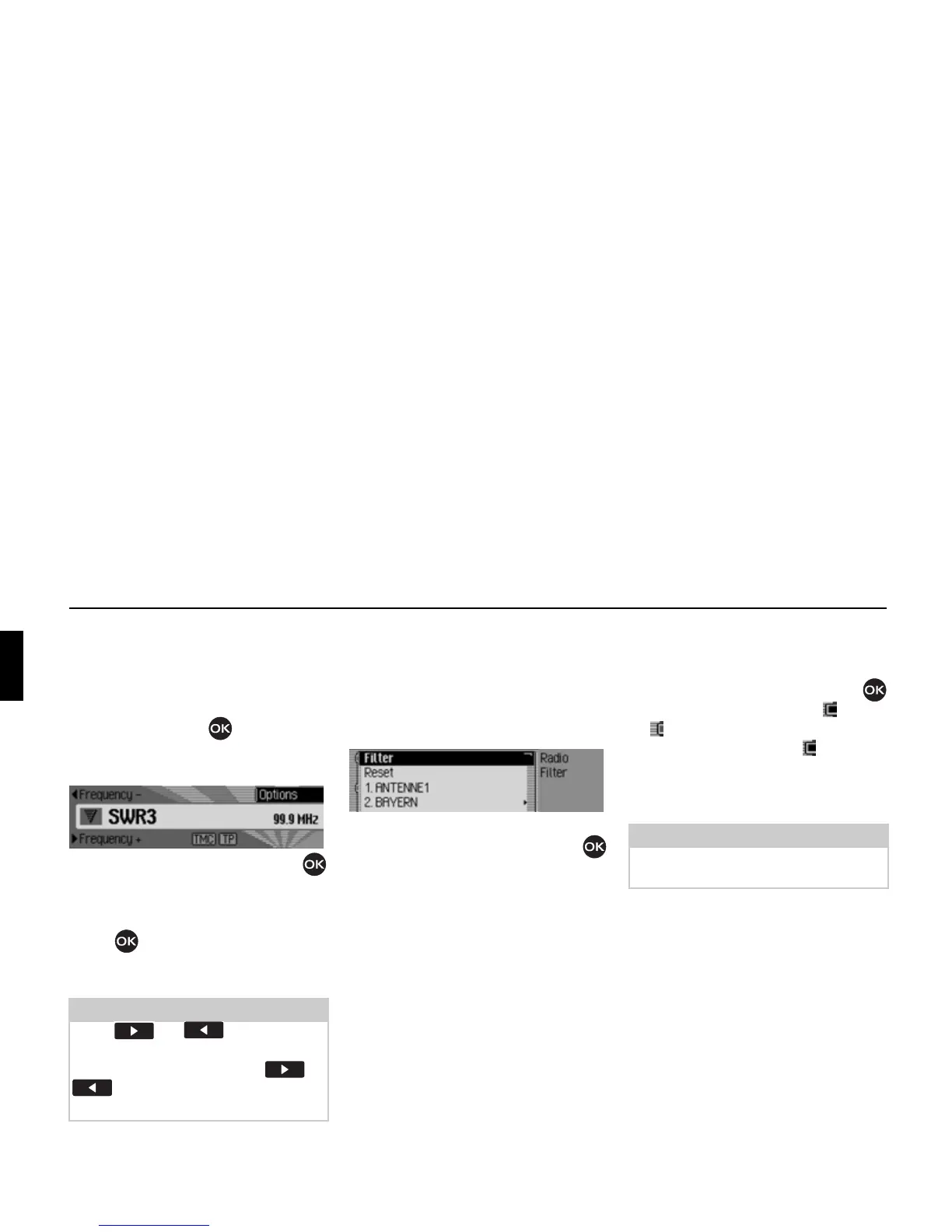
! In the status display, press the rotary
control/push button until
Frequency
-
or Frequency + appears on the display
instead of the previous/next station.
! Turn the rotary control/push button
to select the required frequency.
To exit manual station tuning, press and
hold down the rotary control/push
button until
Frequency - or Frequency
+
disappears.
The selected frequency remains set.
Filter function
You can use this function to filter
stations or entire station chains out of the
station list.
! In the Radio main menu, select Fičter.
The Filter menu appears.
! Turn the rotary control/push button
to select one of the following options:
Fičter,
Reset or
the stations and station chains which
can currently be received.
Switching the filter function on/off
! In the Filter menu, select the Fičter
entry.
! Turn the rotary control/push button
to switch the function on ( ) or off
().
If the function is active ( ), only the
stations and station chains which have
not been filtered out will appear in the
FM station lists.
Note:
Press or to initiate the
search for the next receivable station.
Pressing and holding button or
results in a fast frequency search
until the button is released.
3005
3006
Note:
If the function is not active, the filter
settings will continue to be maintained.















 To Next Page