112
Address book
Editing entries
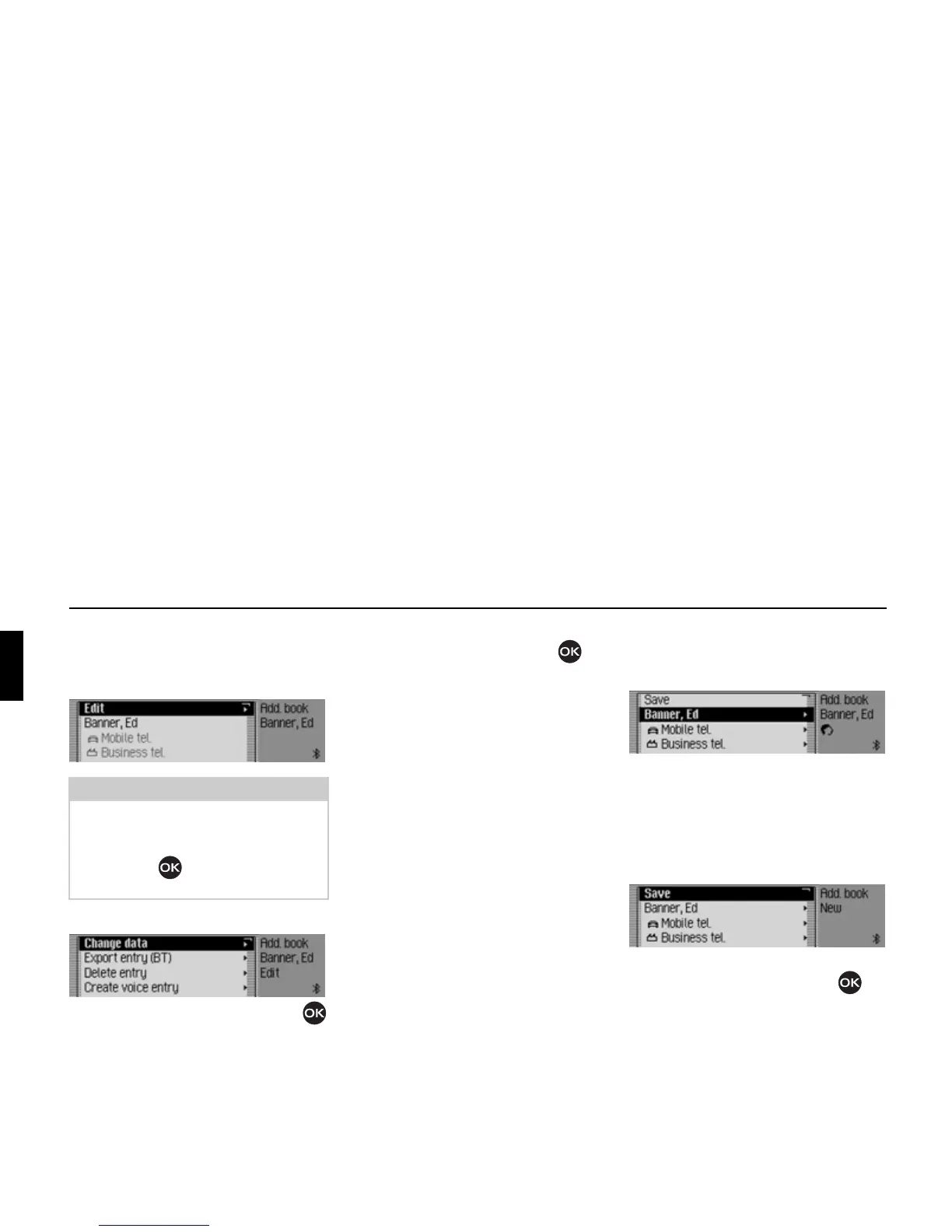
! Find the address book entry to be
modified.
! Select the Edit entry.
! Turn the rotary control/push button
to select one of the following options:
Change data,
Export entry (BT),
Dečete entry,
Create voice entry or Dečete voice entry
and
Read out voice entry
! Confirm your selection by pressing
the rotary control/push button .
•
Change data
You can modify the data entered for
an entry. See “Modifying an entry” on
page 112.
•
Export entry (BT)
Use this function to transfer a single
address book entry in vCard format to
another device which is equipped with
Bluetooth® wireless technology.
•
Dečete entry
You can delete the selected entry. See
“Deleting an entry” on page 113.
• Create voice entry or Dečete voice entry
You can create a voice entry for the
selected entry or delete an existing
voice entry. See “Creating/Deleting
voice entries” on page 113.
•
Read out voice entry
Once you have made this selection,
the voice entry saved is read out.
Modifying an entry
! In the Edit Entries menu, select the
Change data entry.
! Modify the required data as described
in “Creating an entry” on page 107.
Once you have entered all the informa-
tion, you must save the entry.
! Select the Save entry.
! Confirm your selection by pressing
the rotary control/push button .
Note:
You can modify individual entries. To do
this, select the entry to be modified and
press and hold down the rotary control/
push button until the appropriate
data entry menu appears.
6015
6016
6017
6006















 To Next Page