147
Voice mode
Example for entering a
navigation destination
The following description assumes that
you are in the status display for radio
mode.
You wish to enter Lexington Street in
London as a destination and start route
guidance to it.
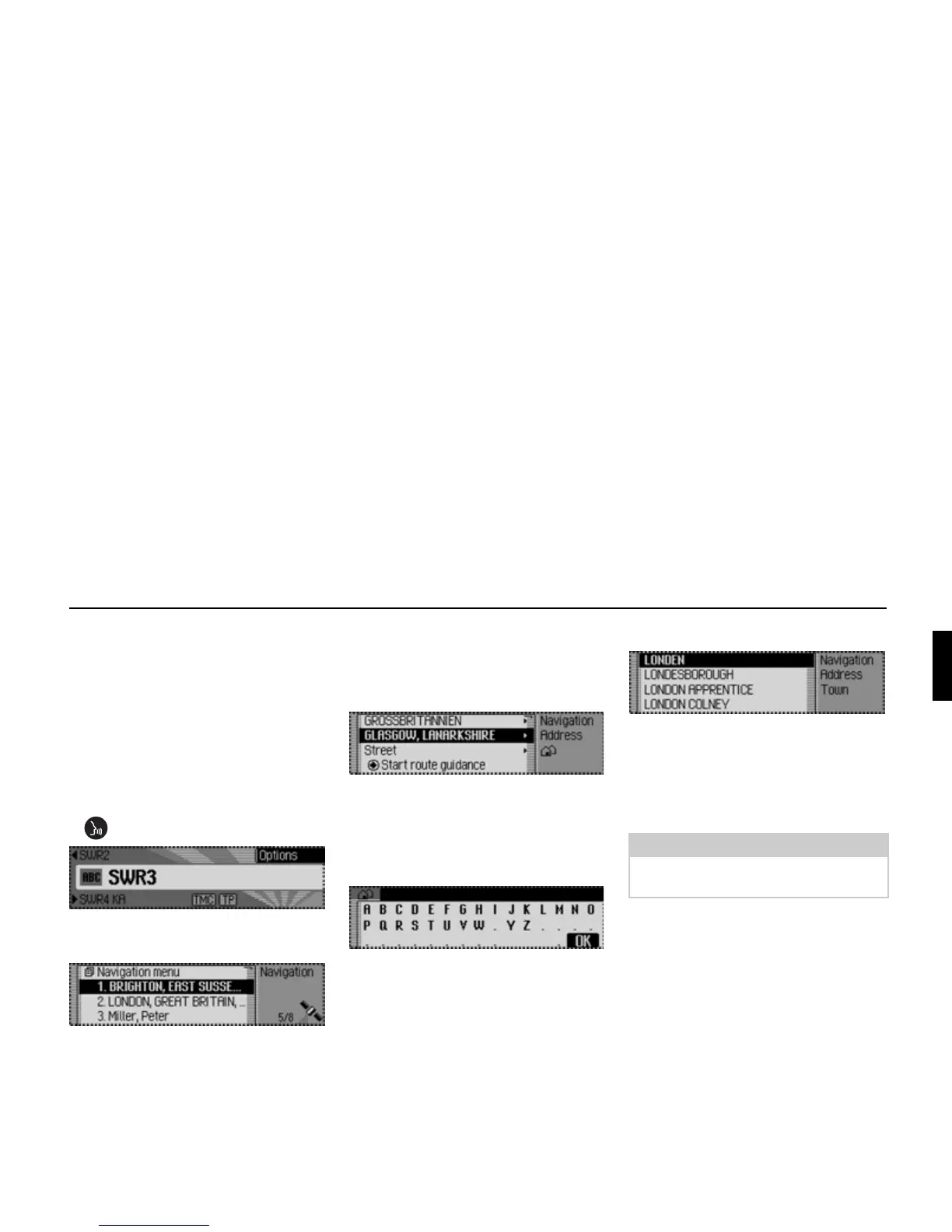
! Press the rotary control/push button
.
You will hear a signal tone #.
! ! Say the command Navigation.
The navigation Fast Access menu
appears.
" Navigation
You will hear a signal tone #.
! ! Say the command Enter destina-
tion.
The destination input menu appears.
" Would you like to retain GLASGOW
(or another town)?
You will hear a signal tone #.
! ! Say the command No.
The data entry menu for the town
appears.
" Please spell the first letters of the
town.
You will hear a signal tone #.
! ! Spell out London L - O - N - D.
The town selection list appears.
" Please select the line number for the
town.
You will hear a signal tone #.
As the required town does not appear in
the list, you must scroll through it until it
does.
9001
9005
9006
9007
Notes:
Speak the command Read out to have
the displayed list entries read out.
9008















 To Next Page