49
Navigation mode
• Route opt.
You can modify the route options dur-
ing navigation. See “Modifying route
options” on page 52.
•
Announce
You can switch navigation announce-
ments off and then back on again. See
“Switching navigation announcements
on/off” on page 52.
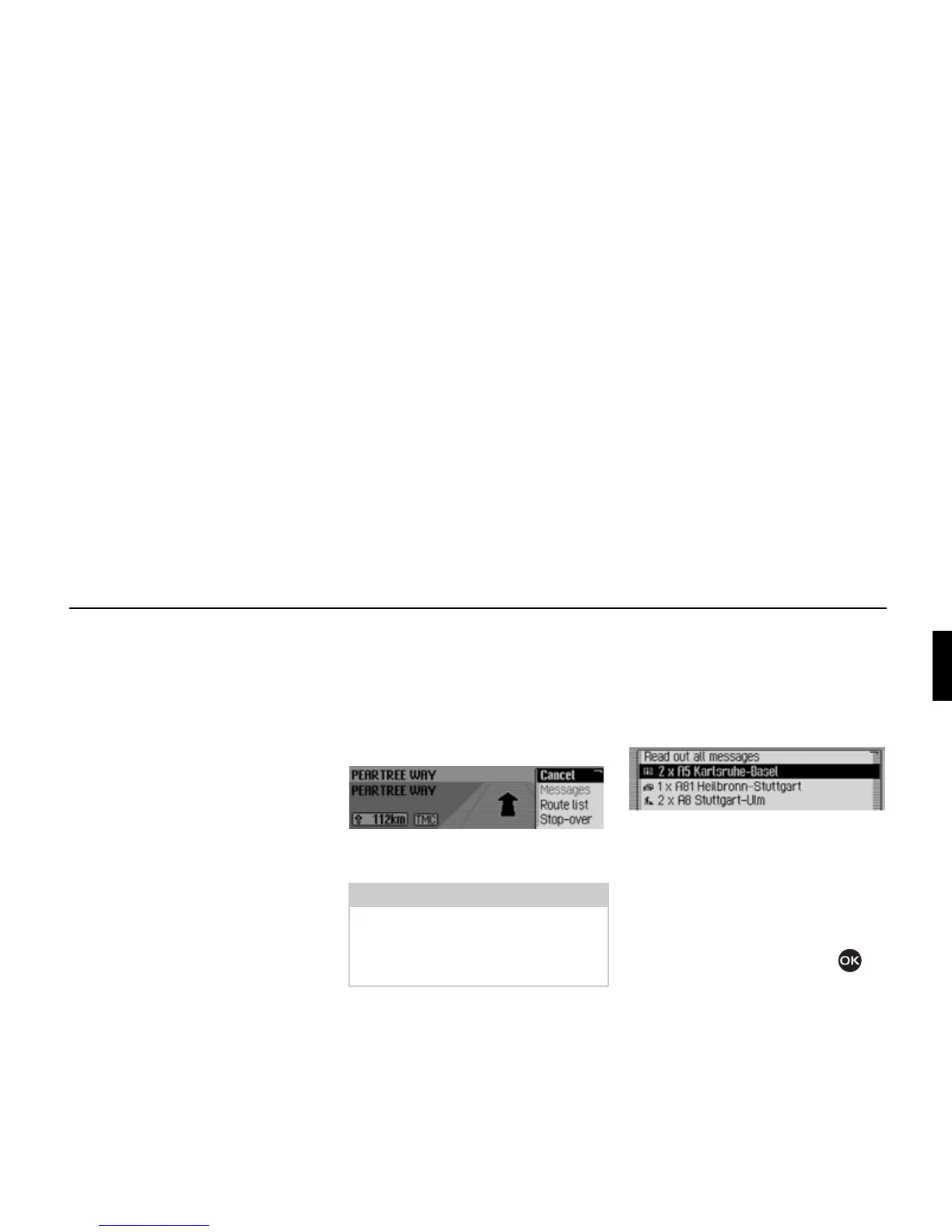
Cancelling route guidance
You can use this function to cancel route
guidance before reaching the actual des-
tination.
! In the Options menu, select the Canceč
entry.
! Select Yes (cancel navigation) or No
(continue with navigation).
Traffic announcements
You can display/listen to a list of traffic
announcements relevant to the route.
! In the Options menu, select the Mes-
sages
entry.
The list of traffic announcements rele-
vant to the route appears.
! To listen to all announcements, select
the
Read out ačč messages entry.
or
! Select the required announcement.
! Confirm your selection by pressing
the rotary control/push button .
The announcement appears in full.
For more information about traffic
announcements, see “Displaying traffic
information” on page 56.
Note:
If no operator inputs are made, the
menu will automatically disappear after
a few seconds and navigation will con-
tinue.
2068
2069















 To Next Page