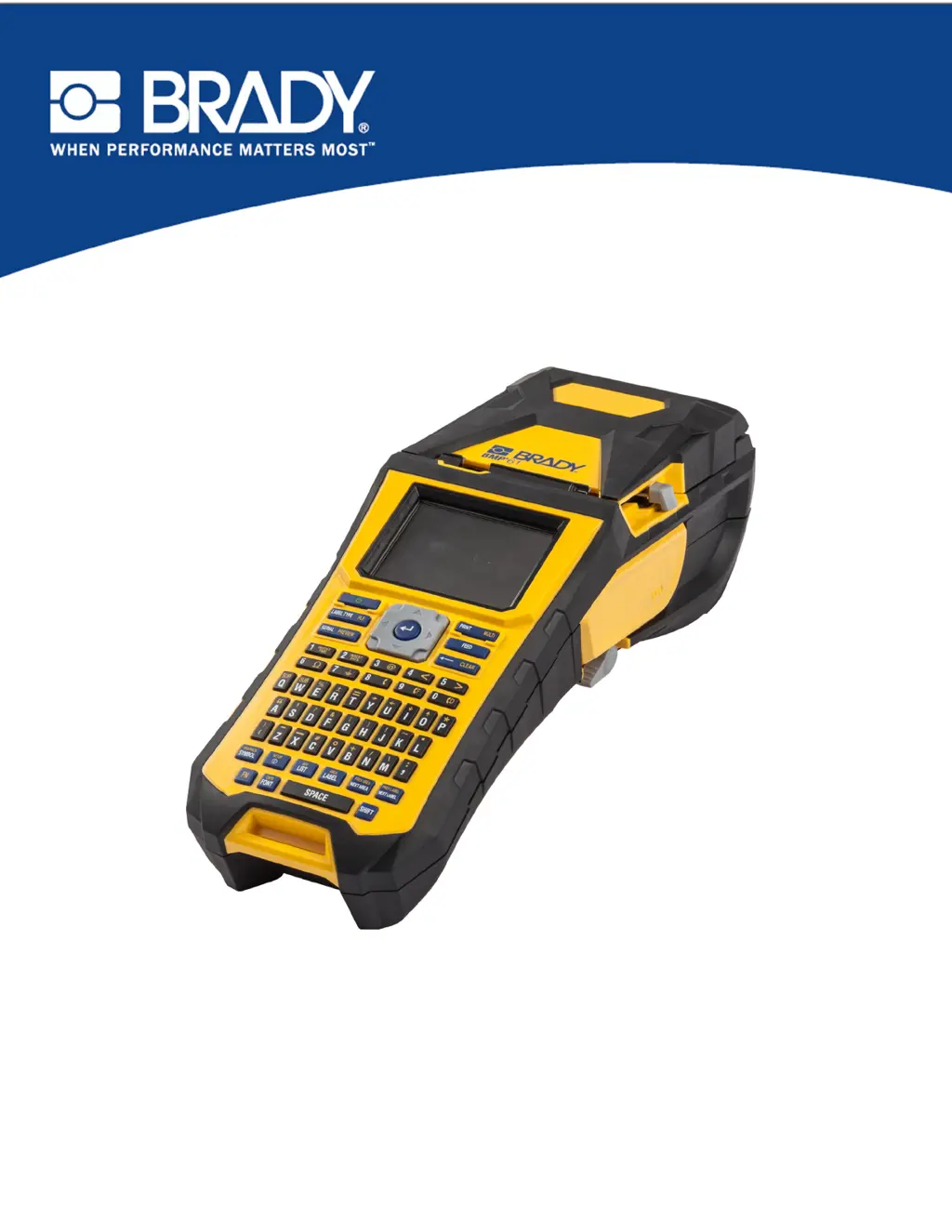
Why is the cutter not working on my Brady BMP 61?
- CchristybakerSep 6, 2025
If the cutter on your Brady Label Maker isn't cutting, there might be adhesive buildup. Clean the cutter blades with a moistened swab from the cleaning kit.
Why is the cutter not working on my Brady BMP 61?
If the cutter on your Brady Label Maker isn't cutting, there might be adhesive buildup. Clean the cutter blades with a moistened swab from the cleaning kit.
How to fix 'No ribbon installed' error on Brady BMP 61 Label Maker?
If your Brady Label Maker displays a "No ribbon installed" error, ensure the ribbon is installed correctly before printing.
What to do if my Brady Label Maker screen freezes?
If the screen on your Brady Label Maker freezes, press the Power button to turn the printer off. If that doesn't work, remove the AC adapter (if you're using one) and the battery pack, then immediately re-insert the battery. Power the printer back on.
How do I fix the 'Out of ribbon' error caused by slack ribbon on my Brady BMP 61?
If your Brady Label Maker displays the error "Out of ribbon", and the ribbon cartridge has excessive slack between the supply spool and rewind spool, tension the ribbon by rotating the rewind spool (top spool) in a downward direction until all slack is removed.
Overview of the BMP®61 label printer, its features, and initial setup instructions.
Details on power sources, battery handling, AC adapters, and connecting the printer to a PC or external devices.
Instructions for loading and unloading label media and ribbon cartridges.
Guide on how to attach the carrying strap and other accessories for printer use.
Steps for entering, editing, clearing, and managing text content on labels.
Customizing font size, attributes, expansion, condensation, and superscripts/subscripts.
How to insert predefined symbols and personal graphics into label designs.
Defining label areas, justification, rotation, frames, and adding barcode elements.
Using serialization for sequential numbering and the List function for variable data.
Saving, opening, deleting, and organizing label files and folders.
Procedures for printing labels, using print preview, and managing print jobs.
Introduction to the various label types supported by the BMP®61 printer.
Detailed guides for using General, WireMarker, Flags, Terminal Block, Vial, and other label types.
Instructions for cleaning the display screen and internal printer components.
Diagnosing and resolving problems related to hardware, power, print quality, and media.
Supported keyboard layouts and language options for different regions.
Categorized list and usage of symbols for various label applications.
| Print Technology | Thermal Transfer |
|---|---|
| Resolution | 300 dpi |
| Display | Color LCD |
| Cutter | Automatic |
| Keyboard Type | QWERTY |
| Battery | Rechargeable Li-ION battery |
| Max Print Width | 1.5 inches |
| Label Width Range | 0.25 to 1.5 inches |
| Print Speed (mm/s) | 33.8 |
| Connectivity | USB, Wi-Fi |
| Power Source | Battery or AC adapter |
| Supported Materials | Polyester, vinyl, nylon, and more |
| Memory | 256 MB |
| Material Compatibility | Continuous Tapes, Die-Cut Labels |