CAPINTEC, INC. CAPTUS
®
600
100
5683. cpm
CAPSULE
400 keV
ABORT
dt: 4%
Figure 9-4
If the system does not find a peak at the expected energy, the following message will appear:
MEASUREMENT ERROR
Press Any Key to Continue
Check to make sure that the correct capsules are in the Probe, or if any background activity
could be causing interference, and press any key to perform the measurement again.
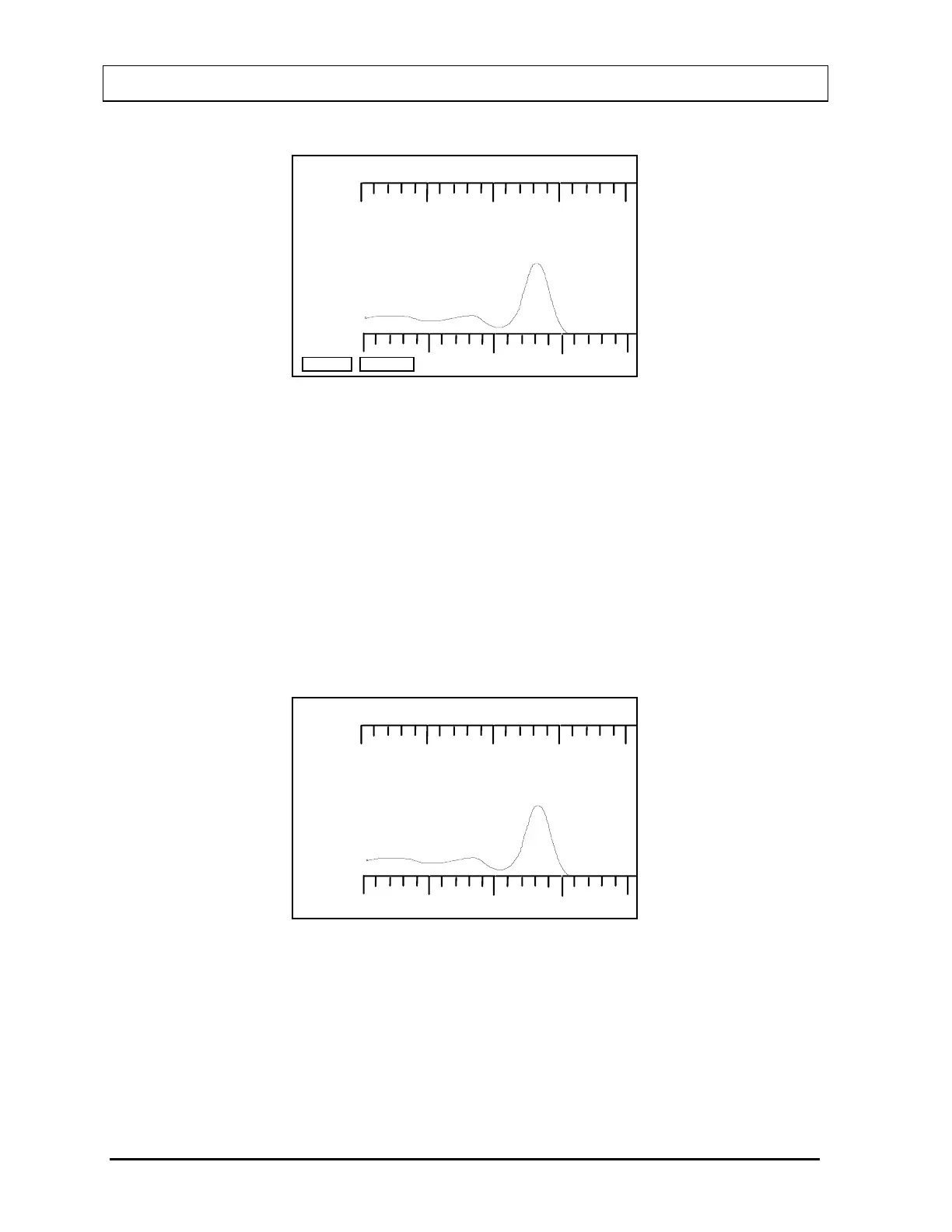
When the counting period is over, the area below the curve is shaded and the screen
displays total counts as shown in
Figure 9-5.
100
5683. cpm
CAPSULE
400 keV
OK?
(Y OR N)
Figure 9-5
If the measurement is not OK, press the N key to answer “NO”, and press ENTER. The
screen returns to the Capsule Measurement Screen (
Figure 9-3) to begin this measurement
again.
If the measurement is OK, press the Y key to answer “YES”, and press ENTER. If the
protocol calls for more than one repetition of this measurement, the Capsule Measurement
9-4 THYROID UPTAKE: ONE CAPSULE METHOD November 07



 To Next Page