CAPINTEC, INC. CAPTUS
®
600
Screen (Figure 10-3) will re-appear, with the last line indicating the next repetition (ex.
Counting Repetition # 2 / 2). The prompt will not appear.
After the last repetition, the screen changes to the Measure Background Screen (
Figure 10-
6
).
14:32
THYROID UPTAKE
START
KETCHUM, LIN
PROTOCOL: PROT 1
MEASURE
ROOM BACKGROUND
EXIT
Figure 10-6
Remove the capsules from the Probe, and press the F4 [START] key.
Note: The capsule(s) should be located far away from the Probe so that they will not
contribute to the background activity measurement.
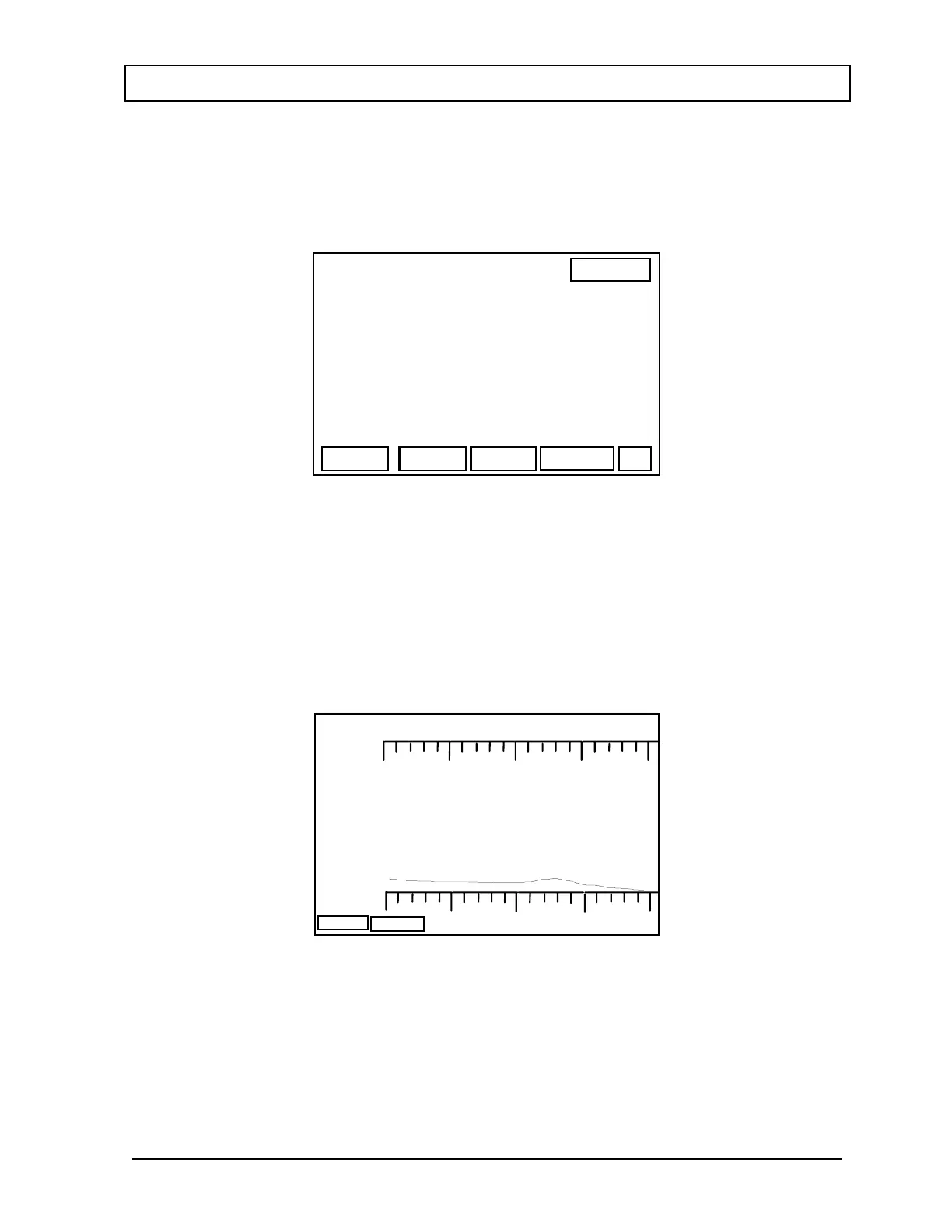
The Counting Screen for Room Background (
Figure 10-7) will appear and the system
immediately begins counting background activity.
100
5683. cpm
BACKGROUND
400 keV
ABORT
dt:
Figure 10-7
When the background count is finished, the Background Verification Screen (
Figure 10-8) will
appear.
November 07 THYROID UPTAKE: TWO CAPSULES METHOD 10-5



 To Next Page