CAPINTEC, INC. CAPTUS
®
600
14:43
MEASURE BACKGROUND
MAKE SURE NO SOURCES ARE NEARBY
AFTER MEASUREMENT--
PRESS SAVE OR PRINT TO ACCEPT
STAR
Figure 13-2
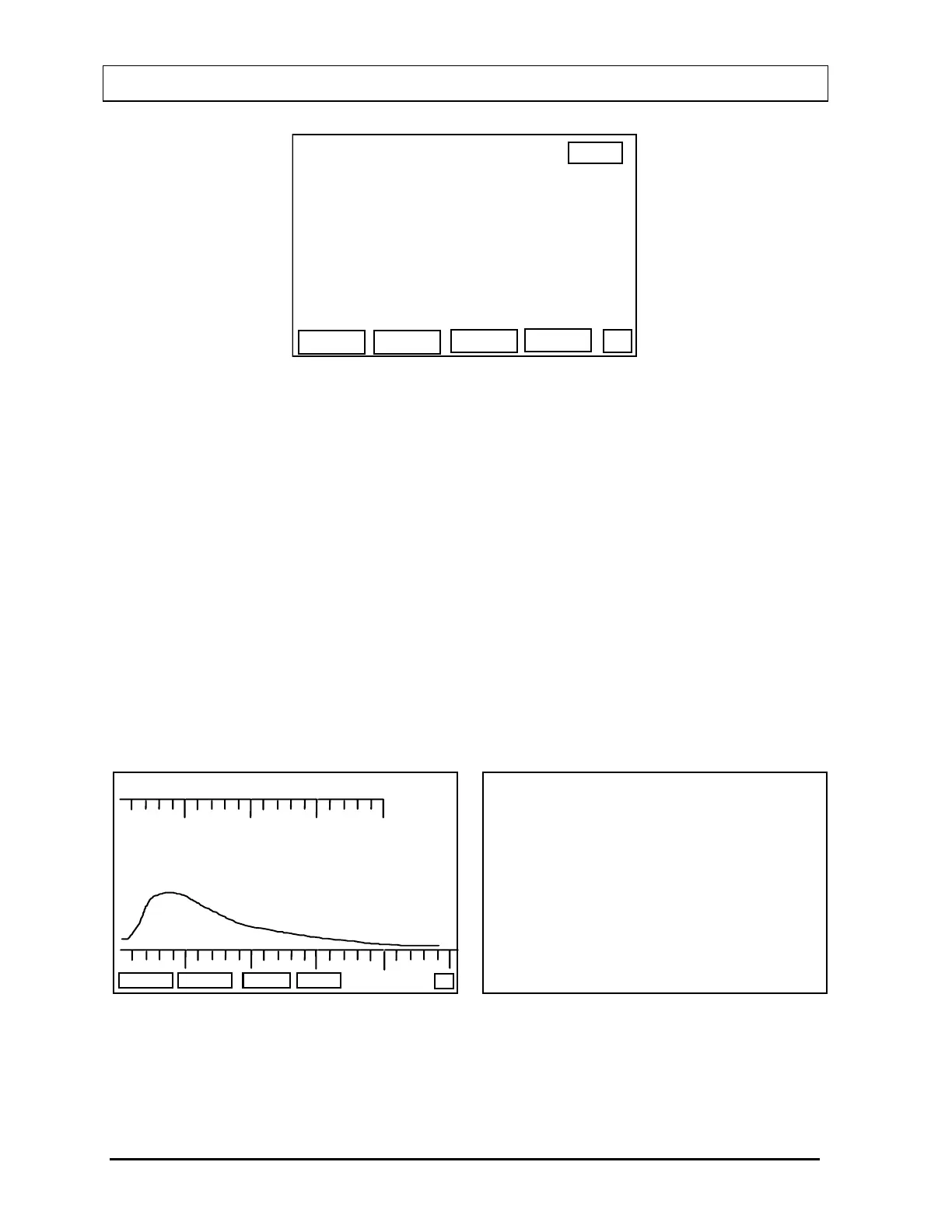
If you need to measure background, remove all sources from well (or drilled crystal) and
make sure no sources are nearby. Press the F4 [START] key.
The CAPTUS
®
600 will proceed to count the background for the counting time selected in
Background Count Time setup. During the count time, the live spectrum will be displayed.
The CAPTUS
®
600 will first count on the 400 keV scale and then on the 1600 keV scale. At
any time, you may abort the counting by pressing the F2 [ABORT] key.
When the background measurement is complete,
Figure 13-3 will appear as long as the
counting rate has not exceeded the limits set in Background Trigger Level setup. If the
counting rate limits have been exceeded,
Figure 13-4 will appear. This indicates that the
background is too high. Check for sources near the detector or contamination on the detector
and count again. If you are sure there are no sources nearby and the detector is not
contaminated, you may have to raise the background trigger level. The ROI used for
Background in comparing against the selected trigger level is the entire spectrum (all 256
channels).
BACKGROUND TOO HIGH
BACKGROUND: 25.69 kcpm
TRIGGER LEVEL: 9999 cpm
Press Any Key to Continue
RANGE
COUNT
SAVE
EXIT
5
1600 keV
500 Cts FS 1024 keV
P
Figure 13-4 Figure 13-3
13-2 WIPE TEST November 07



 To Next Page