CAPINTEC, INC. CAPTUS
®
600
14:32
BIO ASSAY
BKG
INPUT INITIALS:
MEAS
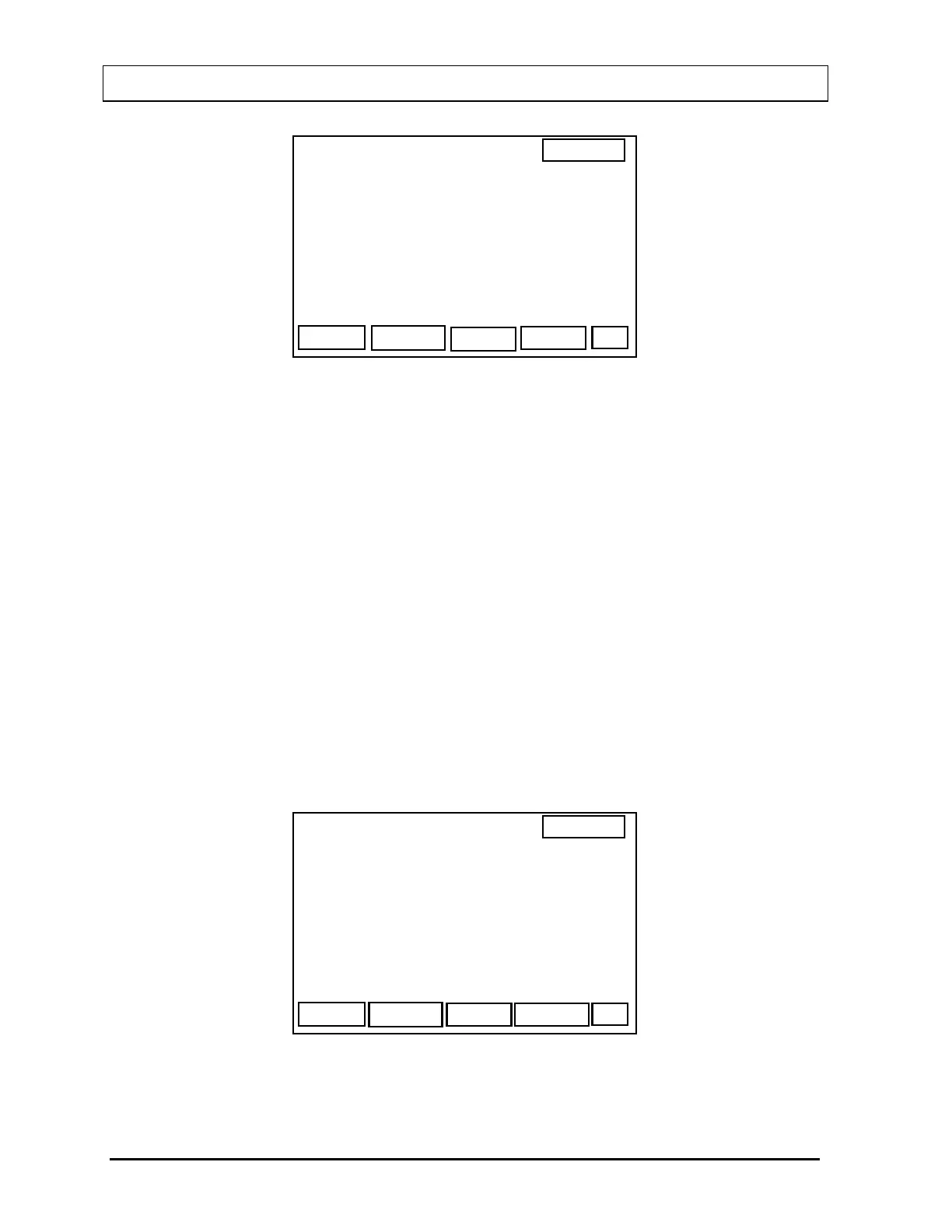
Figure 17-8
At this point, you may enter the initials for the staff member to be measured. You may then
measure room background before measuring the staff member's neck.
Input the initials and press ENTER. (This is optional but must be done to save and print the
results.)
To measure background first, press the F1 [BKG] key.
To skip measuring the background, press the F4 [MEAS] key.
Room background must be measured in the Probe on the 400 keV scale at least once on the
current day before a Bioassay can be performed. If room background has not yet been
measured today or you have chosen to measure background, you will be prompted to
measure room background by pressing the F4 [START] key. While counting, the live
spectrum will be displayed. When the counting is complete, accept the measurement by
pressing the F4 [DONE] key.
The Bioassay Staff Measurement Screen (
Figure 17-9) will appear.
14:32
EXIT
START
MEASURE NECK
AT: 20.0 CM
Figure 17-9
17-6 STAFF BIOASSAY November 07



 To Next Page