CAPINTEC, INC. CAPTUS
®
600
T/N
COUNT
ROI
SC/CR
5
400 keV
500 Cts FS 250 keV CC:21 TOTAL
P
A
B
C
D
E
lt: 9.9sec
F
G
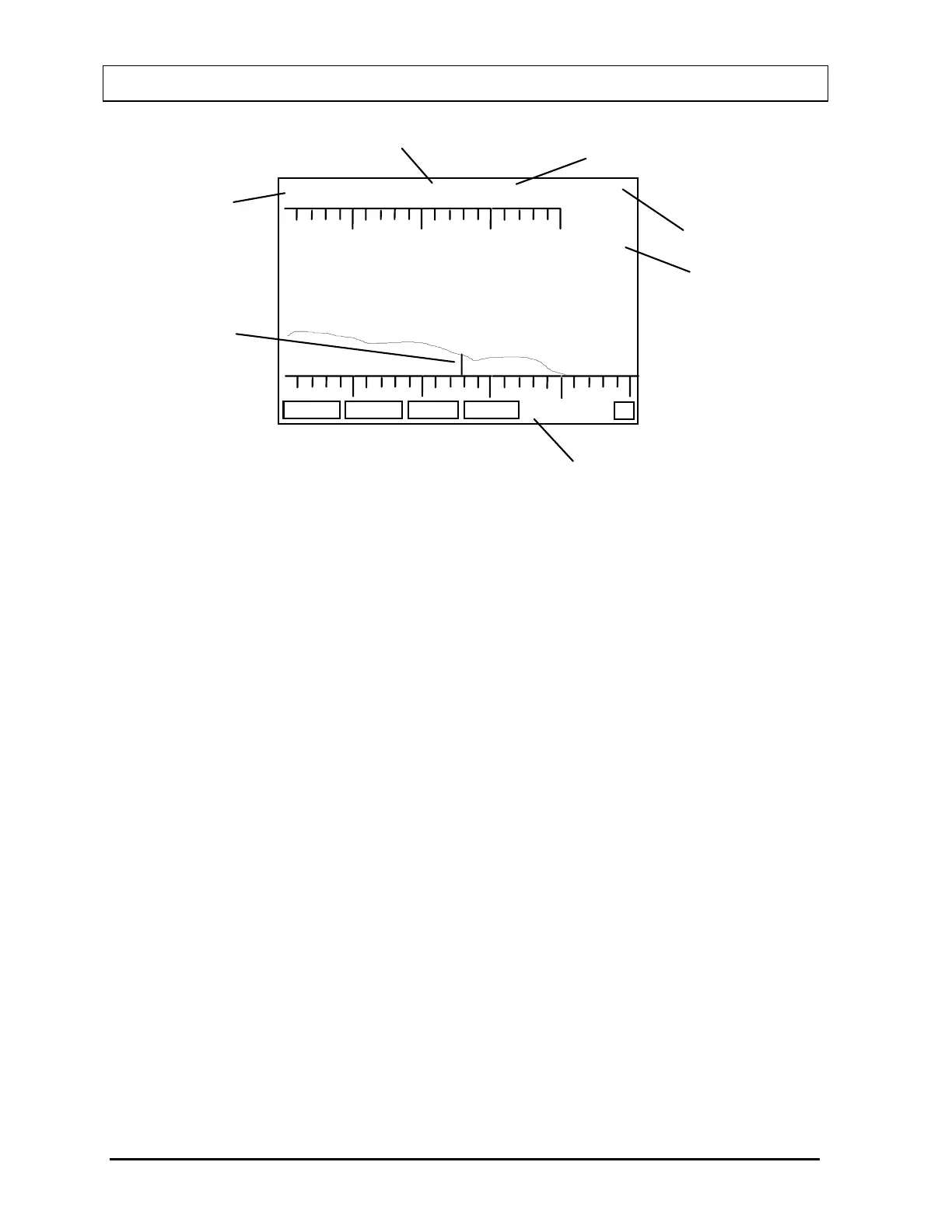
Figure 19-8
A: Cursor
B: Vertical Full Scale (Counts)
C: Cursor Position
D: Counts at Cursor
E: Indicates whether Total or Net Counts are being displayed.
F: Indicates the Live Time of the measurement.
G: Indicates the number of channels the cursor will move each time an ARROW
key is pressed. This can be changed by pressing the 1, 2, or 5 keys. If 0 is
pressed after 1, 2, or 5, it multiplies the indicated value by 10.
All pre-set ROIs will be filled in.
The cursor may be moved right or left by using the
ARROW keys. When the cursor enters a
ROI, the “cc” (cursor count) will be replaced by “R” and the ROI number and the counts in the
ROI will be displayed.
The function keys operate as follows:
•
F1 [COUNT] Allows entry of new parameters (or keep the same ones) and
counts again.
•
F2 [T/N] Toggles the counts display between “TOTAL” and “NET” counts.
This applies for individual cursor counts and Regions of Interest.
If background has not been measured, the key will be blank and it
will not be active.
•
F3 [ROI] Begins the selection of a Region of Interest.
19-6 MULTICHANNEL ANALYZER OPERATION November 07



 To Next Page