CAPINTEC, INC. CAPTUS
®
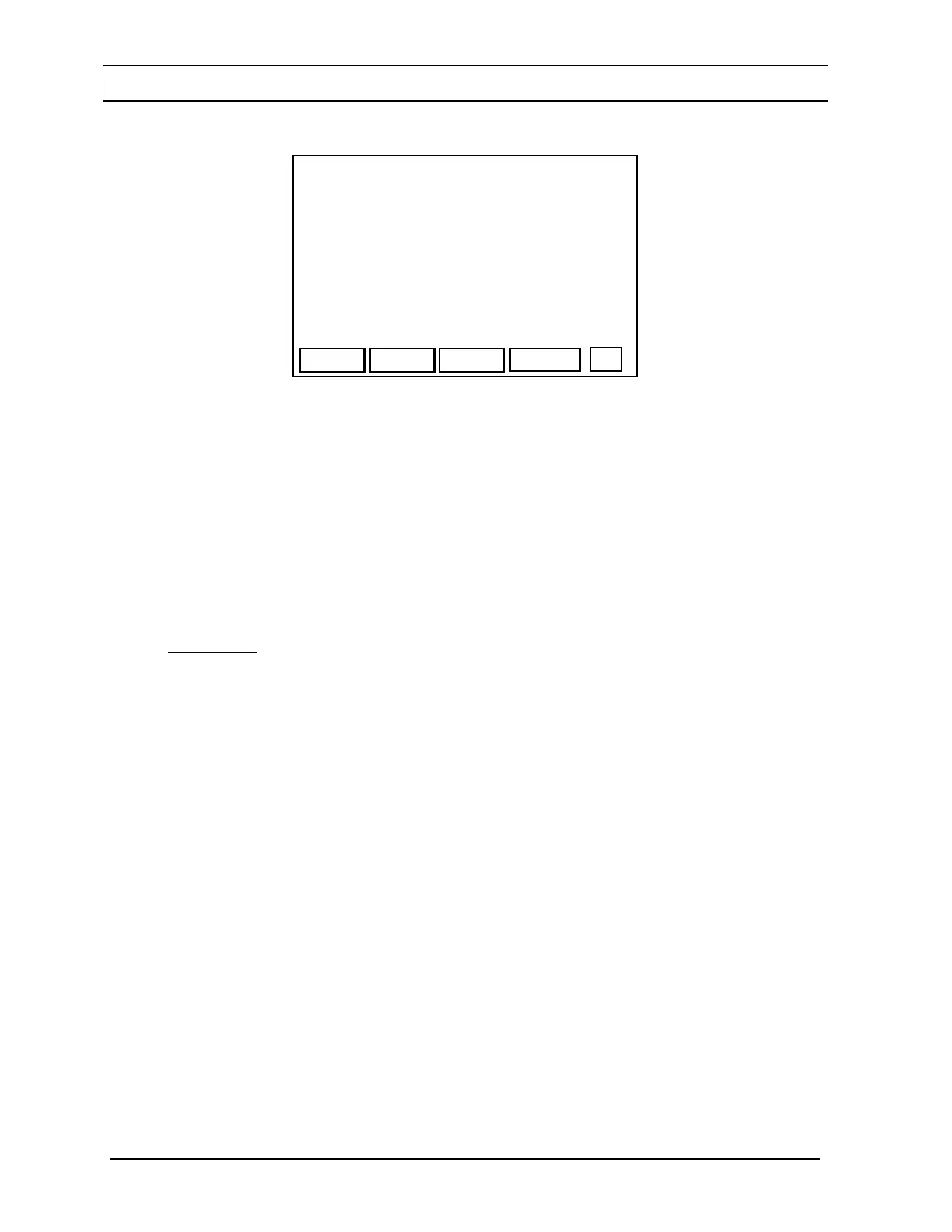
600
START
MEASURE TC99m SOURCE IN WELL
COUNTING PERIOD: >60 SEC
EXIT
Figure 5-26
Input the counting time. The correct counting time depends upon the strength of the
source. Count long enough to obtain a good peak with good counting statistics.
Place the source in the correct position and press F4 [START].
Note: It is important that the source be in the same geometric relation to the detector
as the samples to be measured later. The Conversion Factors are only
applicable and accurate so long as the geometries are constant.
EXAMPLE:
• If you are measuring Conversion Factors for wipes to be done in the Well, the
calibrated source must be placed in the Well when measuring CF.
• If you are measuring Conversion Factors for Bioassay, the calibrated source
must be placed at the distance from the Probe that will be used for Bioassay
measurements.
The CAPTUS
®
600 will begin counting on the appropriate gain range for the chosen
nuclide.
If the CAPTUS
®
600 does not find a peak at the expected energy, the following
measurement error message will appear:
MEASUREMENT ERROR
Press Any Key to Continue
If this happens, press any key.
Figure 5-26 will re-appear. Check the source. If the
source was correct and correctly positioned, the counting time may have been too
short to produce a detectable peak.
If the acquisition ended successfully,
Figure 5-27 will appear.
5-16 SYSTEM INITIALIZATION November 07



 To Next Page